
AI Catchlights: Perfect Eye Enhancement

Advanced AI creates natural, studio-quality catchlights that add depth, life, and beauty to portraits.

Enhance Catchlights
Enhance Catchlights
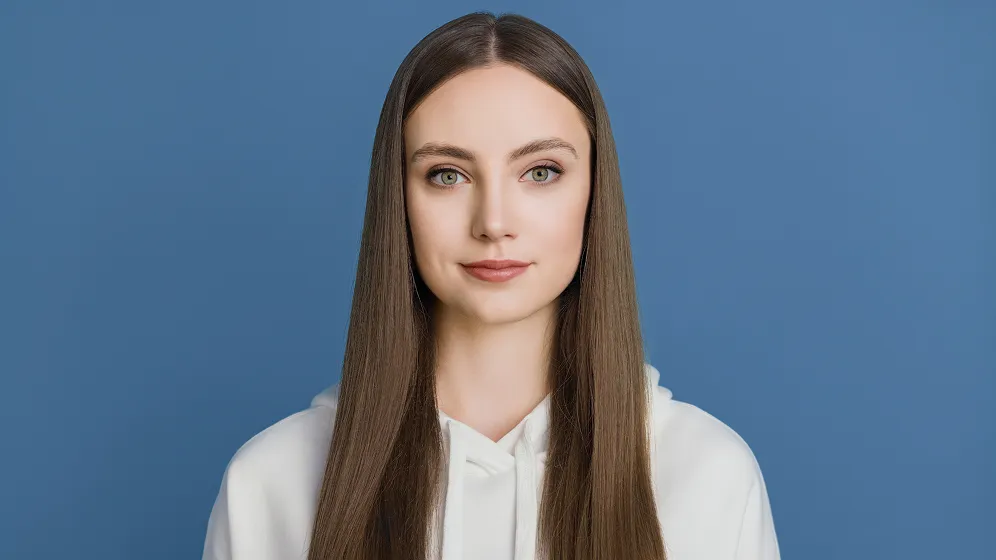
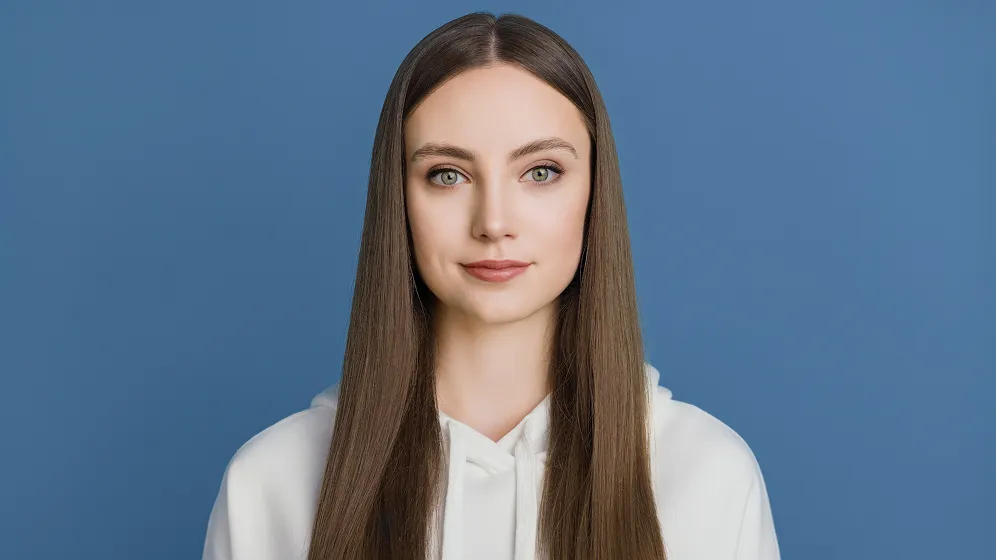
Before
After
Upload Image
* JPEG, JPG, PNG or WebP image allowed.
No image? Try one of these
Enhance Catchlights
Enhance Catchlights
Upload Image
Free to try. Pro Editing at Your Fingertips.
Desktop
Buy Now
Buy Now

Bring Eyes to Life with Professional Catchlights Enhancement

Add vibrant, natural reflections to eyes with precise, customizable enhancements to give your portraits depth, realism, and captivating catchlights  that draw viewers in, making every image look professionally retouched.

Diverse, Customizable Catchlight Styles

Choose from Evoto AI’s wide variety of natural and creative catchlights styles to add flawless catchlights to your portraits. Effortlessly match the ideal style to your subject’s eyes, perfectly complementing your portrait’s lighting and mood.

Desktop

Adjustable, Precision Catchlights Control

Take full command of your catchlights with intuitive controls. Precisely adjust their intensity, position, and rotation to fit the unique shape and angle of each eye. This ensures every catchlight looks balanced, perfectly natural and enhances your subject's gaze with unmatched realism.

Desktop
Adjust Catchlights in photography
Before
After

Natural & Seamless Catchlights Blending

Our advanced AI ensures catchlights integrate naturally and seamlessly with the eyes, maintaining natural texture and light without harsh glare or outlines. Achieve stunningly realistic sparkle and reflections, making every eye enhancement look completely authentic.

Desktop
Seamless Add Realistic Catchlights to Eyes

Batch Catchlights Editing for Efficient Workflow

Save time and maintain consistent, professional-quality catchlight effects across your portfolio. Apply your customized catchlight styles and precise settings to multiple photos simultaneously, effortlessly streamlining your workflow and ensuring every portrait shines with uniform brilliance—perfect for studio and commercial projects.

Desktop
Batch Catchlights Editing
Before
After

Why Choose Evoto AI?

We get it. Sometimes you just gotta try it out for yourself.

Desktop
  • AI automatically Catchlights Detection

    Intelligent Catchlights Detection

    Our advanced AI automatically identifies the eyes in your image and intelligently suggests optimal positions automatically apply realistic catchlight reflections for a natural, vibrant look.

  • Intuitive User Interface for Catchlights retouching

    Intuitive User Interface

    Built for ease of use, the Catchlight feature includes an intuitive interface with real-time previews. Whether you're a pro or a beginner, adding polished eye enhancements is quick, interactive, and hassle-free.

  • Evoto History Functions

    Flexible Editing with Smart History

    Evoto’s advanced History system lets you easily review, track, and revert edits with separate histories for adjustments, Liquify, and Healing tools, giving you full control and confidence.

  • All-in-One Photo Editing Solution

    Comprehensive Photo Editing Tools

    Beyond catchlights, Evoto AI offers a full suite of powerful photo editing tools. Skin retouchingColor correction, and more, all tools work seamlessly together to help you create flawless, studio-quality portraits in one place.

Do More with Evoto AI Photo Editor

From professional skin retouching to color grading and more, we’ve got you covered.

How to Add Catchlights to Eyes With Evoto AI?

Desktop
Import Portrait Photos for Catchlights Editing
1.Import Your Image234

Launch Evoto AI and upload your portrait photo that needs catchlights and eyes retouching.

  1. 1. Import Your Image

    Launch Evoto AI and upload your portrait photo that needs catchlights and eyes retouching.

  2. 2. Add Catchlights

    Go to the Portrait Retouching > Eyes section.Here, find the "Catchlights".Choose catchlight styles from "General" and "Indoors" to add catchlights to your portraits.

  3. 3. Adjust Catchlights

    After adding catchlights, the "Amount," "Horizontal," "Vertical," and "Rotate" settings using sliders, and also apply a "Flip Horizontal" effect. You have full flexibility to edit both eyes simultaneously or adjust the left and right eye individually.

  4. 4. Export the Photos

    You can apply batch edits with shortcuts "Ctrl + C/ V" to multiple photos. Then, click "Export" to save the edited photos to your Windows, macOS or iPad.

Desktop

Faster Edits, Finer Control.

Retouch your photos with Evoto AI today. Available for Windows, macOS, and iPadOS.

Desktop

FAQs

  • What is the Catchlight?

  • Why are catchlights important in portrait photography?

  • How are catchlights created? And how do you get catchlights in your eyes outside?

  • What is the difference between catchlight and no catchlight?

  • Where should catchlights be placed in the eye?

  • Should both eyes have identical catchlights?

  • Can I apply catchlights to multiple photos simultaneously?

  • Can catchlights be added to both eyes simultaneously?

  • What are common shapes or styles of catchlights?

  • How can one ensure that added or enhanced catchlights look realistic?