Edit RAW photos, batch-process images, and streamline your workflow.Download Evoto
Take a full retouching toolkit wherever you go. Edit anytime and save your results with ease.Download Evoto

Create Hauntingly Beautiful Halloween Photos

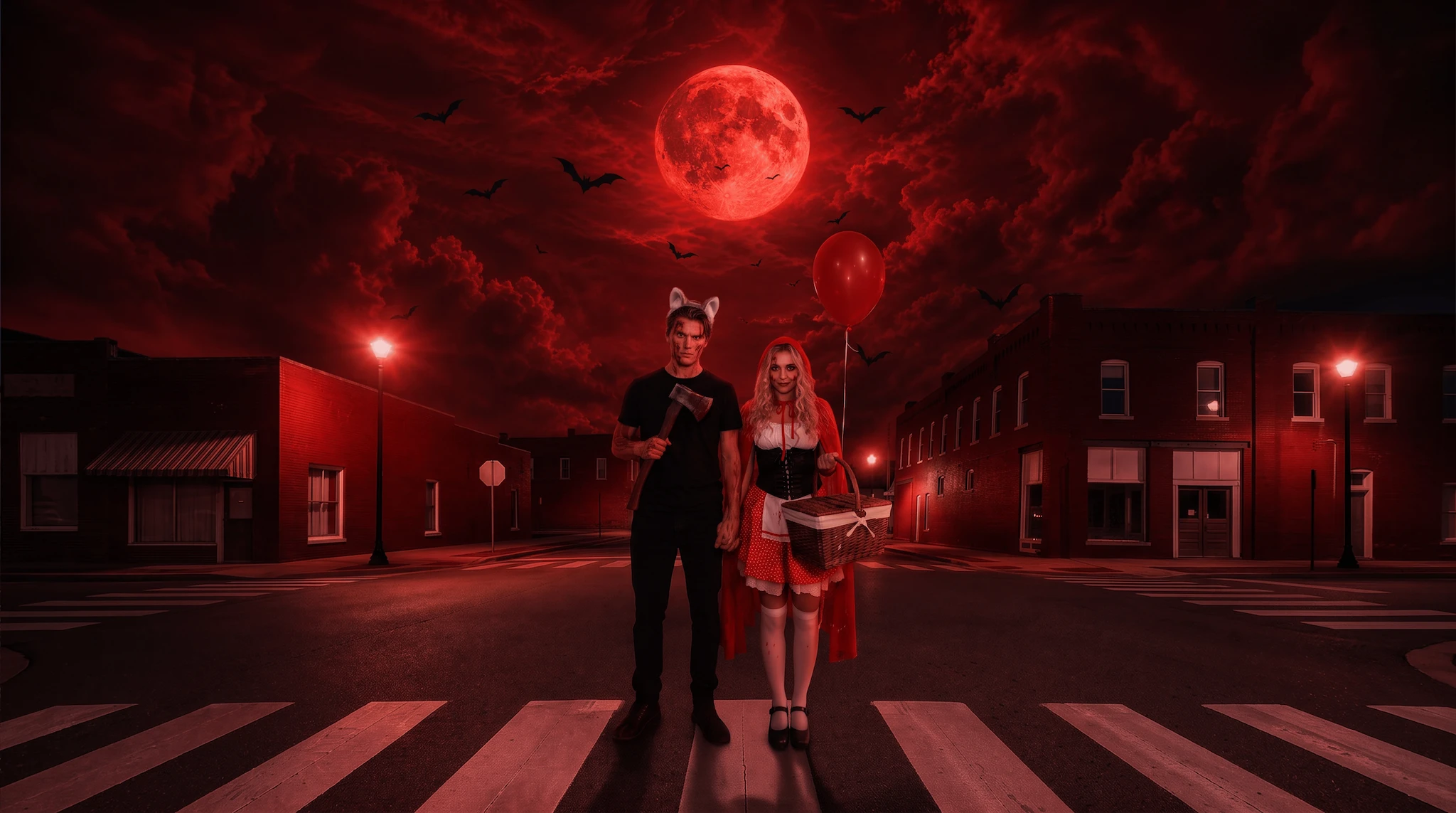
Step beyond ordinary costume photos. Use AI lighting to shape the mood, build imaginative Halloween scenes with new backgrounds and skies, add ghostly surprises, and finish the look with vintage color and creative makeup.
Example 1 Before
Example 1 After
Before
After
Upload Image
* JPEG, JPG, PNG or WebP image allowed.

Private processing · Preview without signing up

No image? Try one of these
Example 1
AI Photo Editor
AI Photo Editor
AI Photo Editor
AI Photo Editor
Create Your Photo Online
Free to try. Pro Editing at Your Fingertips.
buy now
buy now

Do More with Evoto AI Photo Editor

Take your Halloween creations further with professional portrait retouching, facial blemish removal, AI background editing, color grading, and more across desktop, mobile, and iPad.

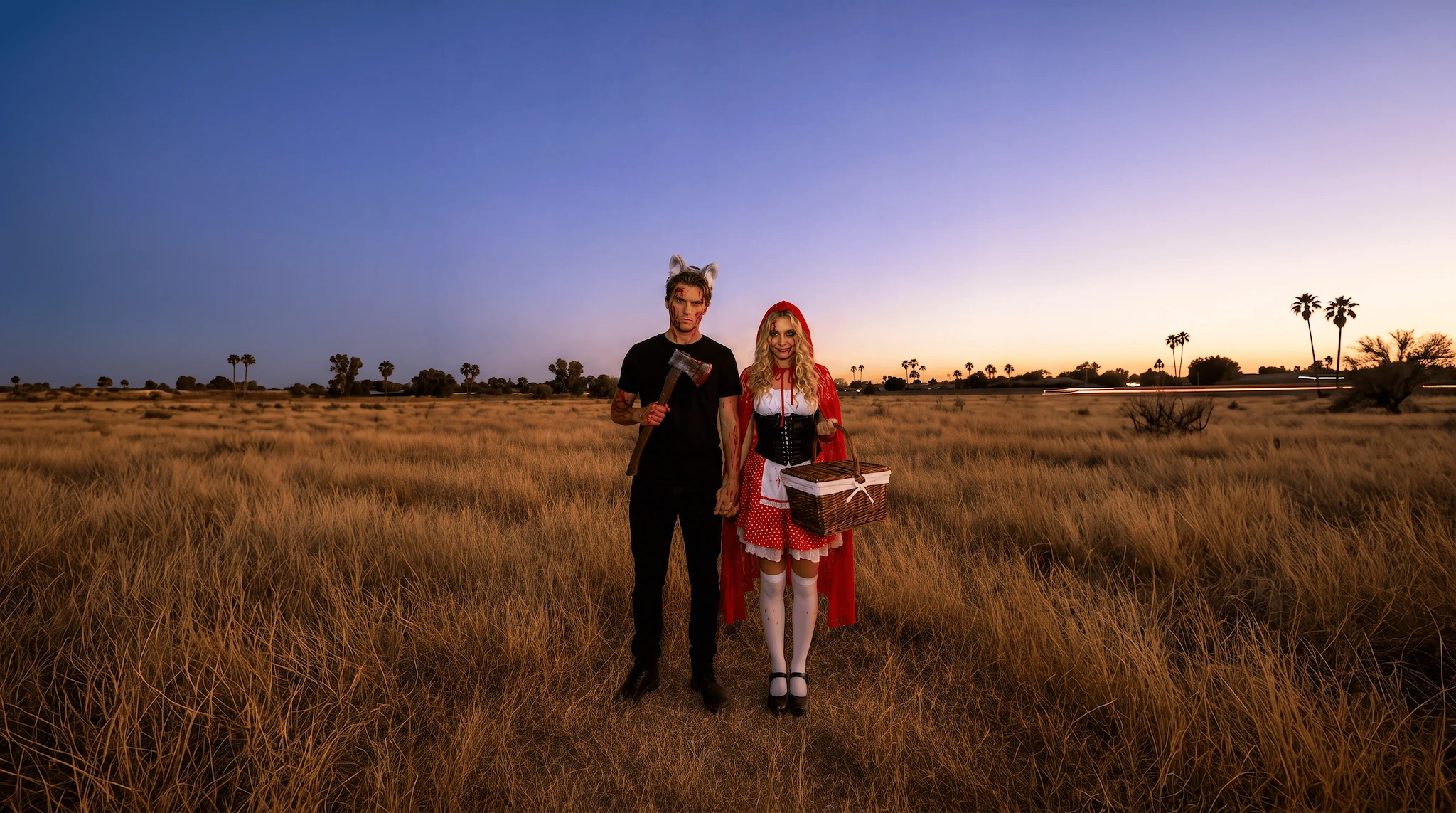
How to Use Evoto’s Online Halloween Photo Editor

Uploading a portrait to Evoto’s online Halloween photo editor
1.**Upload Your Photo**23
Click Upload a Photo, or drag and drop a JPG, PNG, or WebP image into Evoto’s online Halloween photo editor to begin.
  1. 1. Upload Your Photo

    Click Upload a Photo, or drag and drop a JPG, PNG, or WebP image into Evoto’s online Halloween photo editor to begin.
  2. 2. Choose Halloween Effects

    Choose from Halloween effects spanning AI lighting, spooky backgrounds, dramatic skies, and creative makeup, including Blood Moon, Night Vision, Pumpkin Hollow, Pumpkin Scarecrow, Haunted Manor, Demon Claw, and Purple Flash. Select your favorite, then click Generate.
  3. 3. Preview and Export

    Compare the original and generated result side by side. Once you are happy with your Halloween transformation, export the finished photo in high definition.

FAQs

  • What is an online Halloween photo editor?

  • Who can use Evoto’s online Halloween photo editor?

  • Can I replace the background and sky in my Halloween photo?

  • What types of photos can I upload?

  • What if I need more advanced portrait editing features?

Last updated: 2026-10-20. Reviewed by: Evoto Product Team. Results may vary depending on image quality, lighting, subject pose, file format, and selected settings.