

Download the app for a 7-day free trial and 50 free credits!Download Evoto

Free AI Color Splash Effect Online

Make your subjects stand out instantly. Convert photo backgrounds to classic black and white while keeping chosen colors vibrant—100% automated with flexible mask editing.
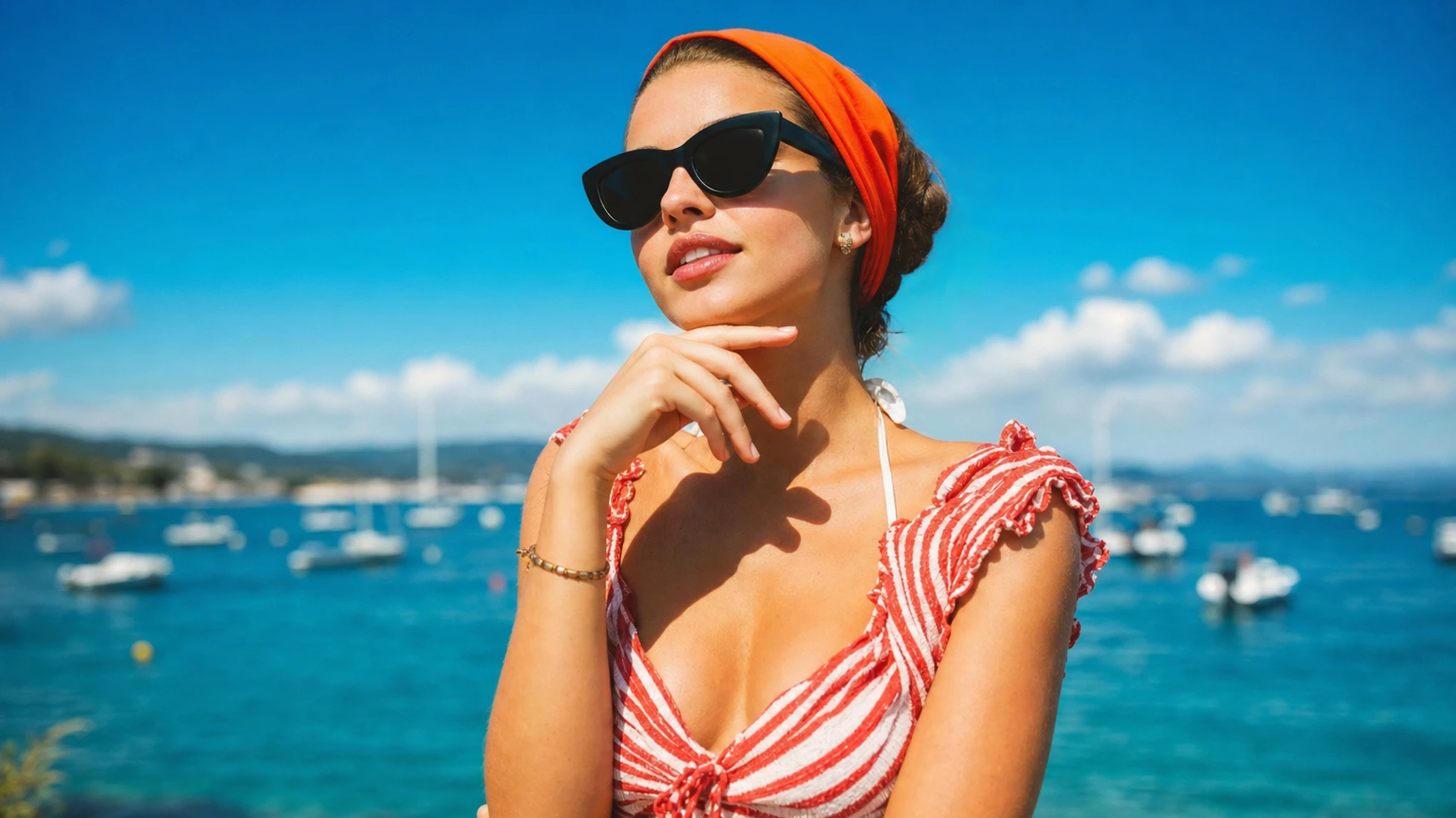
Before and after AI color splash effect converting street photo background to black and white while keeping red coat and yellow scarf vibrant Before
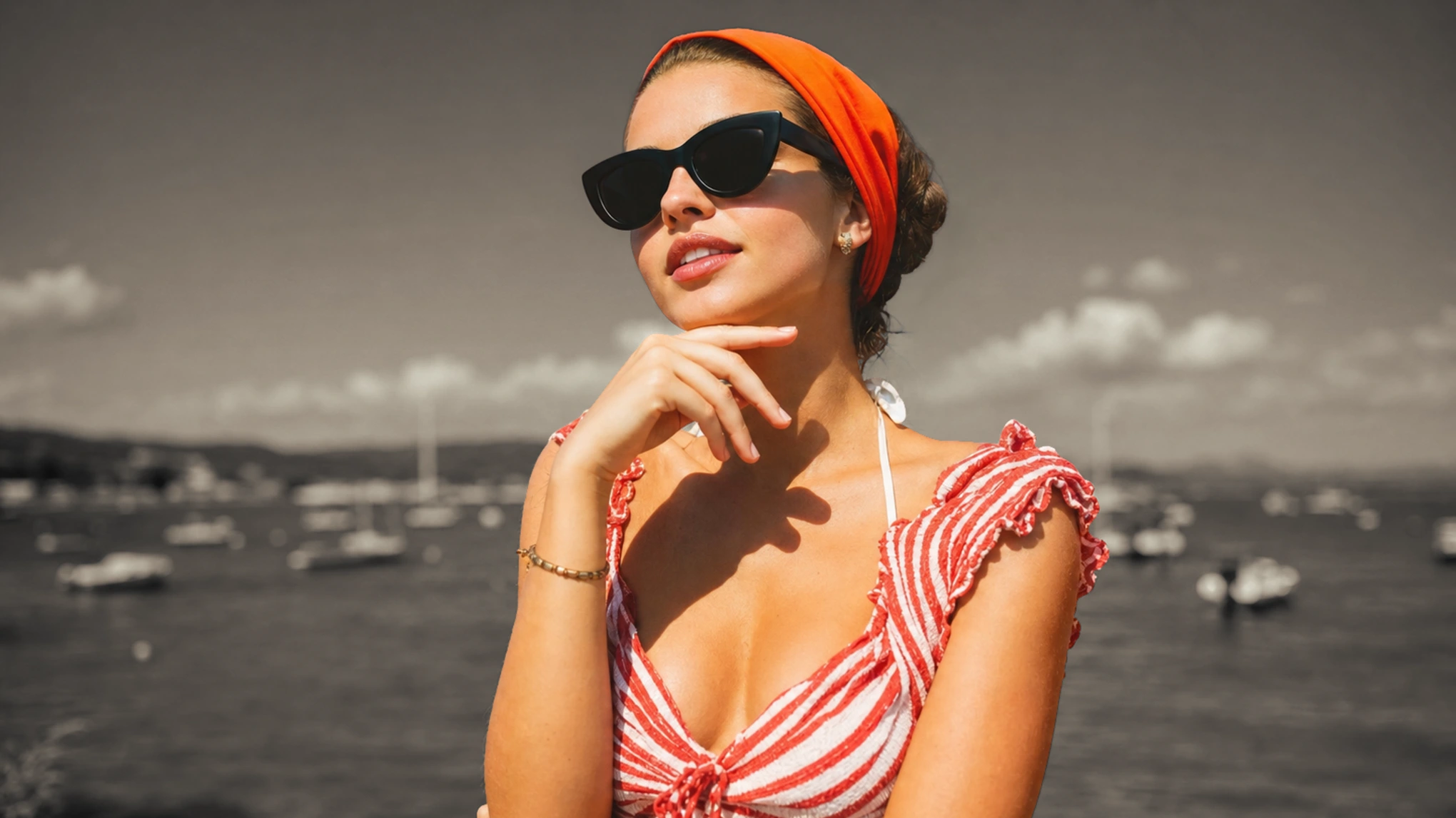
Before and after AI color splash effect converting street photo background to black and white while keeping red coat and yellow scarf vibrant After
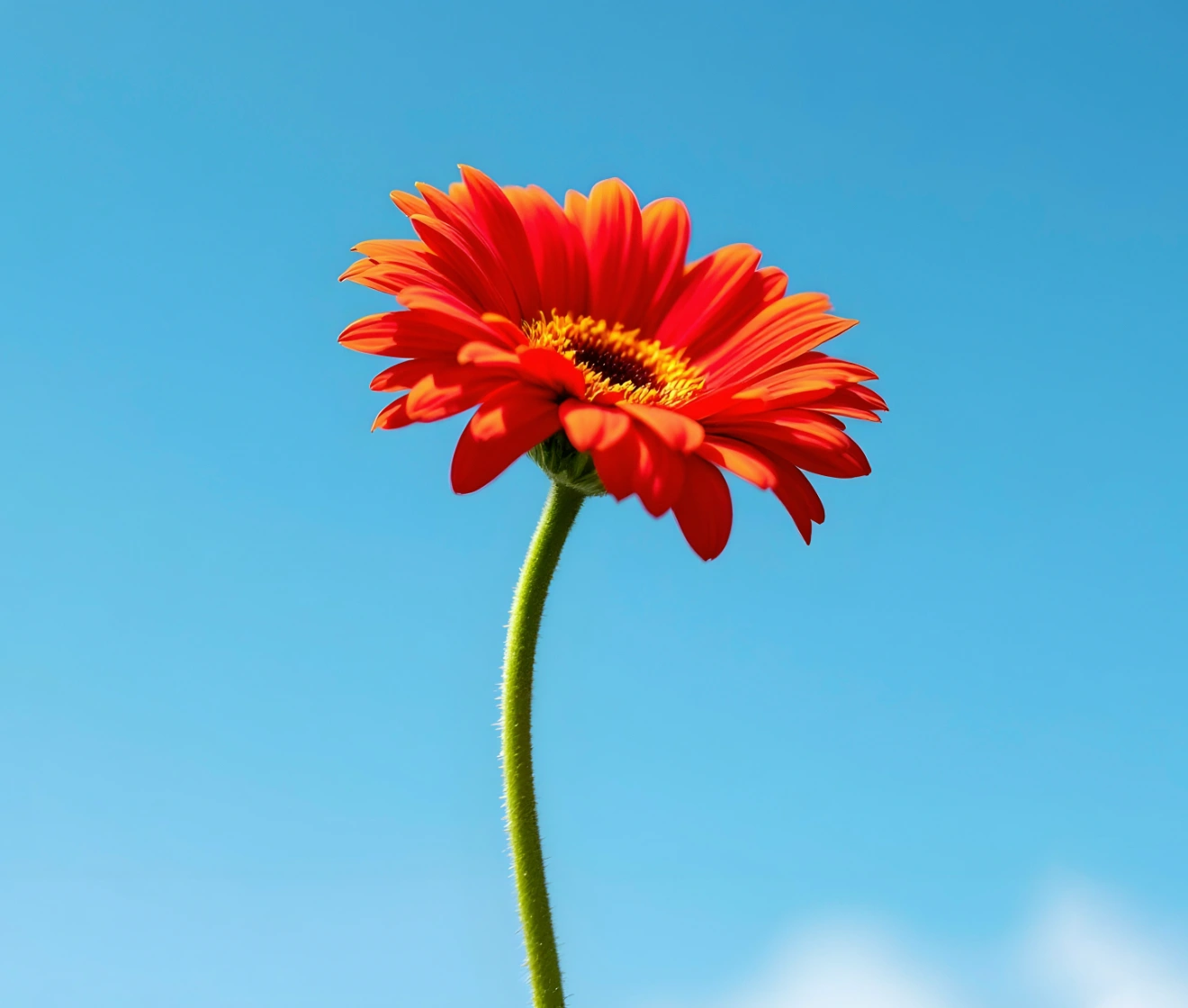
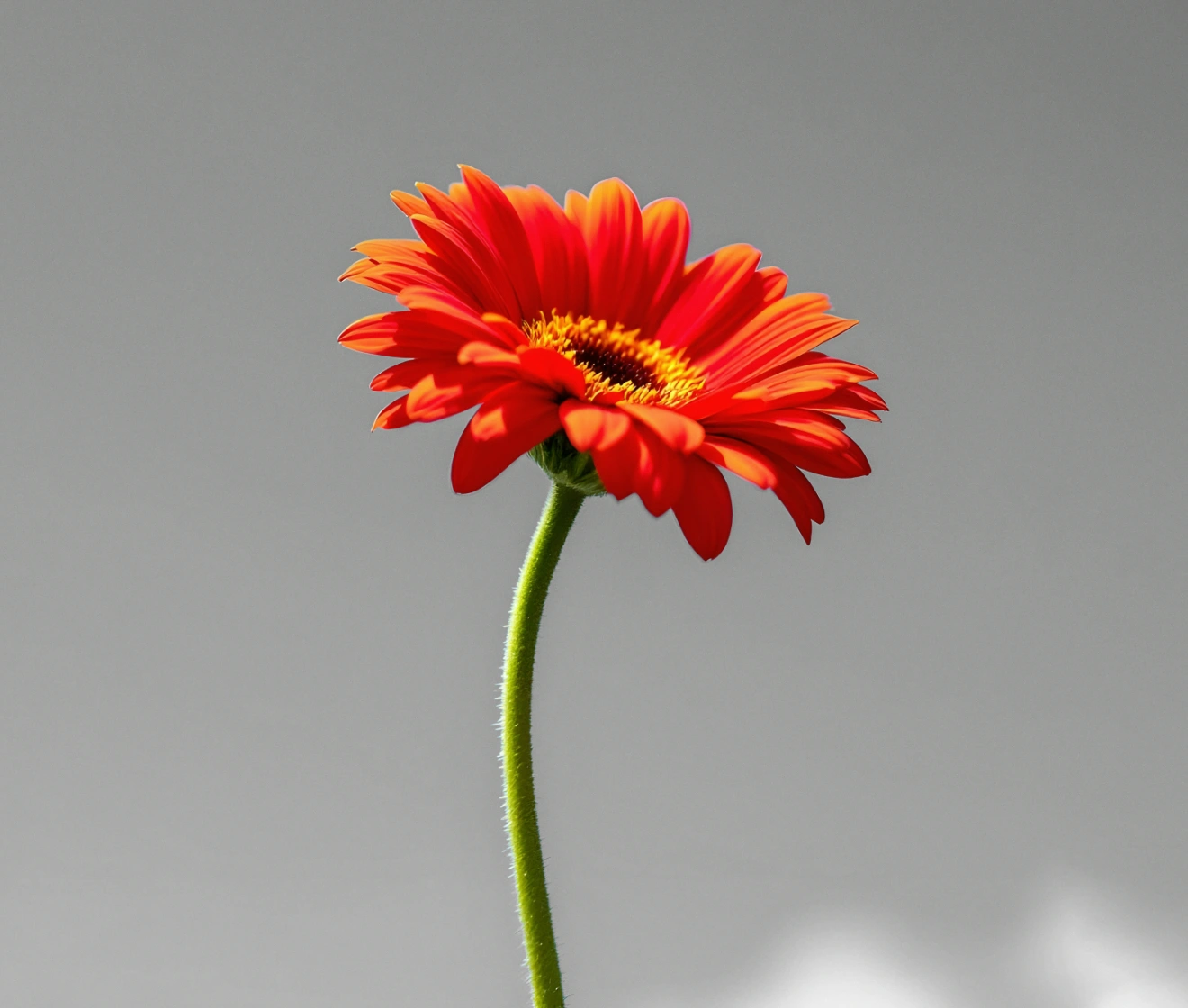
Before
After
Upload Image
* JPEG, JPG, PNG or WebP image allowed.

Private processing · Preview without signing up

No image? Try one of these
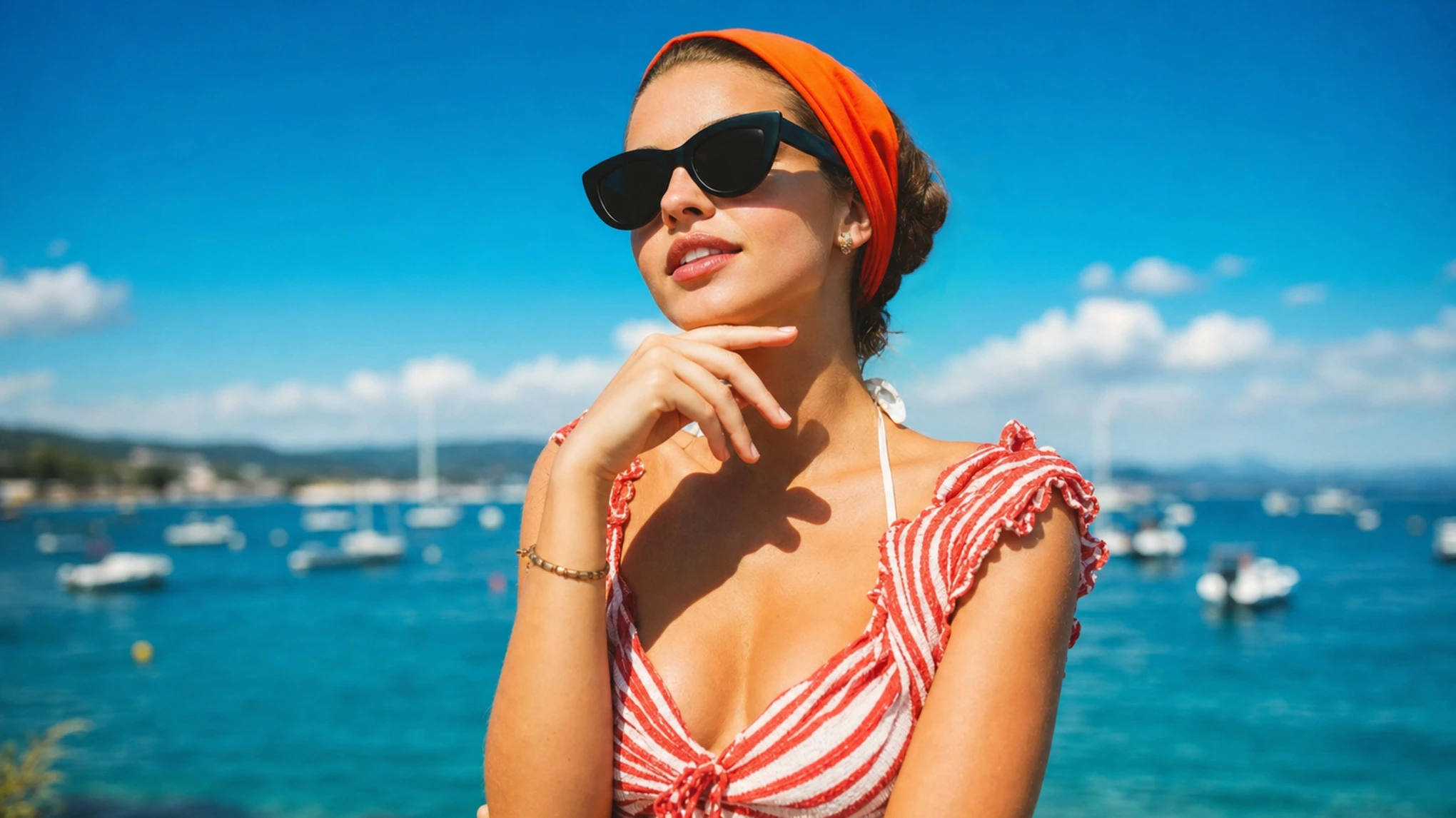
Before and after AI color splash effect converting street photo background to black and white while keeping red coat and yellow scarf vibrant
Upload Image
Free to try. Pro Editing at Your Fingertips.
buy now
buy now

Powerful AI Features for Effortless Color Pop

Transform ordinary photos into high-contrast visual masterpieces. Combine speed with pinpoint accuracy—let automated AI do the heavy lifting, or fine-tune every pixel with smart precision tools.

Instant One-Click Color Splash

Turn ordinary shots into striking visual masterpieces in a split second. Evoto skips the tedious workflow, delivering a flawless, high-contrast color splash result with just one click.

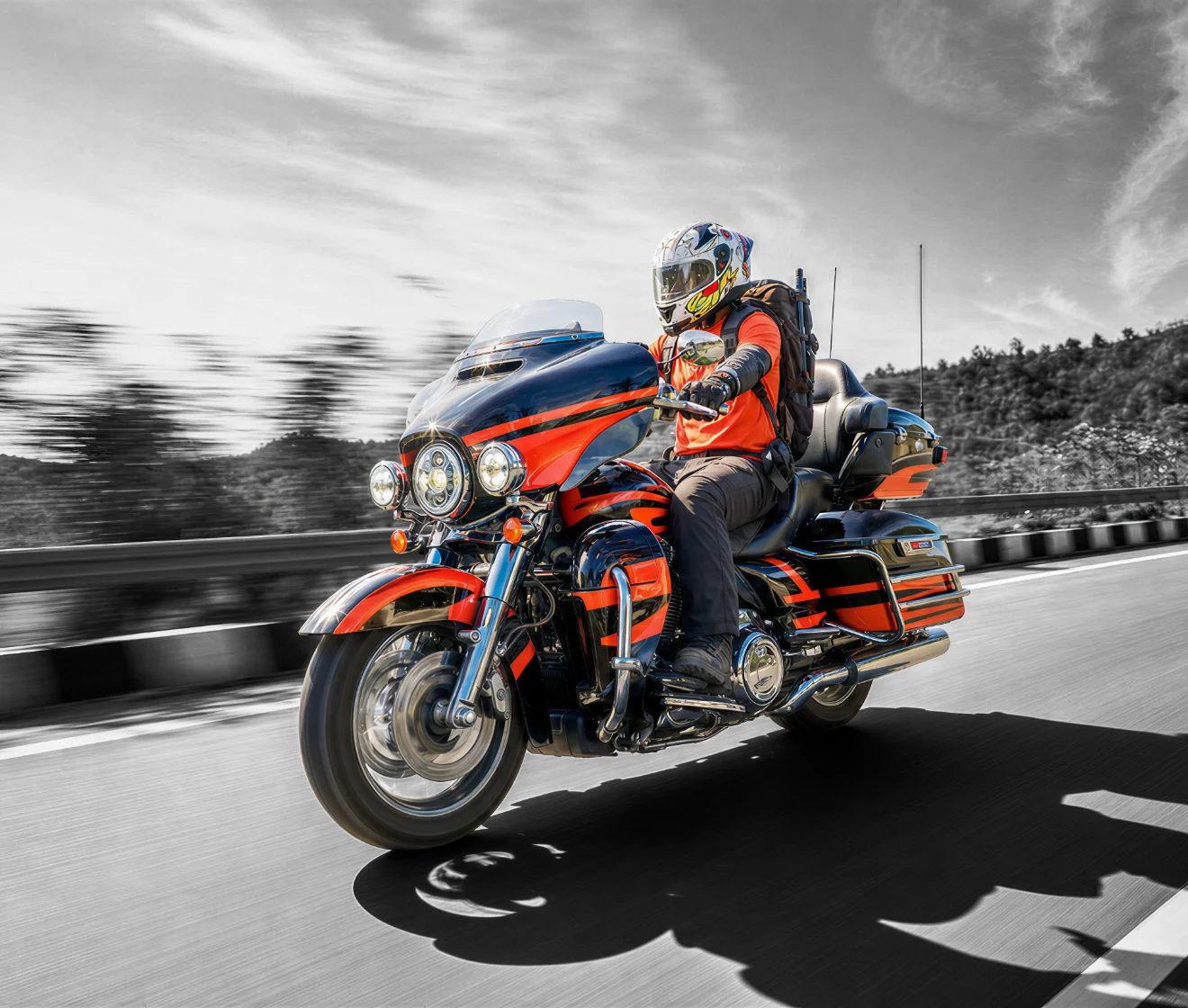
One-click AI color splash tool instantly isolating vibrant subject on a black and white background
Before
After

Smart AI Subject Detection

Powered by advanced AI segmentation, Evoto precisely pinpoints your main subject down to the edges. It automatically isolates human figures, objects, or key details without tedious manual brushwork or lasso selection.

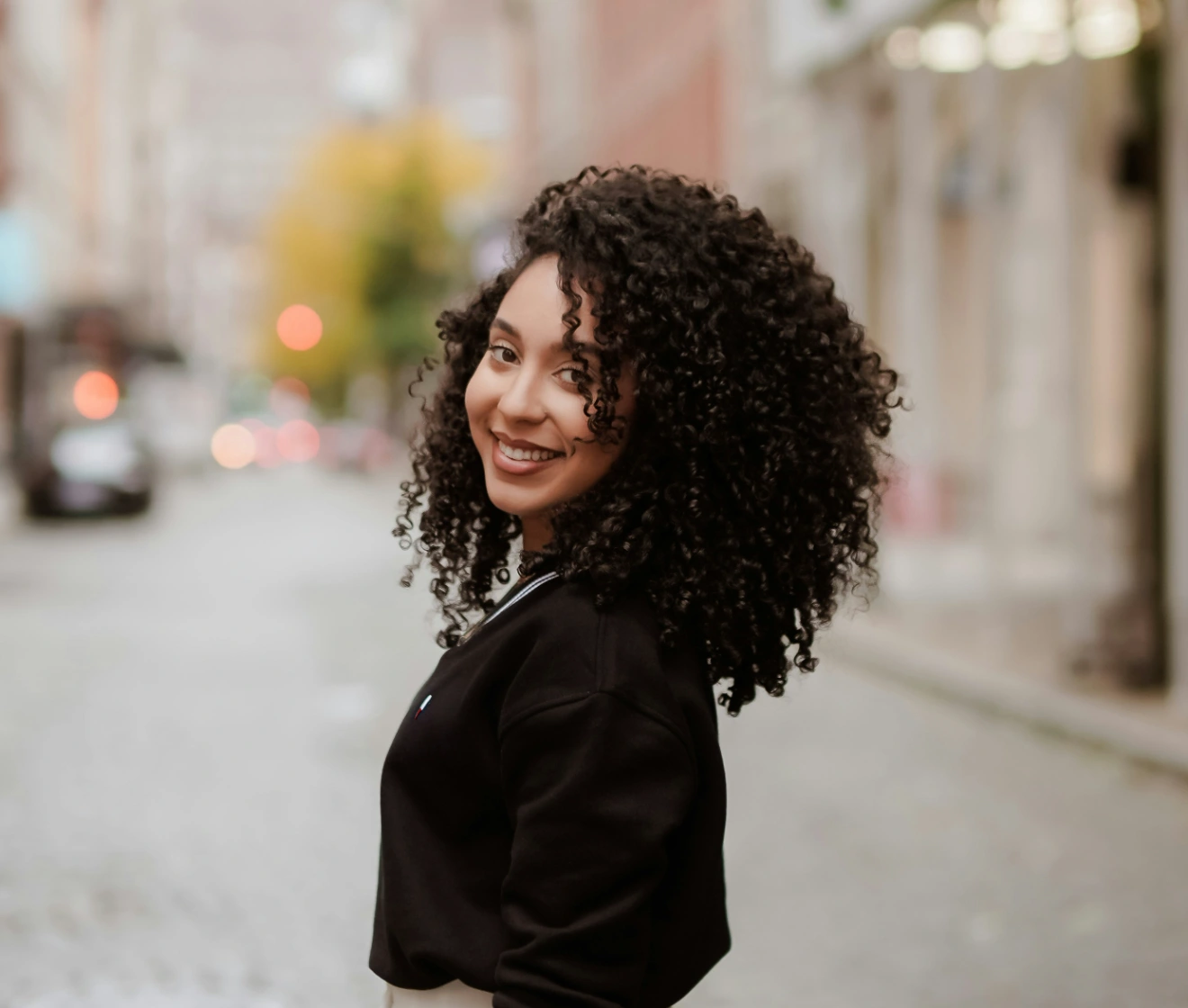
Smart AI subject detection isolating human figure from black and white background without manual brushwork
Before
After

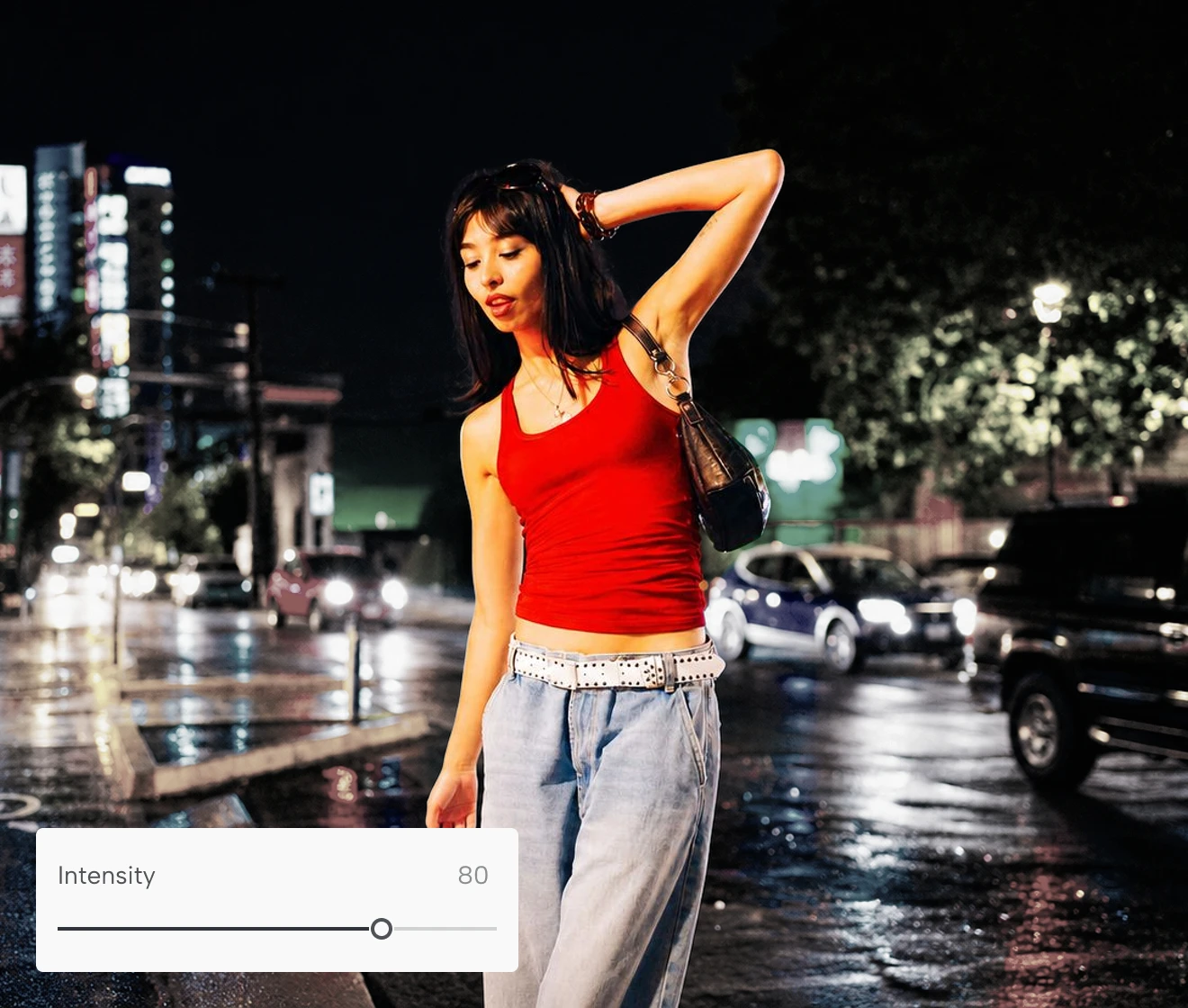
Precision Brush & Intensity Control

Need to tweak a tricky edge or control the background contrast? Use our intuitive brush tool for pixel-perfect edge touch-ups, and easily adjust the Color Splash intensity to dial in the exact balance of color and monochrome—giving you 100% creative control over every detail.

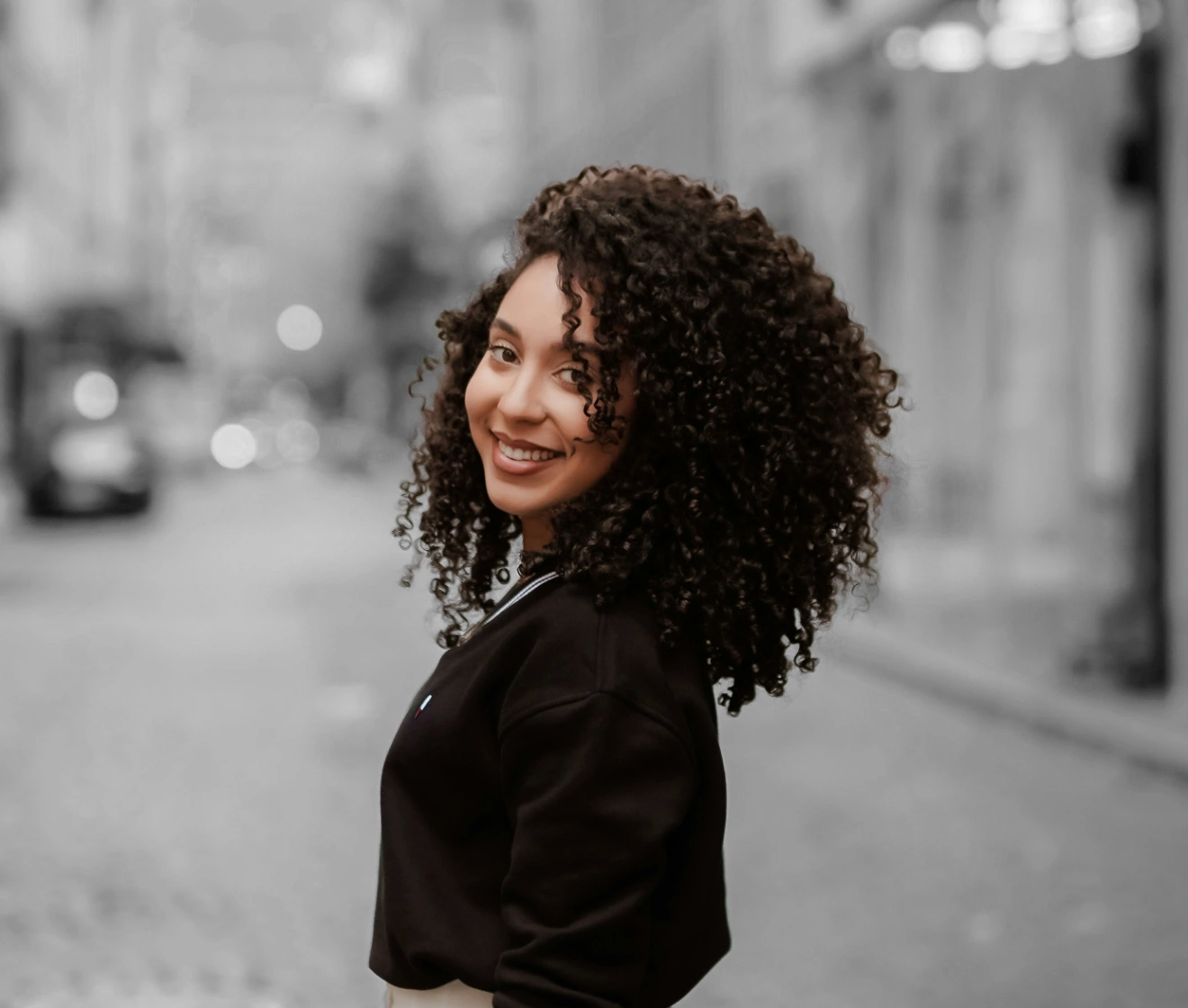
Precision brush tool editing mask details and adjusting color splash intensity on a photo
Before
After

Isolate Any Subject or Object

Beyond just portraits. Evoto’s AI accurately identifies diverse subjects—from multiple people and pets to cars, products, and architecture. Easily isolate any object or layer you want to highlight, no matter how busy the frame.

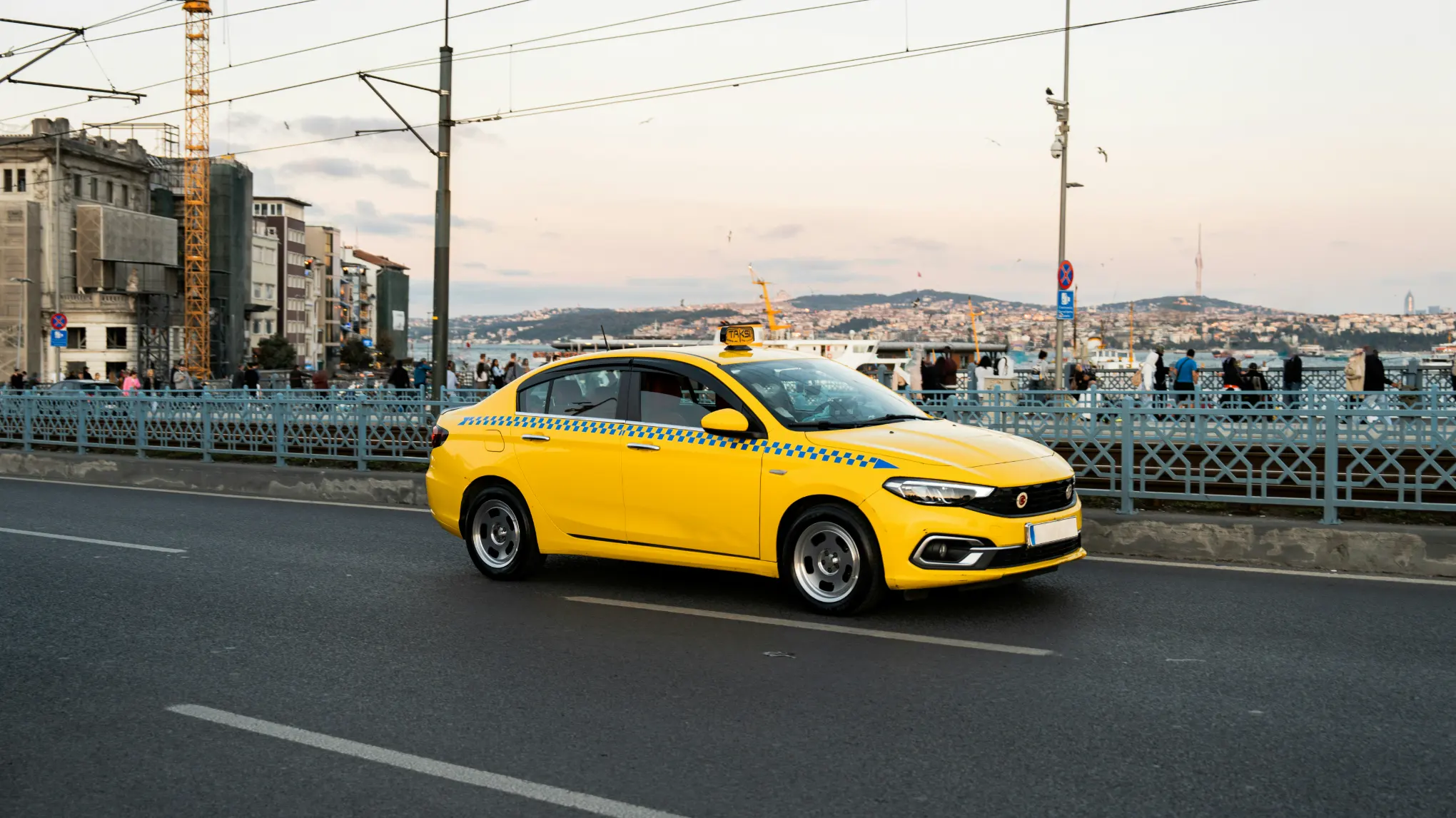
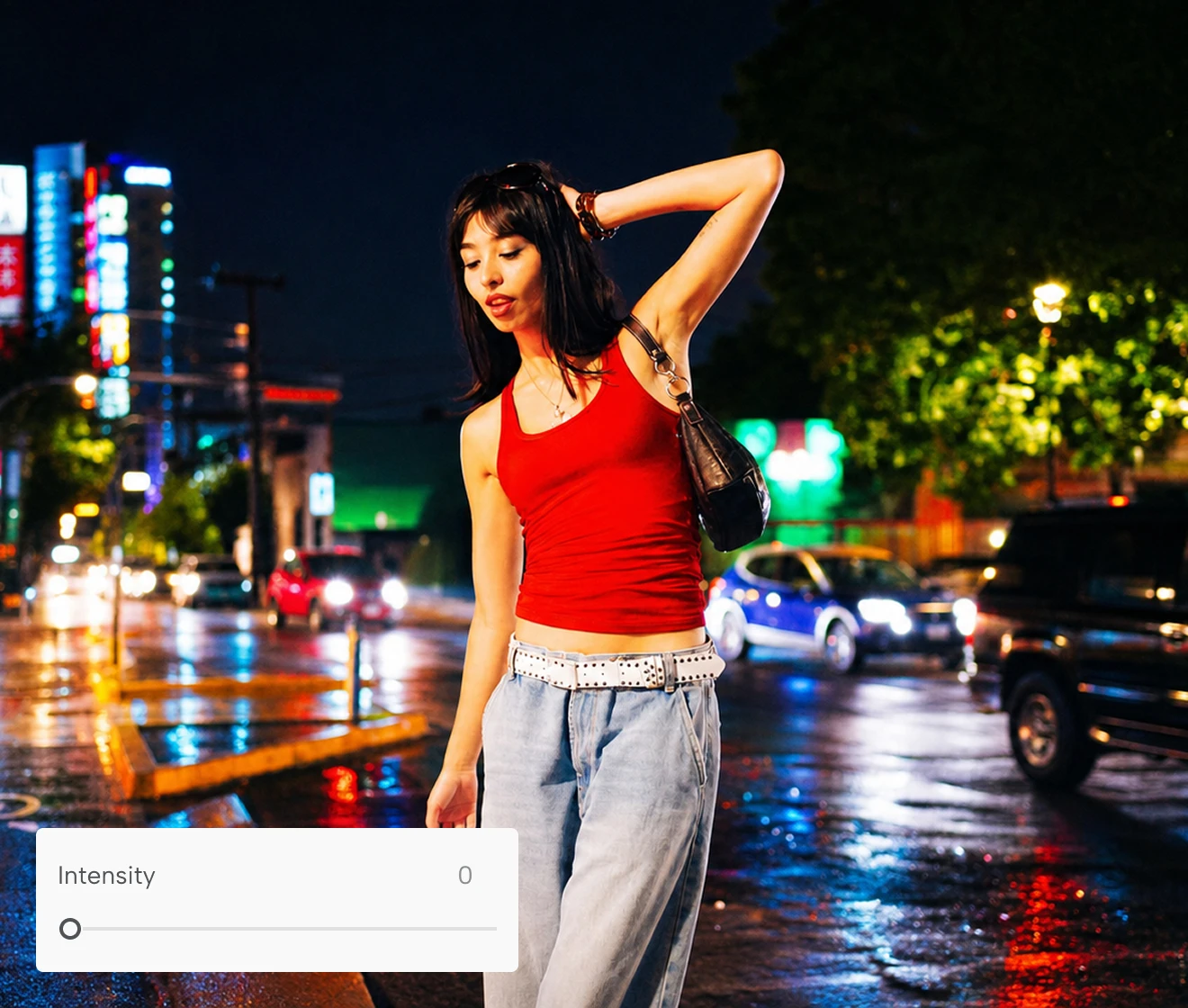
AI color splash tool detecting multiple objects and subjects in a photo
Before
After

Why Creators Choose Evoto's AI Color Splash

Intelligent subject isolation, full-control precision masking, and non-destructive output—here's how Evoto's AI Color Splash seamlessly integrates into any professional photo editing workflow.
  • Free AI color splash tool isolating photo colors on a black and white background

    Free to Use

    Experience professional selective color editing with zero cost up front. Transform your photo background to black and white with vibrant subject highlights—transparent, high-speed, and completely hassle-free.
  • Intuitive user interface showing one-click AI color splash photo editing

    No Learning Curve

    Pro-level selective color effects made simple. Skip the tedious layer masks and photoshop brushes—isolate your main subject and convert background clutter into sleek grayscale with just one click.
  • AI color splash editor supporting multi-format image upload including JPG and PNG

    Universal Format Support

    Seamlessly process photos in any standard format—JPG, PNG, WEBP, or compressed Web graphics. Export high-contrast color splash results ready for high-res printing or digital sharing.
  • Encrypted cloud photo processing guaranteeing complete image privacy and data protection

    Photos Stay Private

    Your creative works are processed securely via encrypted cloud servers. Once your color splash edit is finalized, your images are automatically purged—never stored, shared, or used for AI model training.

Do More with Evoto AI Photo Editor

From automatic AI isolation and precision brush controls to vibrant, print-ready exports, we’ve got you covered.

How to Use Color Splash Effect with Evoto

Importing photo into Evoto AI color splash editor interface
1.**Import Your Photo**23
Click the upload button or drag and drop your JPG, PNG, or WebP photo into Evoto’s online editor to start instantly.
  1. 1. Import Your Photo

    Click the upload button or drag and drop your JPG, PNG, or WebP photo into Evoto’s online editor to start instantly.
  2. 2. Auto-Isolate & Optional Fine-Tuning

    AI automatically detects your subject and converts the background to classic black and white instantly. Want more control? Optionally adjust the effect intensity or refine tricky edges using the precision brush.
  3. 3. Export Your Photo

    Preview the high-contrast result side-by-side. Once satisfied, export your high-definition photo in full quality with zero compression artifacts or watermarks.

Faster Edits, Finer Control.

Retouch your photos with Evoto AI Color Splash Editor today. Available for Windows, macOS, and Web.

FAQs

  • What is an AI Color Splash effect?

  • How do I create a color splash effect without Photoshop?

  • How does Evoto’s AI Color Splash tool work?

  • Can I choose which parts of the photo stay in color?

  • Can Evoto detect multiple subjects or non-human objects?

  • Can I adjust the intensity of the black-and-white background?

  • What is a Color Pop effect, and how does it differ from Color Splash?

  • Will my exported photos have watermarks or quality loss?

  • What image file formats are supported?

  • Are my uploaded photos safe and private?

Last updated: 2026-09-24. Reviewed by: Evoto Product Team. Results may vary depending on image quality, lighting, subject pose, file format, and selected settings.