Online Black Background Changer for Professional Photos
Make the background black in seconds with Evoto AI. Add a solid black backdrop to create clean product photos and striking portraits, while preserving fine details.
A Powerful Black Background Editor for Professional Results
Turn ordinary photos into high-impact visuals with a deep, studio-style black backdrop. Add a solid black background to photos with clean edges, rich contrast, and consistent studio-quality results.
One-Click AI Black Background Replacement
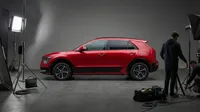
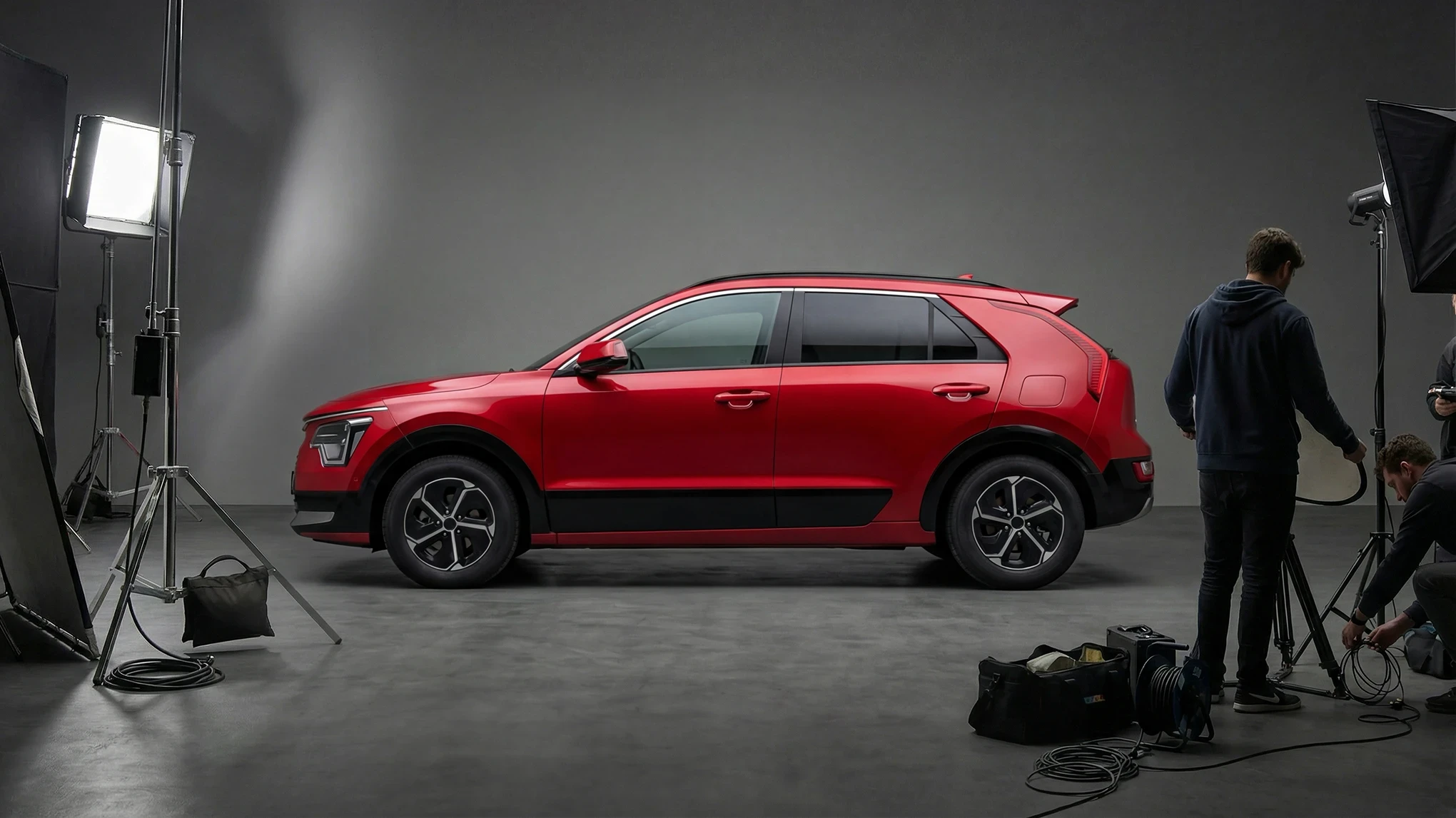
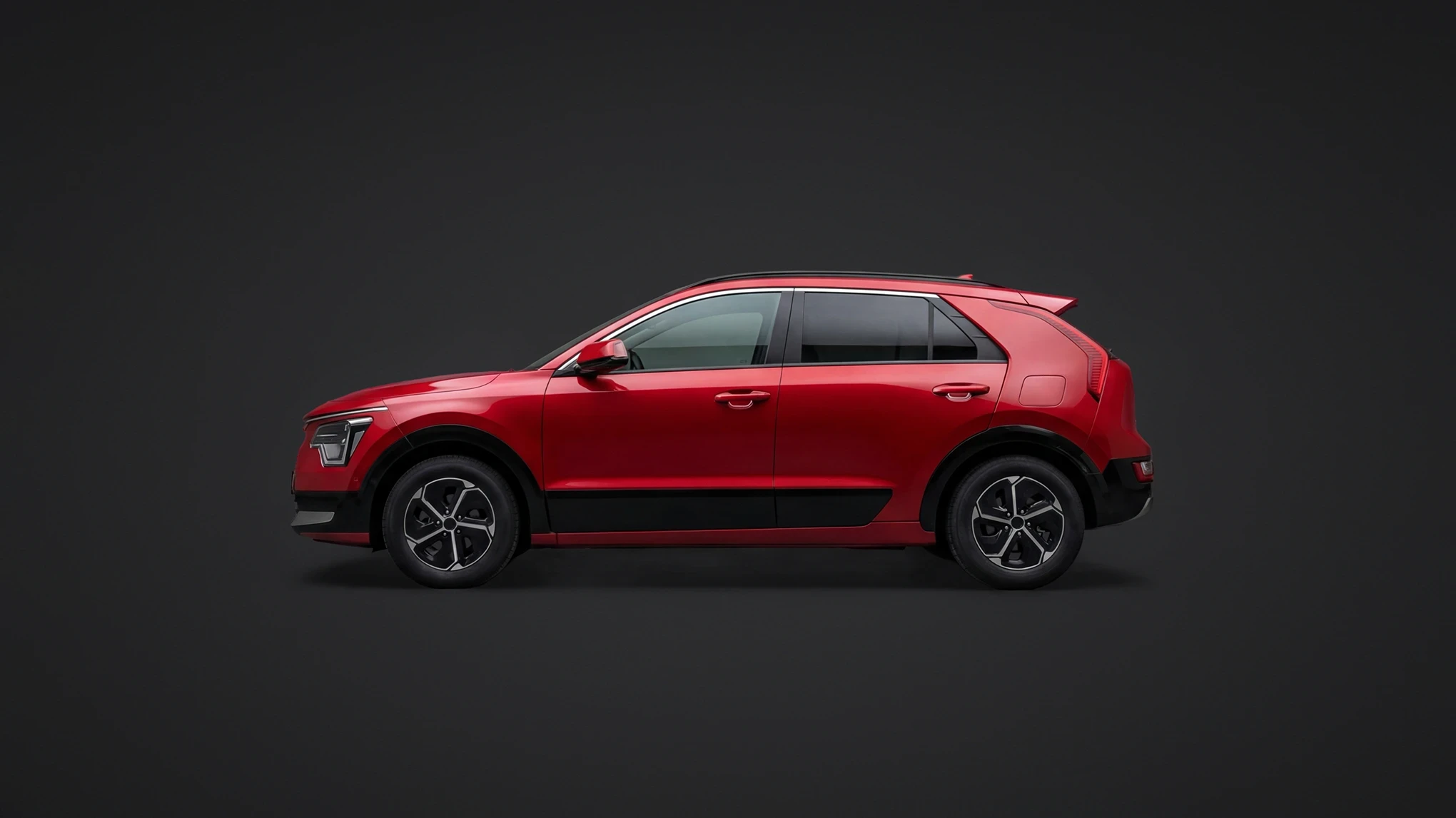
Make the background black with AI-powered subject detection. Evoto replaces the background with a clean, plain black backdrop to boost contrast and keep the focus on your subject — no extra editing steps needed.
Black Backgrounds Built for Product Photos
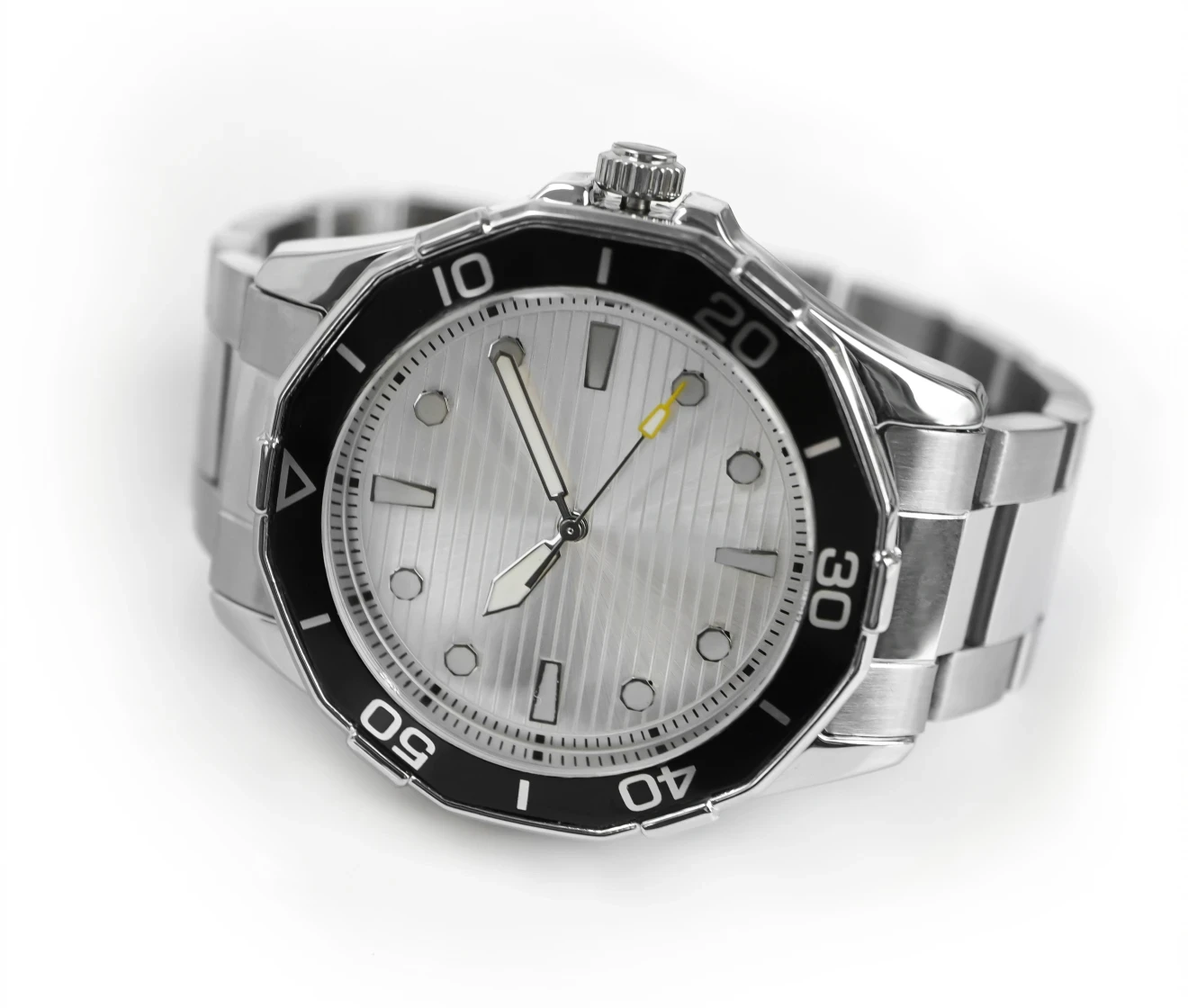
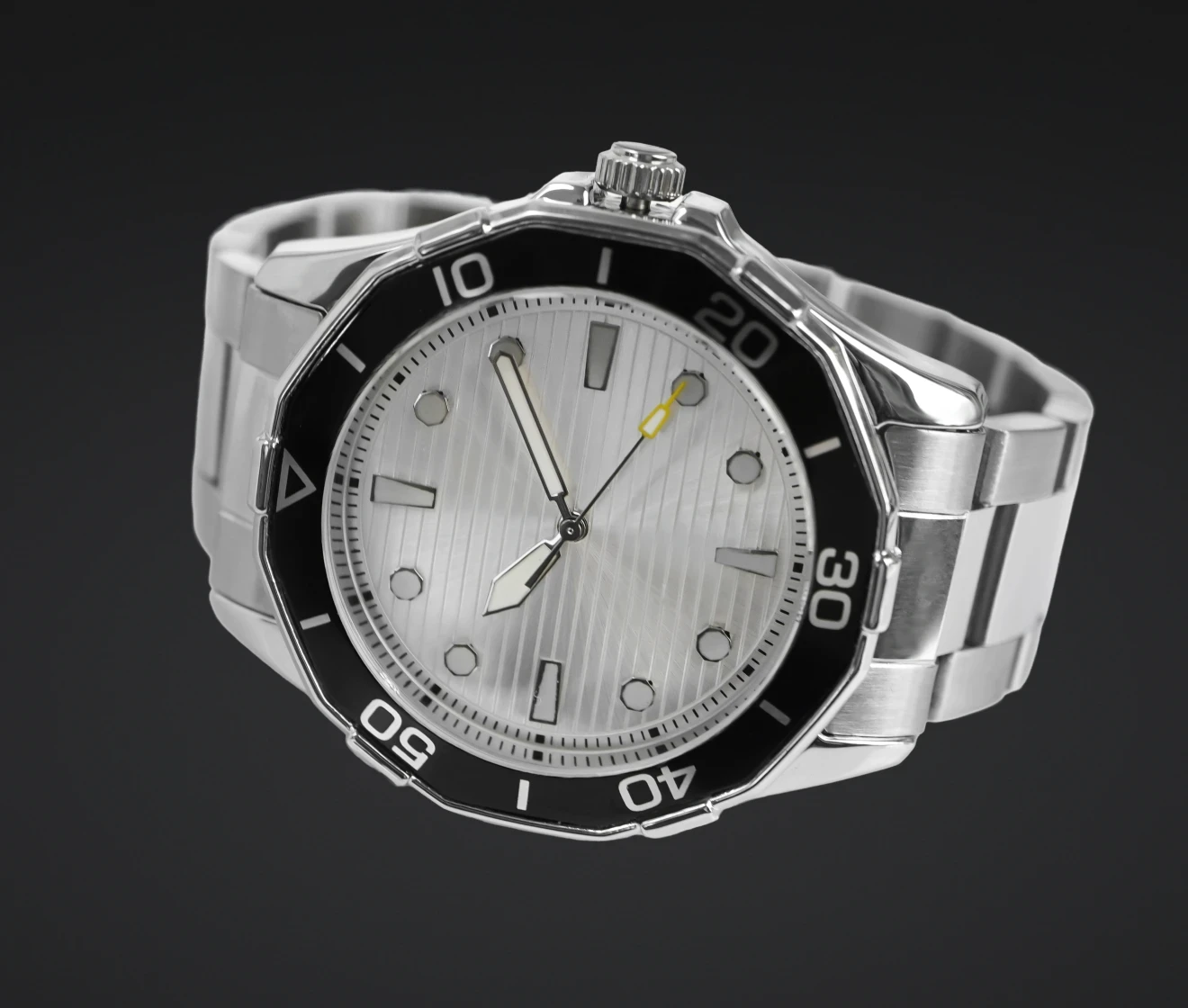
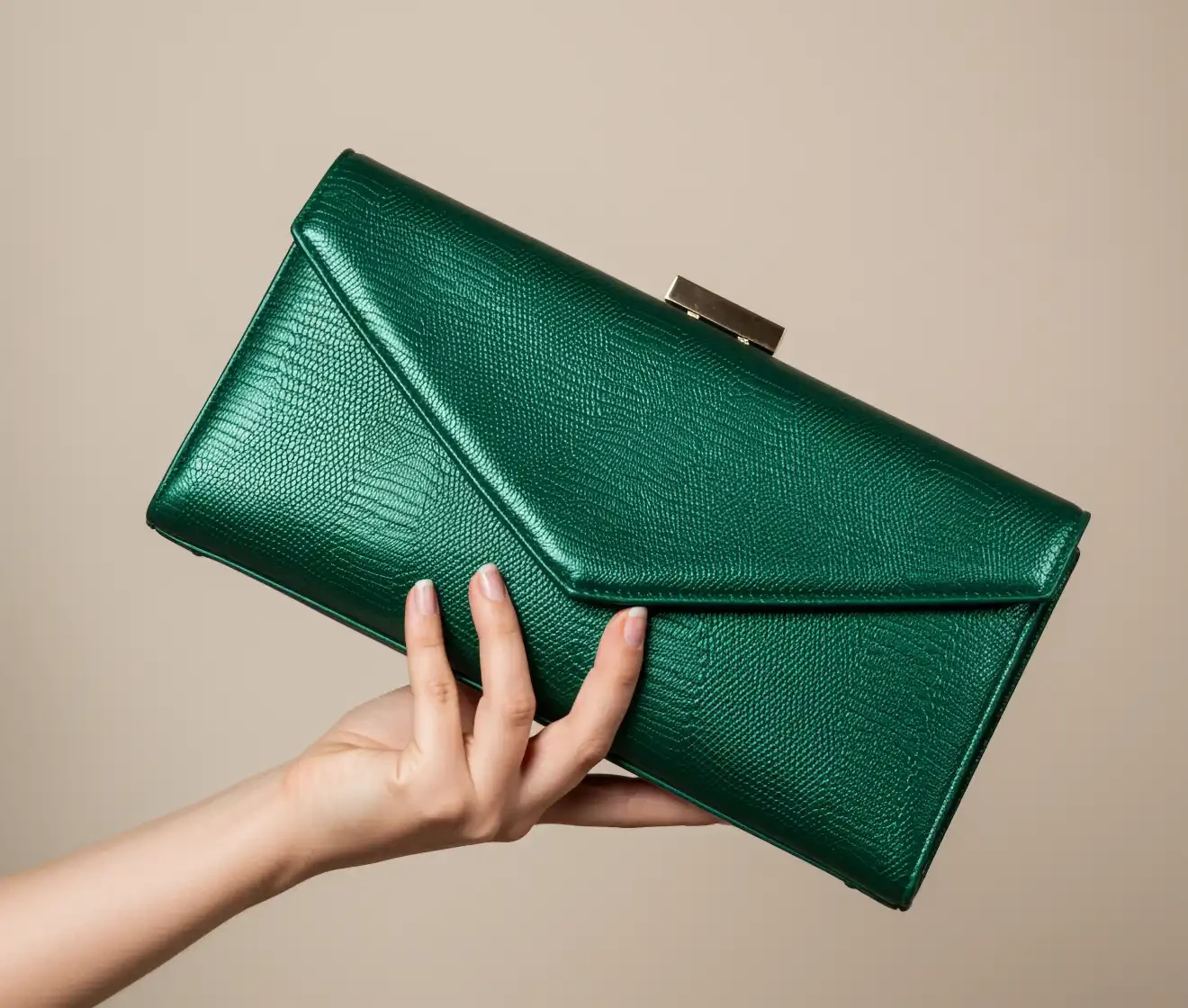
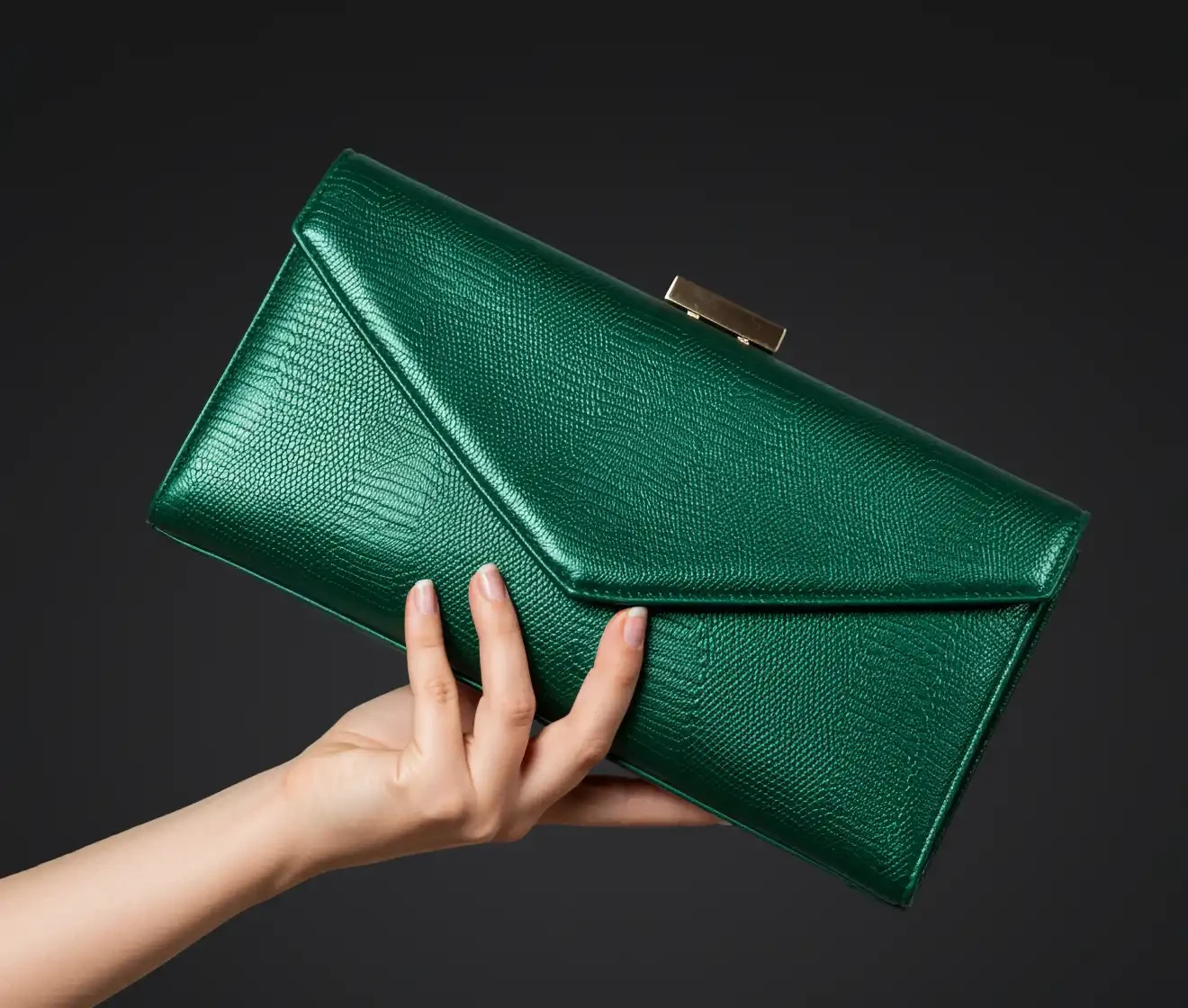
Use a black product background to emphasize shape, texture, and material details. This product background style keeps product photos clean and consistent for e-commerce listings, catalogs, and promotional creatives.
Before
After
Black Profile Photos with a Clean Look
Create portrait photos with a clean, professional look on a dark background. A plain black background reduces distractions and helps facial features stand out clearly across profiles, portfolios, and portrait collections.
Before
After
Preserve Fine Details on Dark Backgrounds
Evoto preserves fine details such as hair, fur, and complex outlines, so subjects look natural against a dark, neutral background. Clean edge handling helps you avoid light halos and rough cutouts for a smooth, studio-ready finish.
Before
After
Why Choose Evoto AI Black Background Changer?
Evoto AI combines one-click background replacement with fine-detail preservation, making it easier to create solid black backgrounds at scale.
AI-Powered Auto Detection
Evoto automatically detects your subject and applies a clean black backdrop in one click. No manual masking needed — fine edges and textures stay natural.
Consistent Results at Scale
Create a consistent black backdrop across a full set of images with batch editing. This is ideal for e-commerce teams handling large volumes of product photos that need uniform backgrounds and fast turnaround.
Pure Black & Custom Colors
Choose a pure black background (#000000) for maximum contrast, or switch to custom dark tones and other solid colors to match brand guidelines. Maintain consistent color without rebuilding the scene or reshooting.
High-Resolution Export
Export high-resolution images while keeping edges clean and details sharp. Your final exports stay clear for online listings, marketing assets, and professional delivery.
Do More with Evoto AI Photo Editor
From professional skin retouching to color grading and more, we’ve got you covered.
Drag and drop your photo into the Evoto online background editor. We support JPG, PNG, and WebP formats.
Choose the Black preset to add a pure black backdrop (#000000), or fine-tune a darker tone if needed. Evoto’s AI detects the subject automatically and replaces the original background with a clean, plain black backdrop in seconds.
For larger sets of images, download Evoto and use batch editing to apply consistent black backdrops across multiple photos while keeping results uniform and efficient.
Export your black backdrop photo in high resolution — ready for product images, black background portraits, or professional content on websites and listings.
1. Upload Your Image
Drag and drop your photo into the Evoto online background editor. We support JPG, PNG, and WebP formats.
2. Select Black Background & Let AI Work
Choose the Black preset to add a pure black backdrop (#000000), or fine-tune a darker tone if needed. Evoto’s AI detects the subject automatically and replaces the original background with a clean, plain black backdrop in seconds.
3. Batch Editing (Optional)
For larger sets of images, download Evoto and use batch editing to apply consistent black backdrops across multiple photos while keeping results uniform and efficient.
4. Download Your Image
Export your black backdrop photo in high resolution — ready for product images, black background portraits, or professional content on websites and listings.
Is it free to make the photo background black online?
A
Yes. You can try Evoto’s online black background changer for free and preview the results before deciding whether to continue. No commitment is required.
Q
How can I add black background to my photo?
A
Simply upload your image to Evoto’s background changer online, select the “Black” preset, and let the AI automatically detect your subject and apply a plain black backdrop in seconds.
Q
What types of photos work best with a black background?
A
Black backdrops are commonly used for product images, portraits, and profile photos, especially when you want stronger contrast and a clean, distraction-free look.
Q
Can I apply a black background to multiple photos at once?
A
Yes. For large sets of images, Evoto Desktop supports batch editing, allowing you to apply consistent black backdrops to dozens or even thousands of photos efficiently.
Q
What image formats are supported with Evoto online background changer?
A
Evoto supports JPG, PNG, and WebP image formats, making it easy to upload and edit almost any photo.
Q
Will my image quality decrease?
A
No. Evoto uses advanced AI to ensure your subject remains sharp and detailed. We support high-resolution exports so your images look crisp on any screen or print.
Q
Does Evoto support pure black and custom background colors?
A
Yes. You can use a pure black background (#000000) for maximum contrast or choose other custom colors to match brand or design requirements.
Q
Can I edit images on mobile devices?
A
Yes. The Evoto online editor works on both mobile and desktop browsers, so you can change photo backgrounds to black anytime, anywhere.
Q
Can I edit RAW files with background changer online?
A
The online background editor supports standard web formats such as JPG and PNG. For RAW files or tethered shooting workflows, please use the Evoto Desktop application. Alternatively, you can convert RAW files to compatible formats using the online RAW converter before uploading.
Q
Do I need photo editing skills to add a black background?
A
No. Evoto is designed for one-click black background editing, allowing anyone to achieve clean, professional results without manual masking or Photoshop skills.
Last updated: 2026-10-30. Reviewed by: Evoto Product Team. Results may vary depending on image quality, lighting, subject pose, file format, and selected settings.