



Add Text to Image

Your photo is ready. Now give it a line. Style captions and quotes in this free photo text editor, readable on busy backgrounds. Add text to image online for free and download when you are done.
AI photo editor
AI photo editor
Before
After
Evoto Add Text to Image1
Evoto Add Text to Image2
Evoto Add Text to Image3

Give Your Photos Something to Say

Give your snapshots something special: add captions, quotes, and cover lines that finish the story. Style text on photo in your browser, keep words readable on busy shots, and download your finished image when you are done.

Styled Templates & Fonts

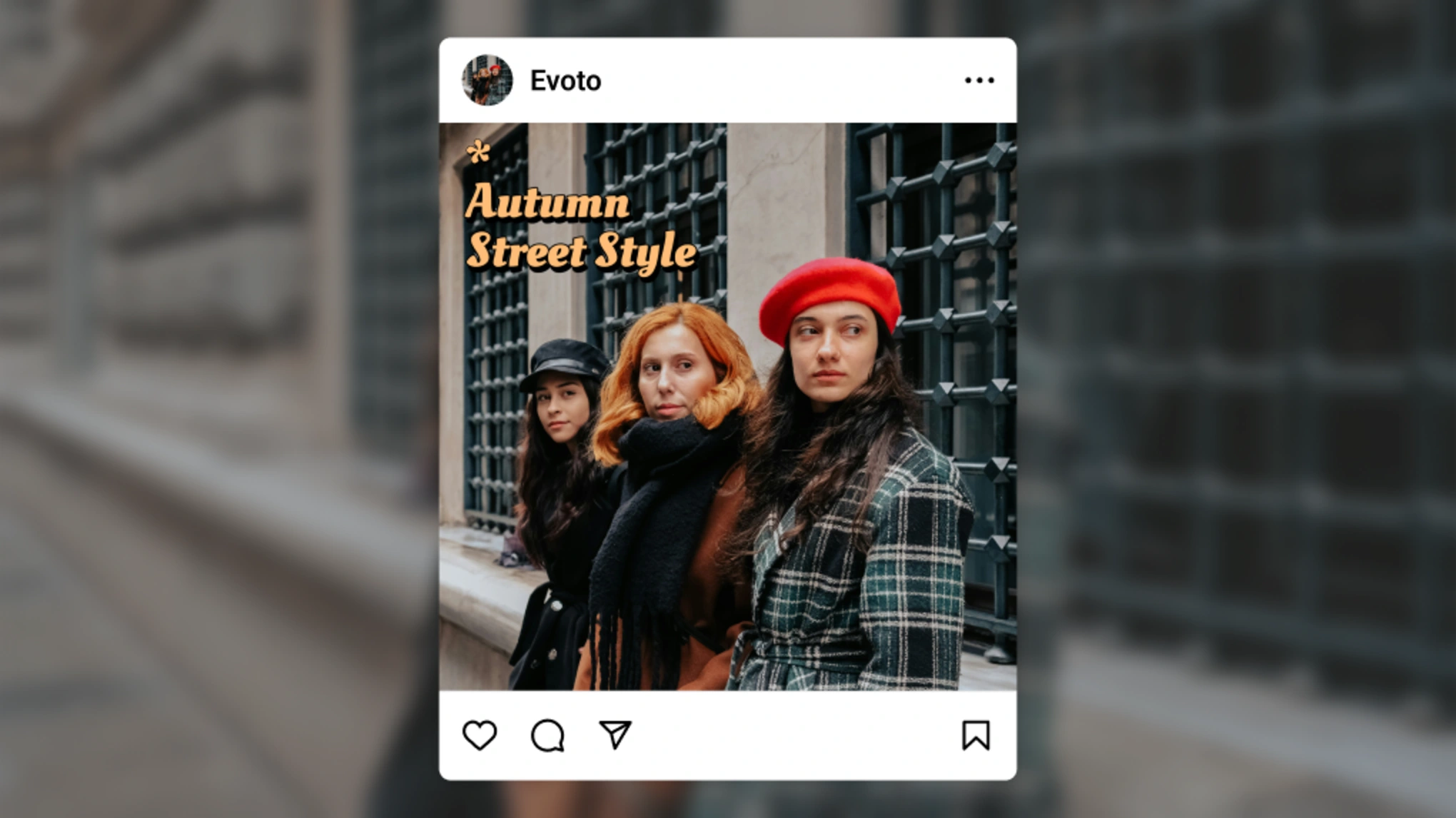
You know the moment: the photo is perfect, the caption is still blank. Browse styled templates and fonts that match the mood without opening a separate layout app. Add text to image and make holiday posts, birthday cards, OOTD tags, and handwritten menu lines get a voice in minutes. Your line. Your look.

photo text editor styled templates and fonts holiday caption
Before
After

Color That Fits the Photo

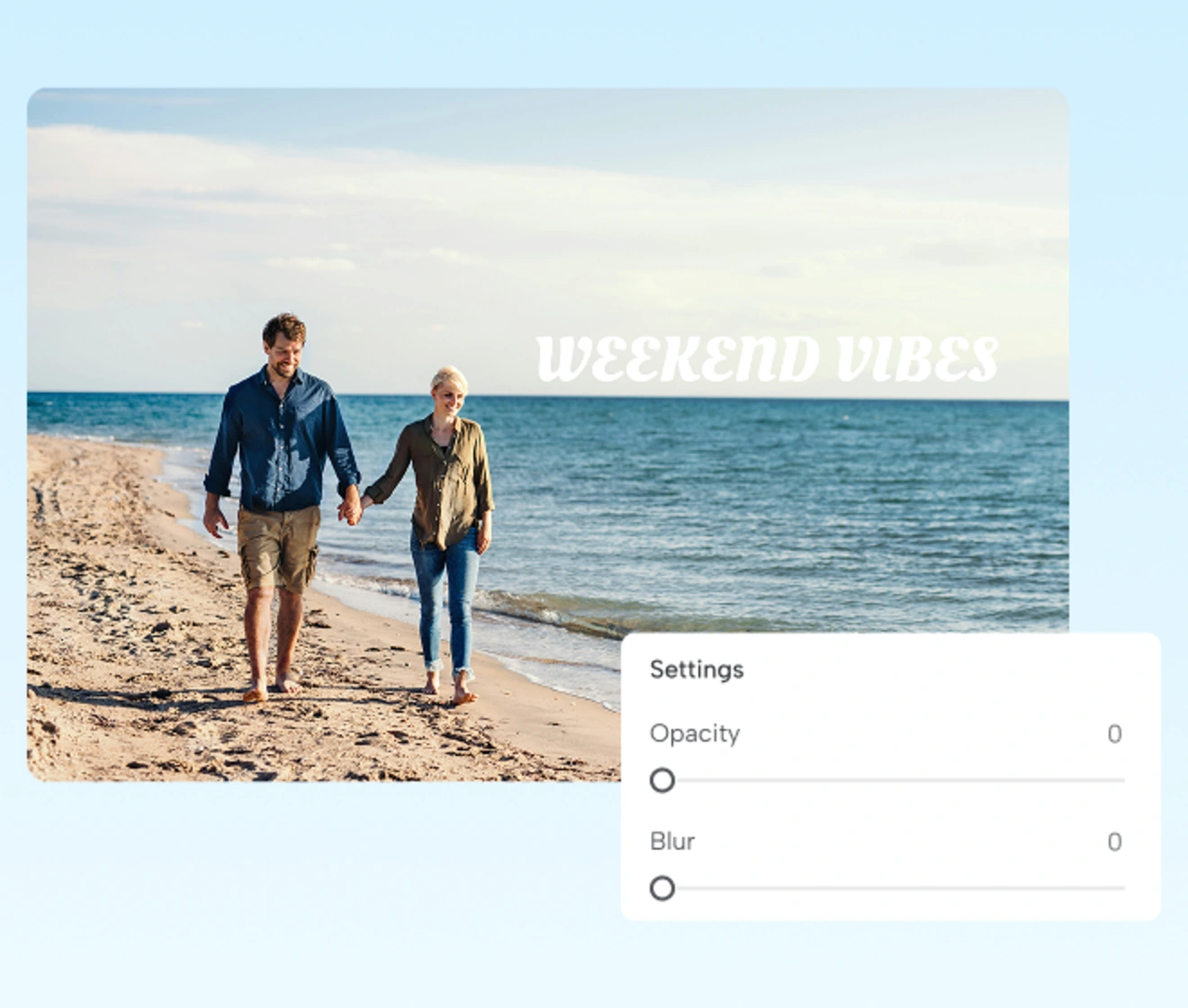
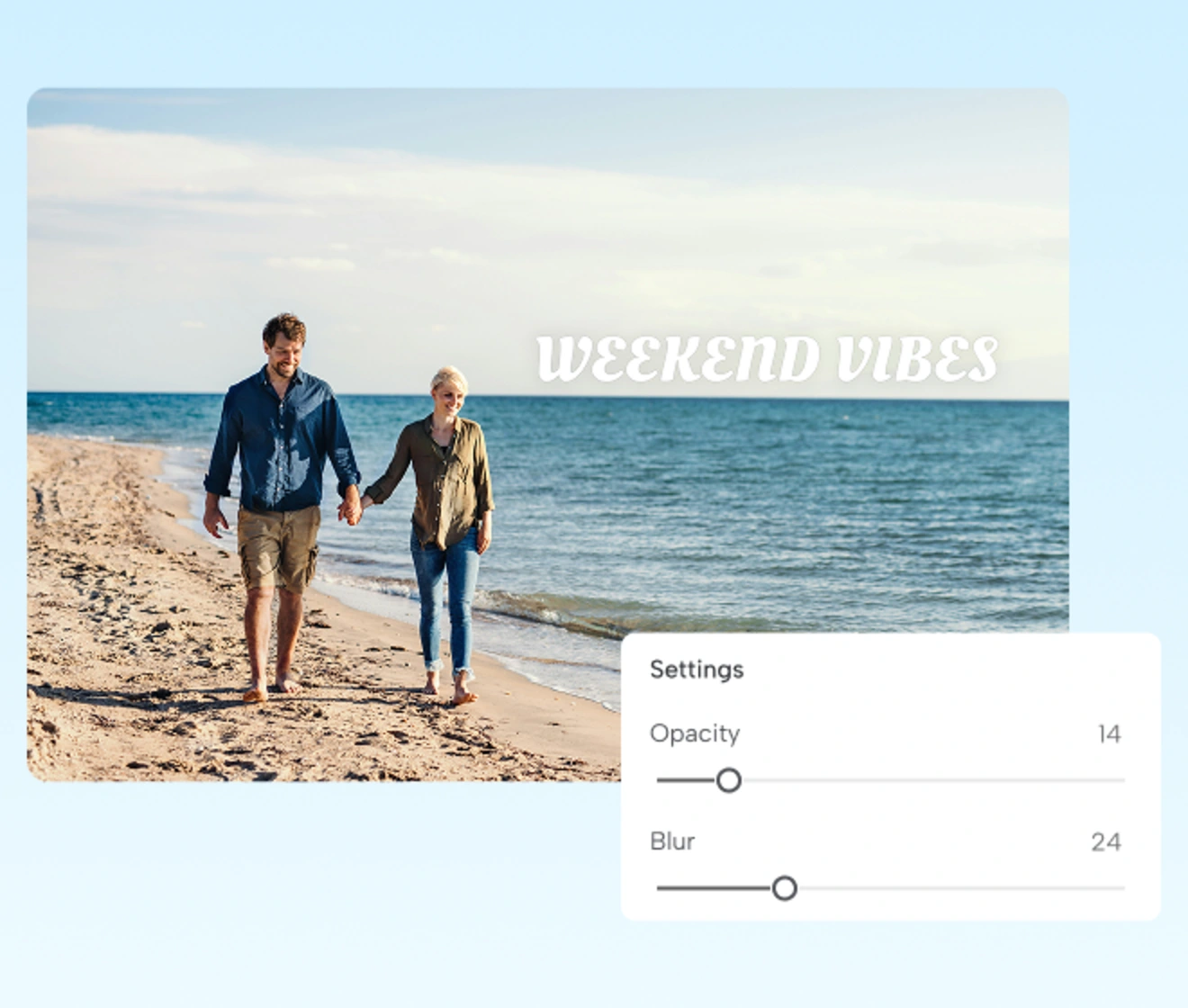
When type color fights the photo, the whole frame feels unfinished. Tune fill and opacity so text overlay on image sits with the scene, not pasted on top. Soft café captions, market price lists, and brand-toned quotes on still life or lifestyle shots stay natural and legible. Color that belongs.

text overlay on image color opacity natural caption

Stroke & Shadow for Clarity

Skies, trees, and street clutter love to swallow plain letters. Add stroke and shadow so type lifts off the scene with soft depth. Beach portraits, night markets, mountain views, and quote on photo cards stay readable on the busiest backgrounds. Outline the words. Save the shot.

add text to image stroke shadow readable busy background
Before
After

Creative Overlays for Every Share

Some stories spread across a grid; others need one quiet line in the corner. Add caption to photo after a collage, drop quotes on covers, mark specific element, or add a soft text watermark: credits on portraits, studio names on previews, or © marks on travel sets. Finished in a photo collage maker? Your story. Your words.

add caption to photo collage quote corner credit overlay

Add Text to Image Online, On Any Device

Add text to image from laptop, tablet, or phone in one online tool. Prefer native editing? Download Evoto App for text tools on the go.
  • add text to photo online free any device icon

    Free Online, Free Export

    Try add text to image online free on Windows, macOS, iPad, iOS, or Android browsers. Style your photo and download the finished image at no cost.
  • web now app later photo text editor icon

    Web Now, App Later

    The online photo text editor needs no install. Download Evoto App when you want text tools in your pocket for on-the-go edits on your phone.
  • your photos stay private add text to image icon

    Your Photos Stay Private

    Your uploads stay private for every edit session. Evoto never uses your images to train AI models or sell your photo data.
  • full online photo toolkit text editor icon

    Full Online Photo Toolkit

    Text lives inside Evoto's online editing suite. Retouch skin, fix color, then write text on image without hopping between apps.

How to Add Text to Image with Evoto

step 1 open text upload photo add text to image online
1.**Open Text and Upload a Photo**234
On the Evoto add text to image page, upload JPG, PNG, or WebP. Open "Text" from the left panel. A text box appears on the canvas, ready to edit.
  1. 1. Open Text and Upload a Photo

    On the Evoto add text to image page, upload JPG, PNG, or WebP. Open "Text" from the left panel. A text box appears on the canvas, ready to edit.
  2. 2. Type and Pick a Template

    Click "Add Text" or choose a "Templates" thumbnail. Type your caption and switch templates to refresh the style without losing your words.
  3. 3. Style with Fonts, Color, Stroke & Shadow

    Refine type in "Fonts", "Color", "Stroke", and "Shadow". On web, use the toolbar for size, "Bold", "Italic", and alignment.
  4. 4. Export Your Image for Free

    Export the composited "JPEG" for free. Keep type inside the frame. Note: Text outside the canvas is trimmed on export.

Put Your Words on Any Photo Today

Free to try online. Add text to image with Evoto in your browser, or download Evoto App for mobile editing when you are on the move.

FAQs

  • What does Evoto's Add Text to Image do?

  • How do I make text readable on a busy background?

  • Is this the same as "edit text in image"?

  • Can I edit text on a collage template?

  • Can I use text as a simple watermark?

  • Does it work on web and mobile?

  • Is export free? What format?

  • Can I add text after making a collage?

  • Is my photo stored after I upload?

  • Is Evoto a free way to add text to photos?

Last updated: 2026-09-30. Reviewed by: Evoto Product Team. Results may vary depending on image quality, lighting, subject pose, file format, and selected settings.