
Pricing
Campaign rules
FAQ
Start Free
AI photo editor
AI photo editor
AI photo editor
AI photo editor
AI photo editor
AI photo editor
AI photo editor
3 limited autumn presets

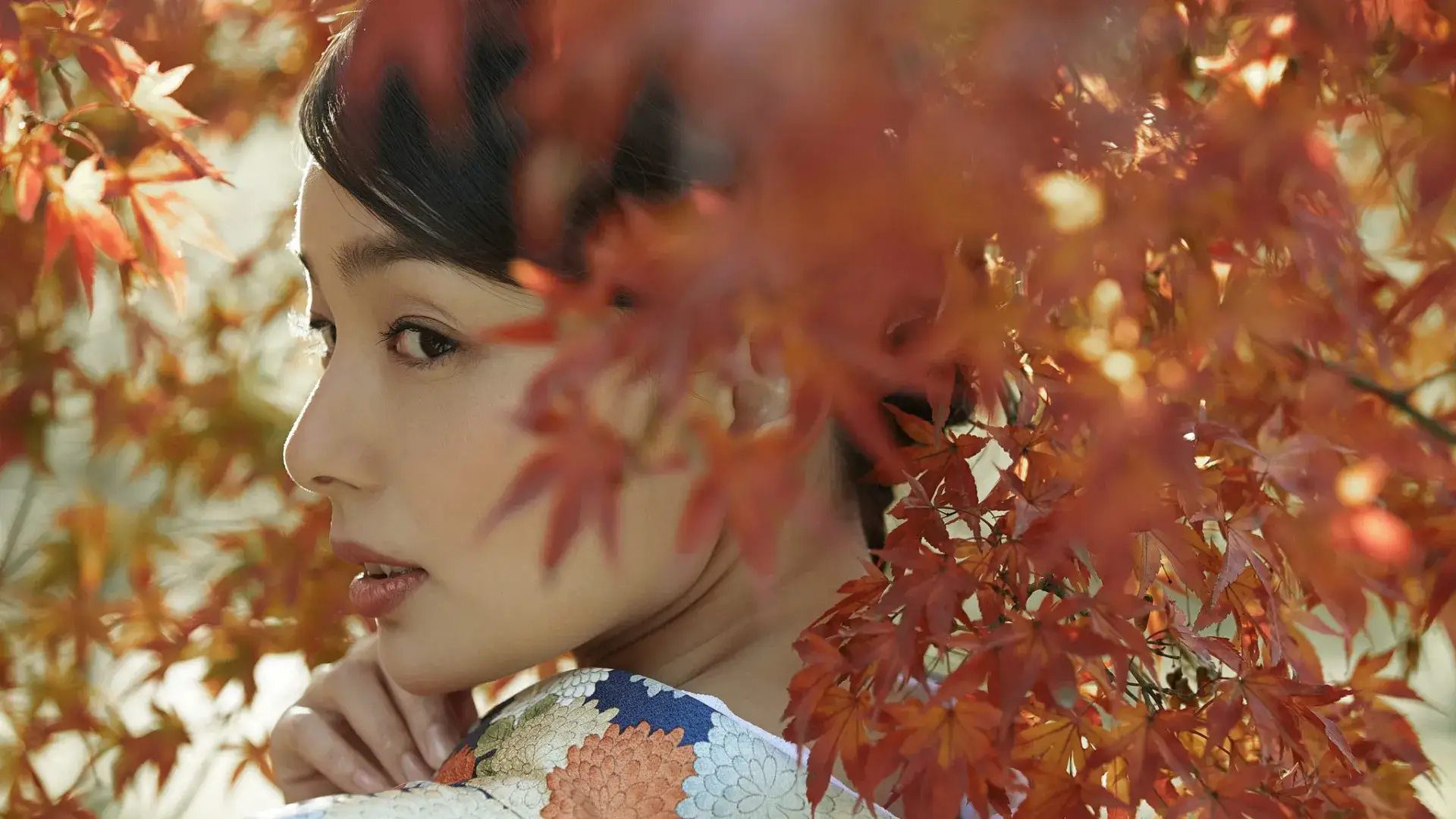
Bring autumn to your everyday shots.

Autumn color and natural skin in one click.Purchase of an annual plan during the campaign adds the 3 limited autumn presets to your account automatically.

Start Free

Campaign period: Sep 22 (Tue)–Oct 28 (Wed), 2026

Three limited autumn styles

All three are autumn AI Color Looks with light portrait finishing. Japanese names are confirmed by the local team and will be re-checked once the presets are delivered. Move the cursor over the image to compare; leave the image to reset to a 50/50 split.

Autumn Haze Before
Autumn Haze
Before
After

Autumn Haze

Soft light, lower contrast, a light mist, and gentle portrait finishing.

Autumn Dappled Light Before
Autumn Dappled Light
Before
After

Autumn Dappled Light

Warm gold, bright and approachable autumn color with natural portrait finishing.

Autumn Dusk Before
Autumn Dusk
Before
After

Autumn Dusk

Cool-warm balance with deeper layers, for street and everyday portraits.

How to join

Purchase of an annual plan during the campaign adds the 3 limited autumn presets to your account automatically.

1

Tap Start free

Start a 7-day trial from Start free. The autumn presets are not added during the free trial period.

2

Buy an annual plan

During the autumn preset campaign, purchase of an annual plan earns the 3 presets. Monthly plans and 2-year ticket plans are outside the scope of this campaign.

3

Get the presets

Once the annual plan purchase is complete, the presets are added inside the software automatically. No action is required from the user.

How to use the presets

  1. 1. Open a project and import photos.
  2. 2. In the editor, open Presets → Recommended.
  3. 3. Click an autumn preset to apply it.

See Evoto Support, “How to use presets”. For tablet, see “Presets”.

Start Free

Campaign overview

Period
Sep 22 (Tue)–Oct 28 (Wed), 2026
Who qualifies
Purchase of an annual plan during the campaign
Benefit
3 limited autumn presets added to the account automatically
Who does not qualify
The following do not qualify: ・Trial-only use ・Purchase of only a monthly plan, 2-year ticket plan, or unlimited color correction plan ・No annual-plan purchase during the campaign
How long
No expiry after the presets are added. They remain available after the campaign ends.

Notes

  • Campaign details may change or the campaign may end without prior notice.
  • The free trial alone does not add the presets.
  • Monthly plans and 2-year ticket plans are not eligible plans for this campaign.
  • Presets are added to the account automatically after an annual-plan purchase. No claim step is required.
  • Refunds follow Evoto Support, “Pricing FAQ” and “Subscription plans”.

FAQ

Sep 22 (Tue)–Oct 28 (Wed), 2026. Purchase of an annual plan must complete during this window.

Purchase an annual plan during the campaign. They are added to your account automatically. No claim step is required.

Open a project in Evoto, import photos, and open the editing workspace. Presets appear in Presets under Recommended. Click an added autumn preset to apply it to the selected photo. To apply the same look to other photos, keep the reference photo selected, select the other photos, then click Sync at the lower right. See Evoto Support, “How to use presets”. For tablet, see “Presets”.

No. A first-time account can use one 7-day trial. If the trial is not canceled during the trial period, billing starts at the regular price of the plan selected when the trial began. Presets are added only after purchase of an annual plan during the campaign.

Purchase of an annual plan during the campaign qualifies. If you already hold an annual plan and make no annual-plan purchase during the campaign, you are outside this automatic grant.

After they are added, you can keep using them. They are not revoked when the campaign ends.

Unused tickets are generally non-refundable. Canceling an annual plan mid-term is also non-refundable. Details follow EVOTO SUPPORT pricing FAQ and subscription-plan pages.

The color correction subscription plan is outside the scope of this campaign. This campaign covers purchase of an annual plan.

Evoto

Get Evoto Free App

Review us on AI photo editor
ISO/IEC 27001
SOC 2 Type 2SOC 2 Type 2
プライバシーマーク 1700498817004988

About Evoto

PricingPrivacy

Features

Portrait RetouchingColor CorrectionBackground CorrectionPresetsBatch Editing

Support

Help CenterRelease Notes
Copyright ©️2026 Evoto AI
Terms of UsePrivacyCookie Policy
Instagram
Instagram
Facebook
Facebook
Twitter
Twitter
YouTube
YouTube
LINE
LINE
TikTok
TikTok
Linkedin
Linkedin