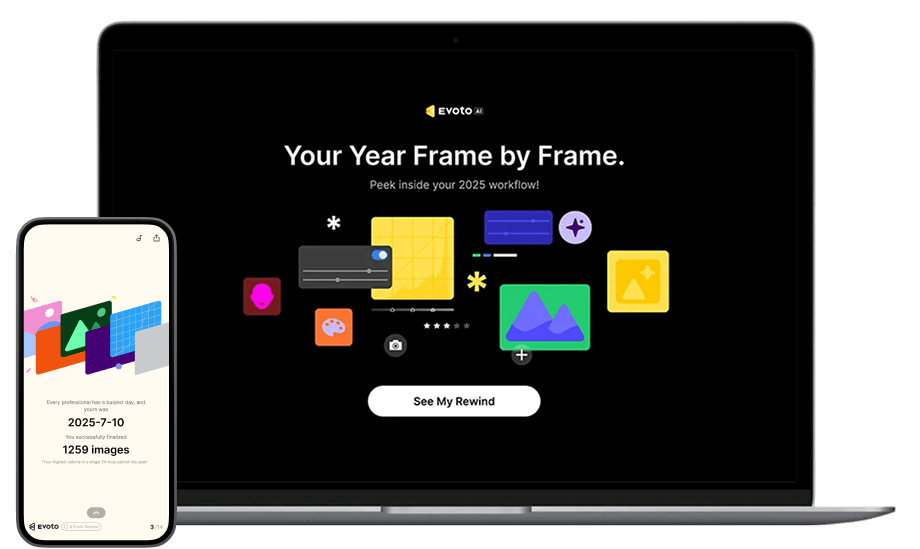
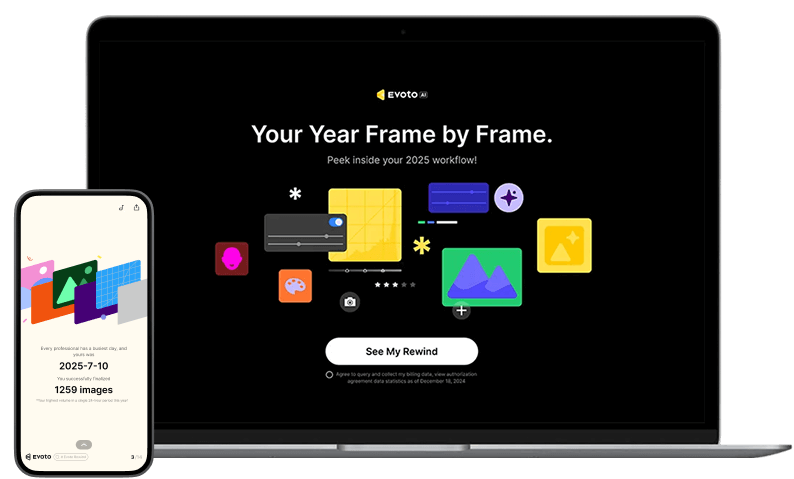
How to get my Evoto Rewind
Getting your personalized Rewind is easy and works on all your devices.
1.Click any Evoto Rewind link or scan a QR code. You can also find it via the activity entry point in the top-right corner of the Evoto App.
2.Simply log in to your Evoto account. (If you're already logged in on your PC, you can skip this step.)
3.Sit back, relax, and enjoy your personalized year in review.
How Evoto Rewind works
Evoto Rewind creates a unique, personalized review by analyzing your photo editing activity from throughout 2025. It calculates key metrics, such as your total number of edited images and your active usage time, to generate a one-of-a-kind report that tells your visual story of the year.
I can’t see my Evoto Rewind
Don't worry! To unlock your Evoto Rewind, you need to have a history of editing or exporting photos with Evoto. If you're new to Evoto or haven't edited many images this year, your personal data might not be sufficient to generate the report yet. If you are an active Evoto user but are still unable to access your Evoto Rewind, please reach out to our support team for assistance at support@evoto.ai.
Evoto Rewind’s Privacy Policy
Evoto values our clients’ data and is fully committed to protecting your personal information.
To ensure your information remains secure:
All data transmissions are protected with SSL encryption.
We have implemented administrative, technical, and physical safeguards where appropriate.
Our employees and contractors are bound by strict contractual confidentiality obligations.
We take all reasonable and appropriate measures to maintain the security, confidentiality, and integrity of your data. Data protection and compliance are top priorities at Evoto, and we remain dedicated to upholding the highest standards.