Adobe Lightroom vs Luminar Neo vs Evoto: Best Photo Editor in 2026
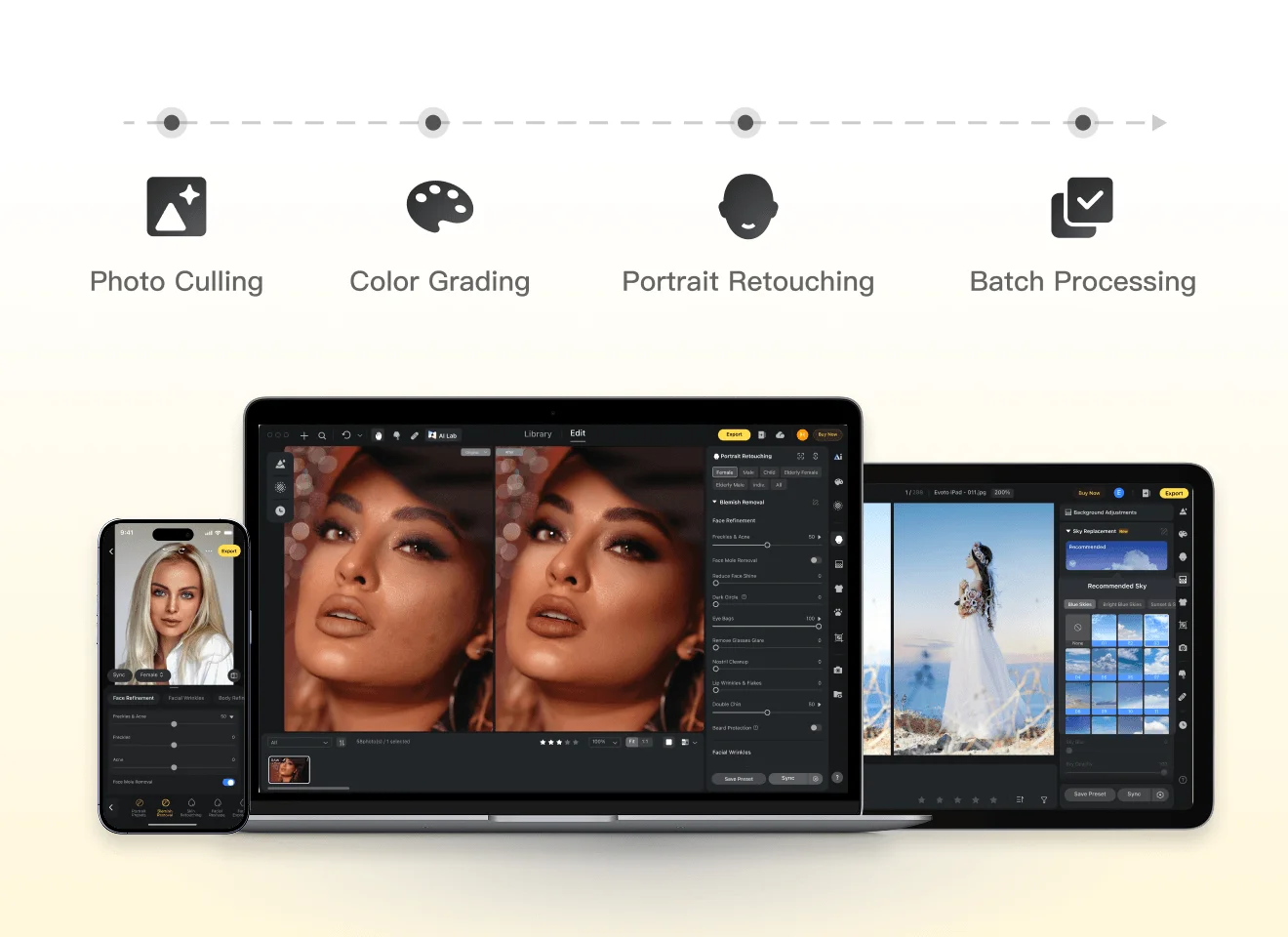
A Professional Photo Workflow Tailored to Your BusinessEvoto streamlines professional workflows with faster turnaround, consistent quality, and efficient batch editing across every project.
The Key Differences
These 3 workflow-critical factors reveal which editor best fits your business.
Editing Capabilities
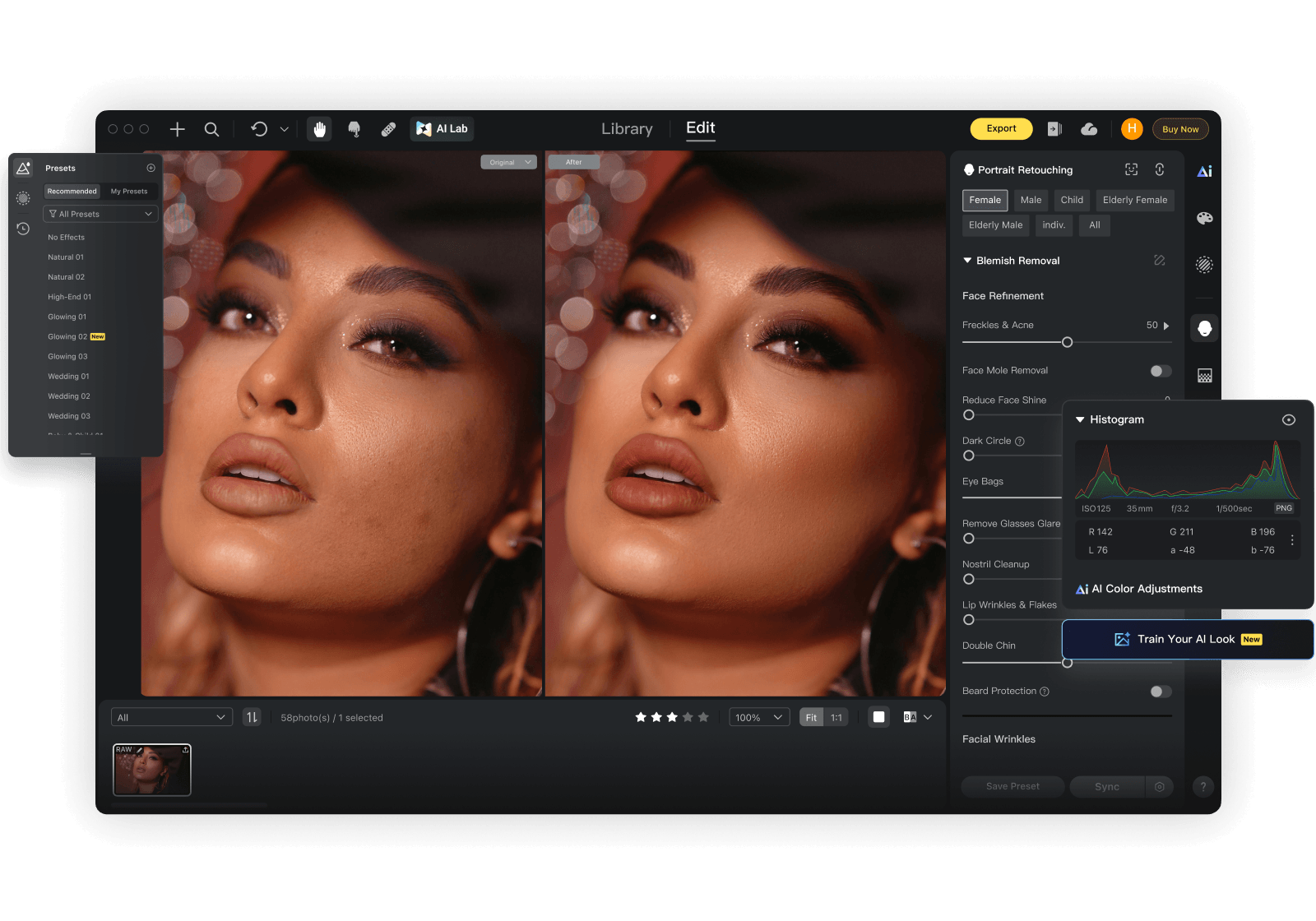
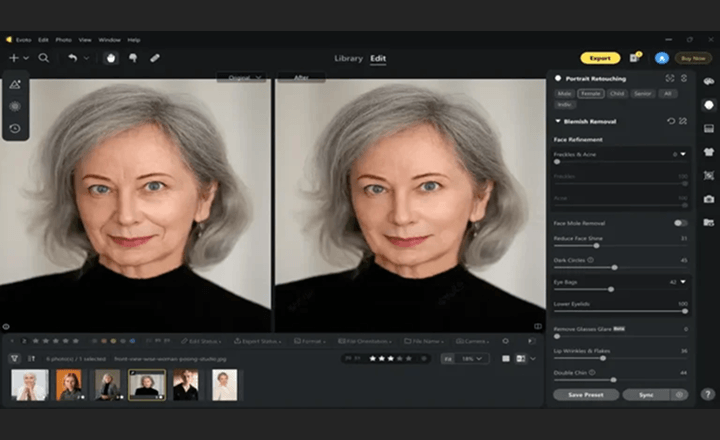
Evoto combines AI batch retouching with detail-level controls, helping teams move faster while keeping results consistent across large portrait sets.
Lightroom is often better suited to catalog-centric workflows, and Luminar Neo to creative styling, where achieving the same level of batch consistency may involve additional manual tuning.
Output Quality
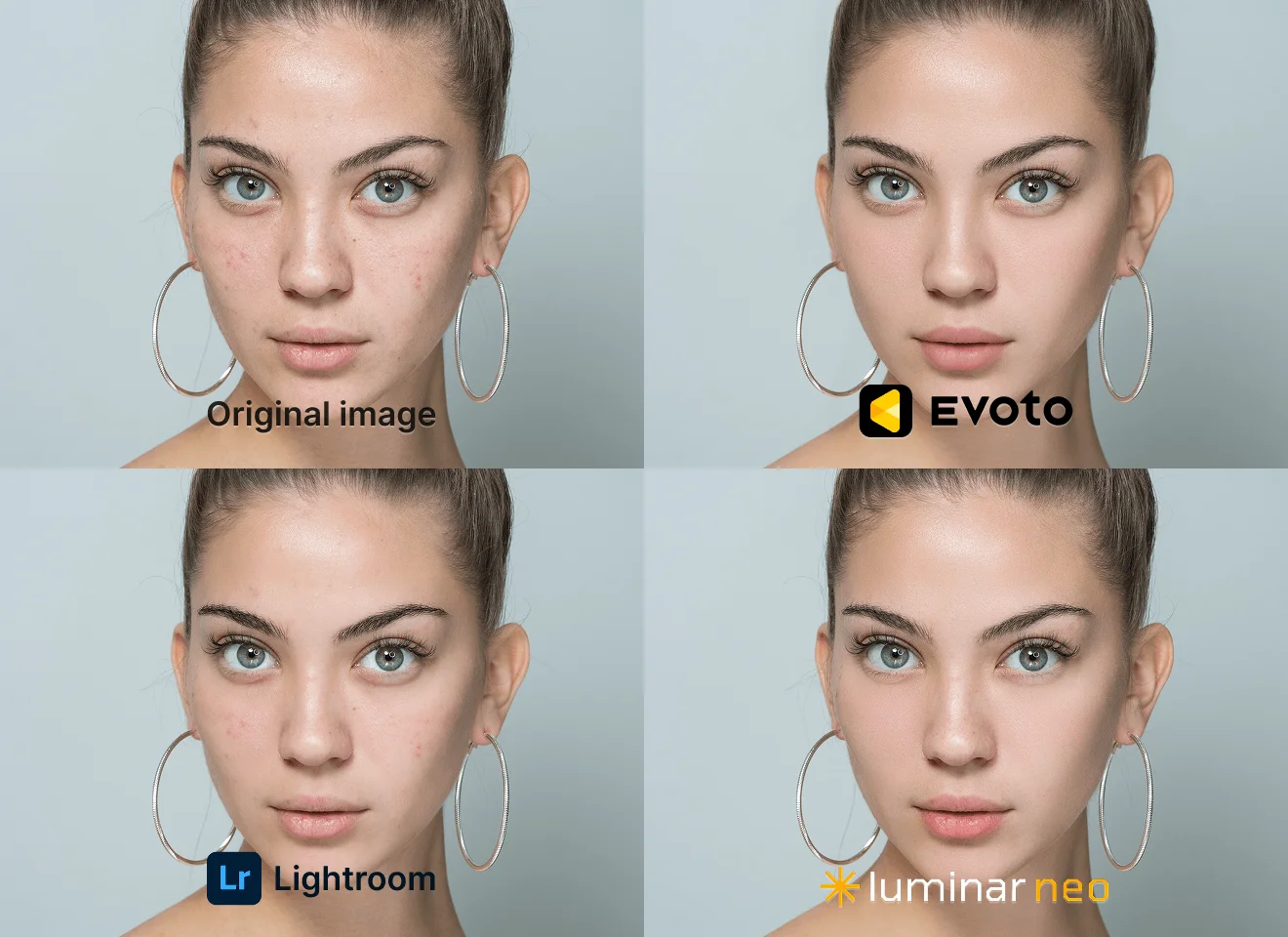
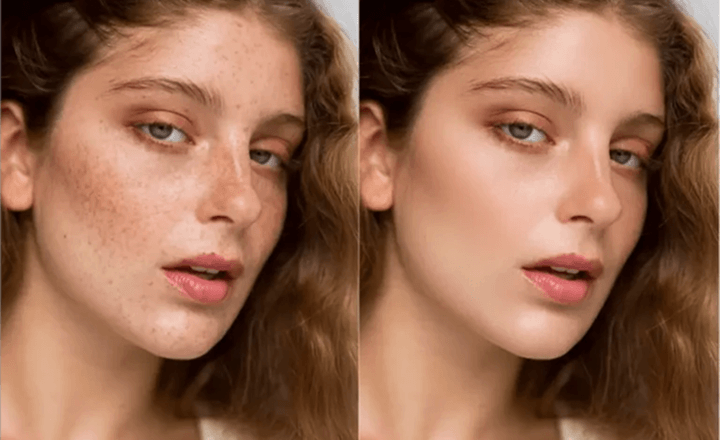
Evoto delivers natural, client-ready portrait results with strong consistency across large galleries, making high-volume delivery more predictable.
Lightroom provides fine tonal control, and Luminar Neo excels at stylized looks, but matching that same level of cross-batch consistency usually takes more manual adjustment.
Pricing
Adobe Lightroom relies on a fixed subscription starting at around USD 17.99 per month, creating a predictable but constant cost regardless of workload.
Luminar Neo follows an ownership model with a one-time purchase of around USD 119 for users who prefer a perpetual license.
Evoto takes a different approach with a pay-as-you-go model, starting from a USD 49 entry package and averaging about USD 6.99 per month at lighter usage.
Compared with traditional subscription and ownership tools, Evoto offers more flexibility for freelancers with fluctuating workloads.

Adobe Lightroom vs Luminar Neo vs Evoto: Feature Breakdown
LrC Integration
Legend: ✅ = Fully supported; ⭕ = Partially supported, or requires additional manual adjustment/workflow steps; ❌ = Not supported.
Version Note: This comparison is based on Adobe Lightroom v9.2, Luminar Neo v1.26.1, and Evoto v7.0.5-53. Data snapshot date: April 15, 2026.
Why Choose Evoto
From Capture to Delivery, Faster
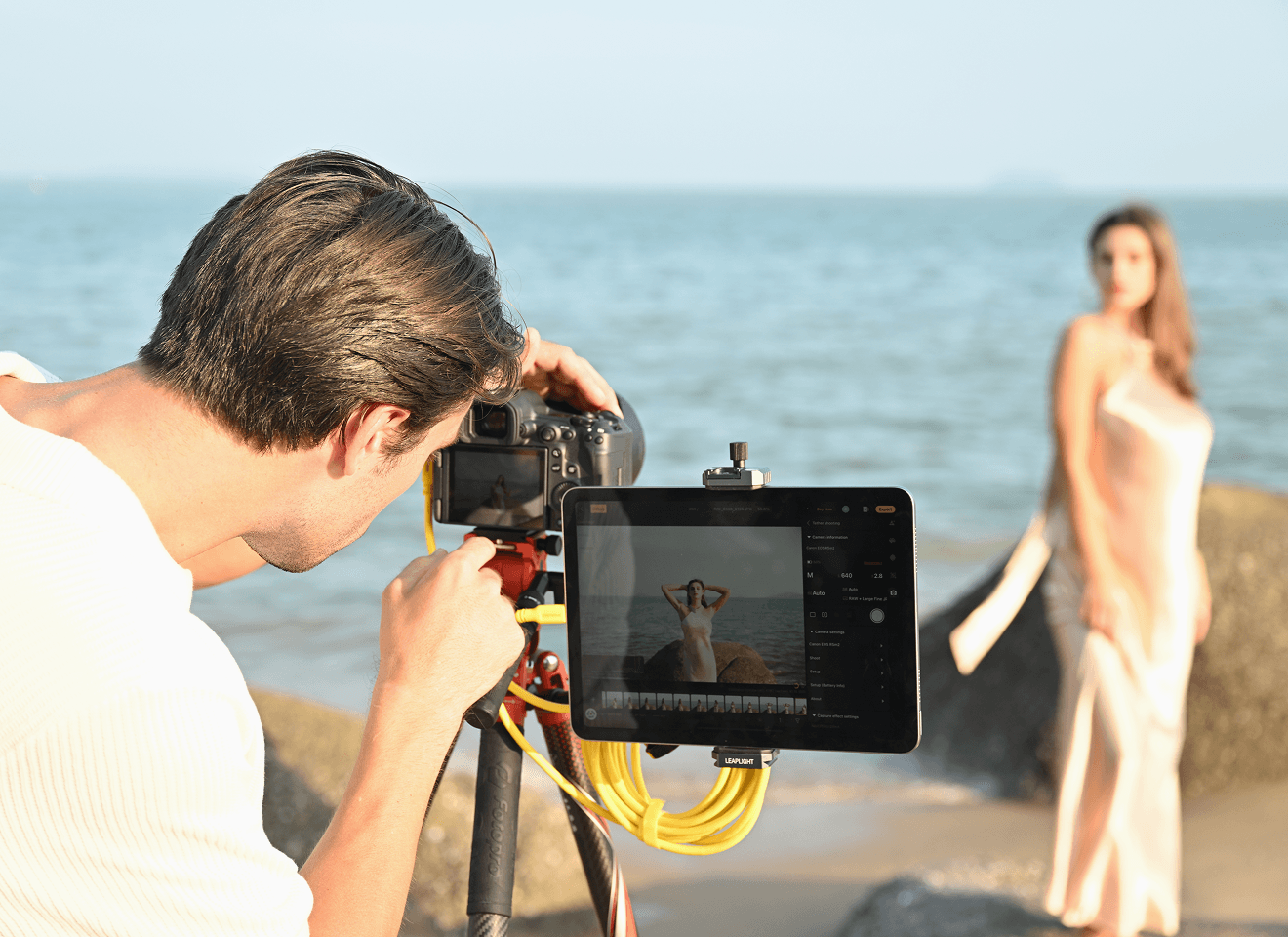
Evoto's tethered shooting connects your camera directly for real-time RAW editing and instant previews. Make adjustments during your session and reduce post-production time—so projects move faster from capture to delivery.
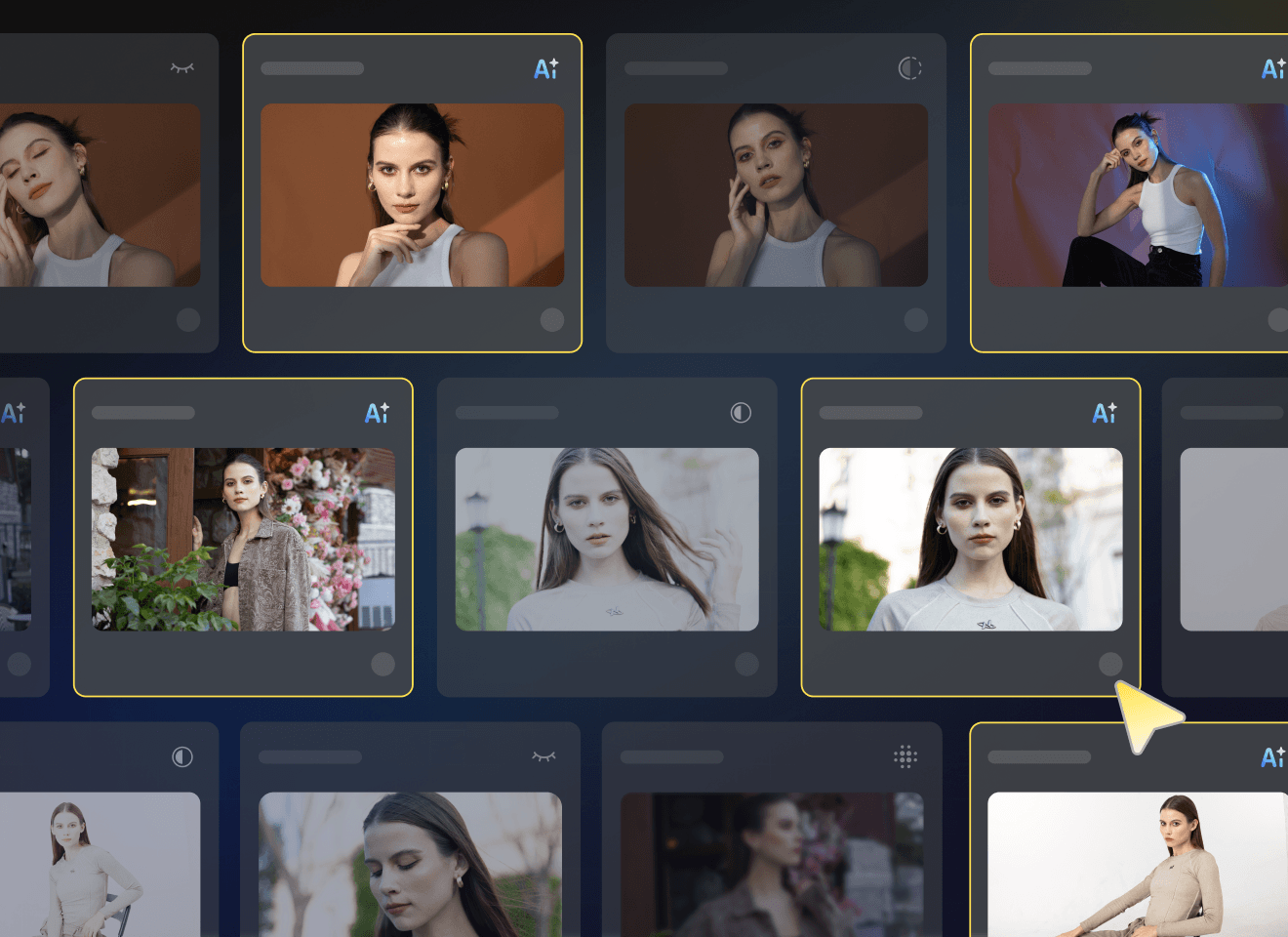
Smarter AI Culling
Automatically detect blur, closed eyes, and duplicates to quickly find the best shots. Spend less time sorting and more time editing, while safeguarding standout frames for delivery.
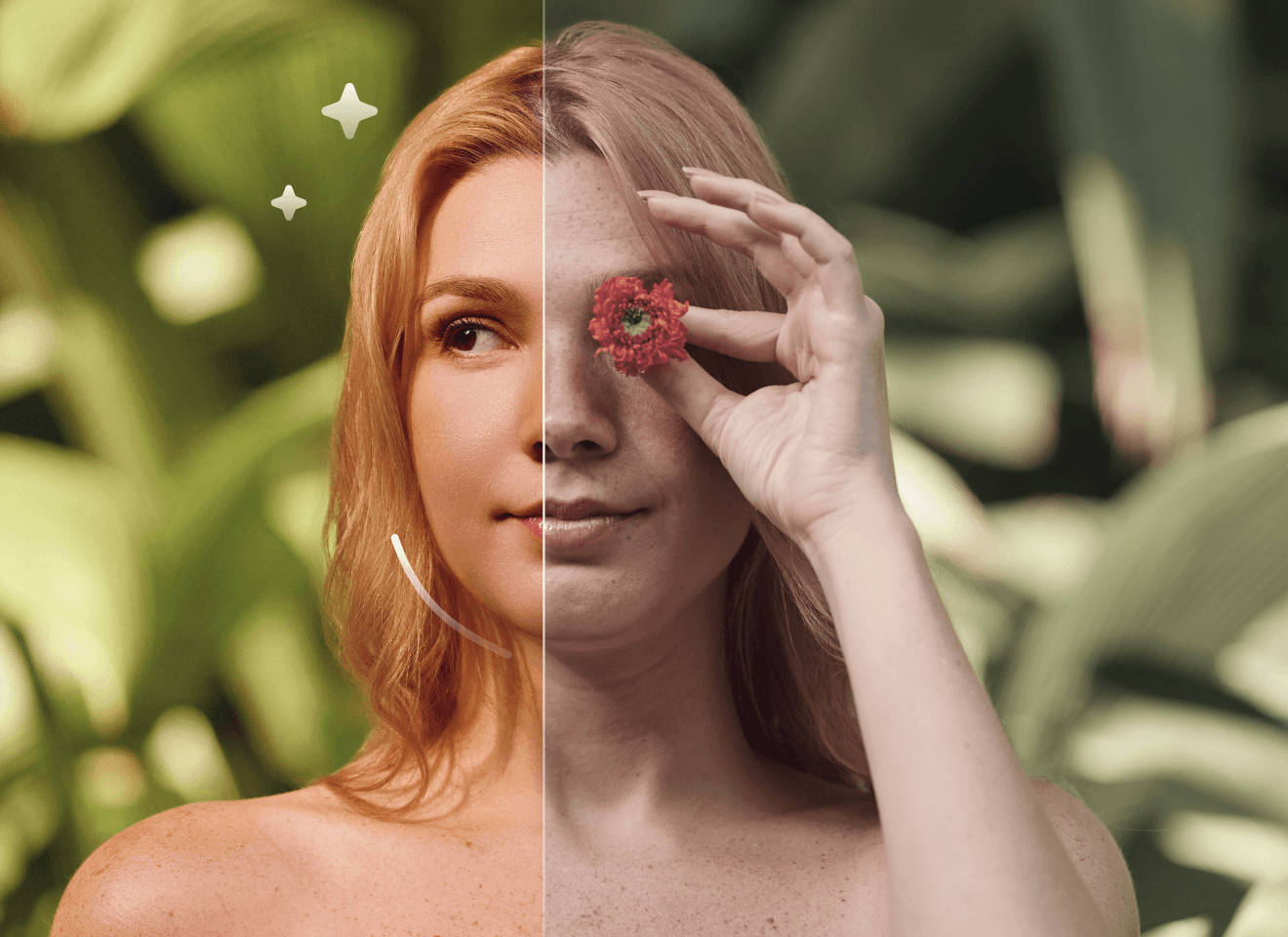
AI-Powered Photo Editing
Professional AI retouching for portraits, background editing, and color correction—delivering natural, high-end results with minimal manual work. Ideal for studios and photographers needing fast, consistent edits.
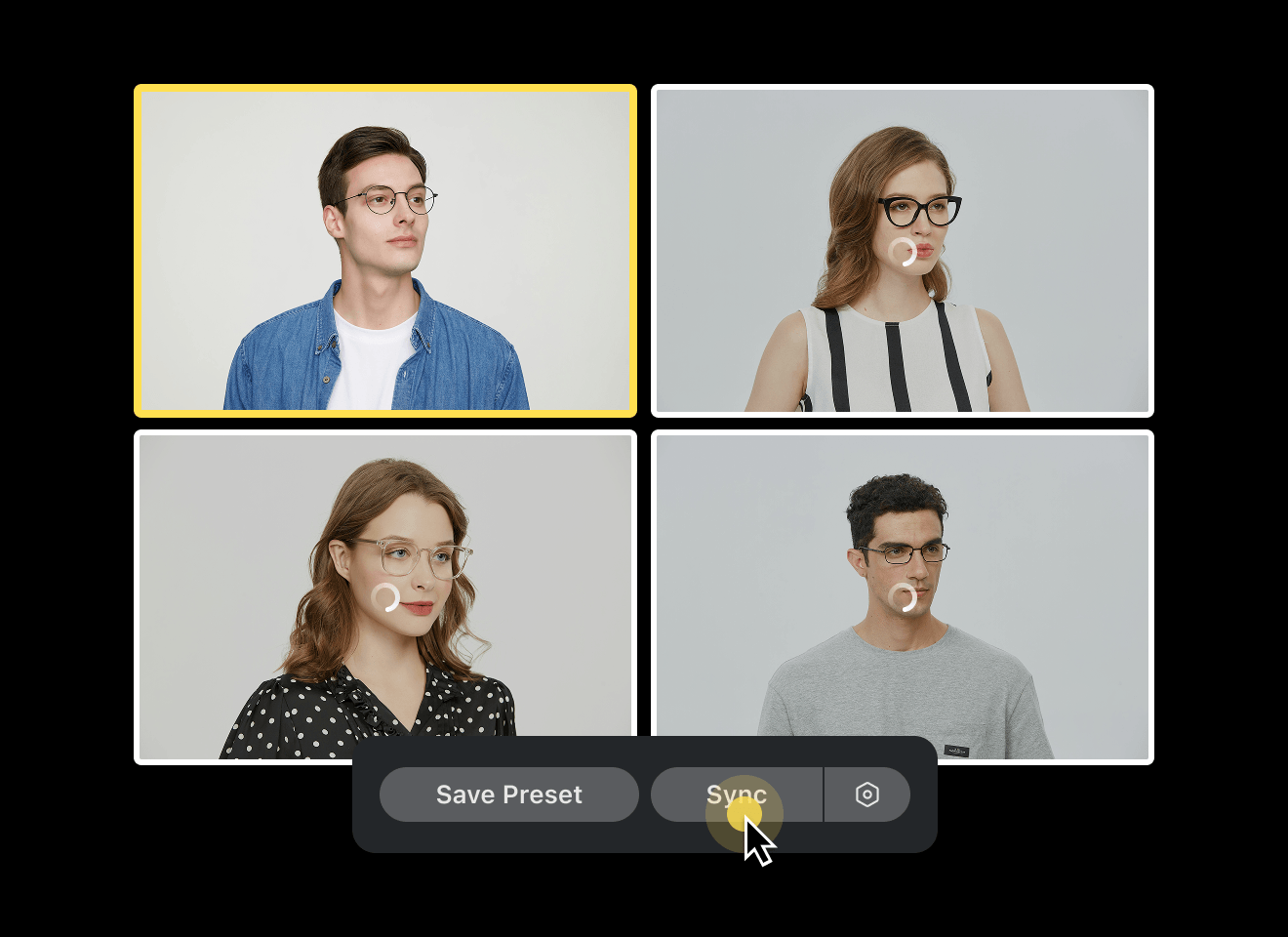
Built for High-Volume Workflows
Batch retouching and automated adjustments help you edit hundreds or thousands of photos efficiently, while maintaining consistent quality across entire galleries.
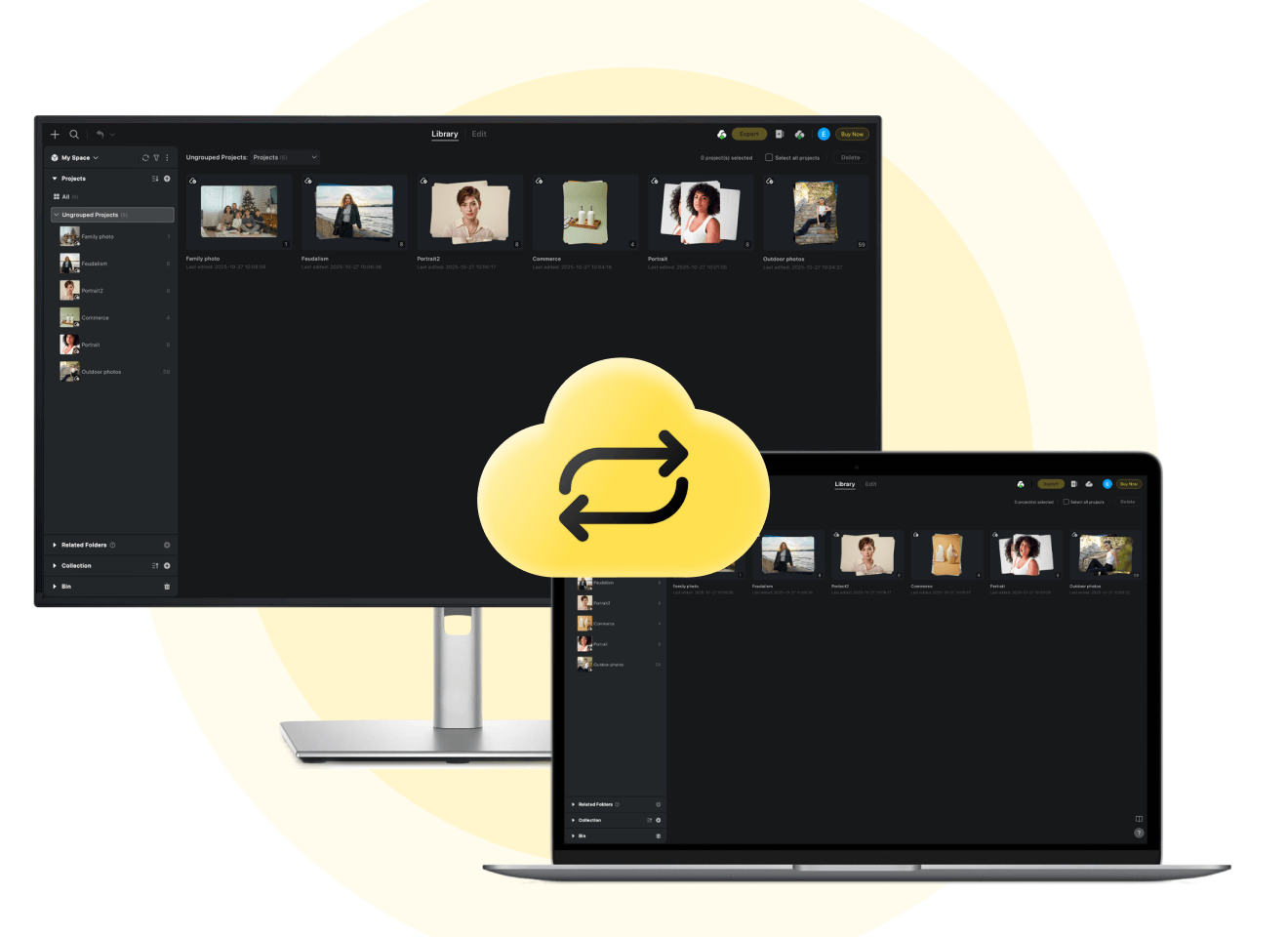
Seamless Collaboration & Same-Day Delivery
Cloud syncing keeps teams aligned with secure file sharing and synchronized edits. Deliver projects faster and manage workflows more efficiently, even under tight deadlines.
Used By Professional Photographers & Studios
Performance & Metrics Disclaimer: Claims regarding processing speed (e.g., 3 sec per AI photo), time saved (e.g., 5+ hours/day), cost reduction (e.g., $10 less per photo cost), and efficiency boosts (e.g., 243%) are estimates based on internal benchmarking and case studies of professional high-volume users comparing Evoto to traditional manual editing methods. Actual results may vary significantly depending on hardware specifications, internet connection, file size, user proficiency, and prevailing local labor rates. Evoto does not guarantee specific financial or time-saving outcomes for every user.
O Evoto é utilizado por mais de 1.2M fotógrafos em 200+ países, com base em dados internos de contas e de utilização revistos em 2026. O Evoto AI foi também reconhecido nas classificações de Melhor Facilidade de Utilização da Capterra de 2026, nas categorias de Inteligência Artificial e Edição de Fotografia.
What Photographers Say About Evoto
![[Review] Online Backup Services Comparison: Evoto AI vs Imagen AI](https://res.evoto.ai/ui/www/images/pages/reviews/adobe-lightroom-vs-luminar-neo-vs-evoto/blog-01.webp)
FAQ
Última atualização: 2026-04-15. Revisado por: Equipe de Produto do Evoto. Os resultados podem variar conforme a qualidade da imagem, a iluminação, a pose do modelo, o formato do arquivo e as configurações selecionadas.
Evoto makes large-scale style consistency easier by combining batch color tools, Color Looks, and look-matching workflows in one pipeline. Lightroom and Luminar Neo can also produce strong color results, but keeping the same look across large portrait sets often involves more manual balancing from set to set.