Capture One vs Lightroom vs Evoto: Which Is the Best Photo Editor in 2026?
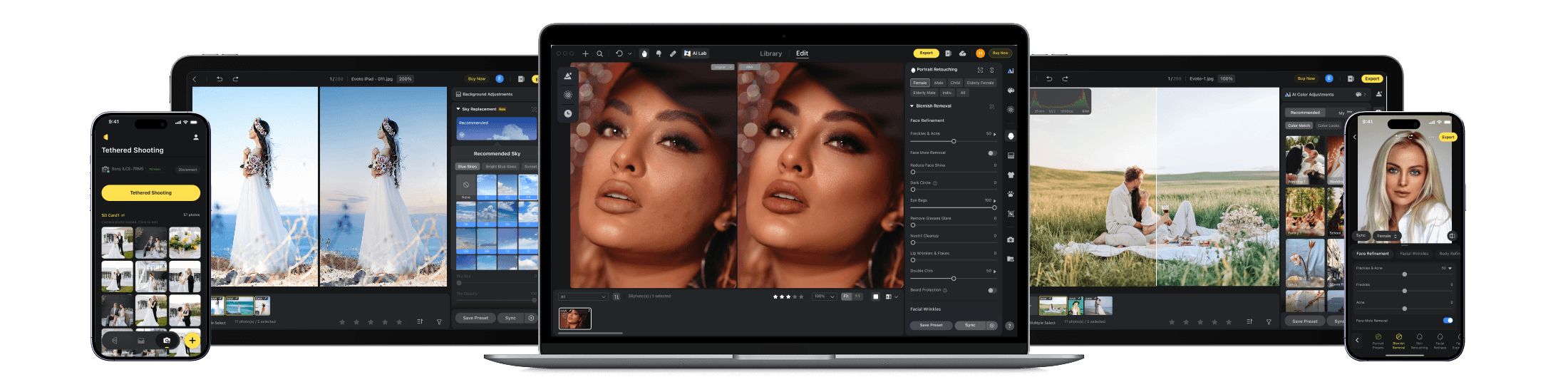
A Professional Photo Workflow Tailored to Your BusinessEvoto reduces editing time significantly, helping photographers move from post-production bottlenecks to a smoother, more predictable workflow.
The Key Differences
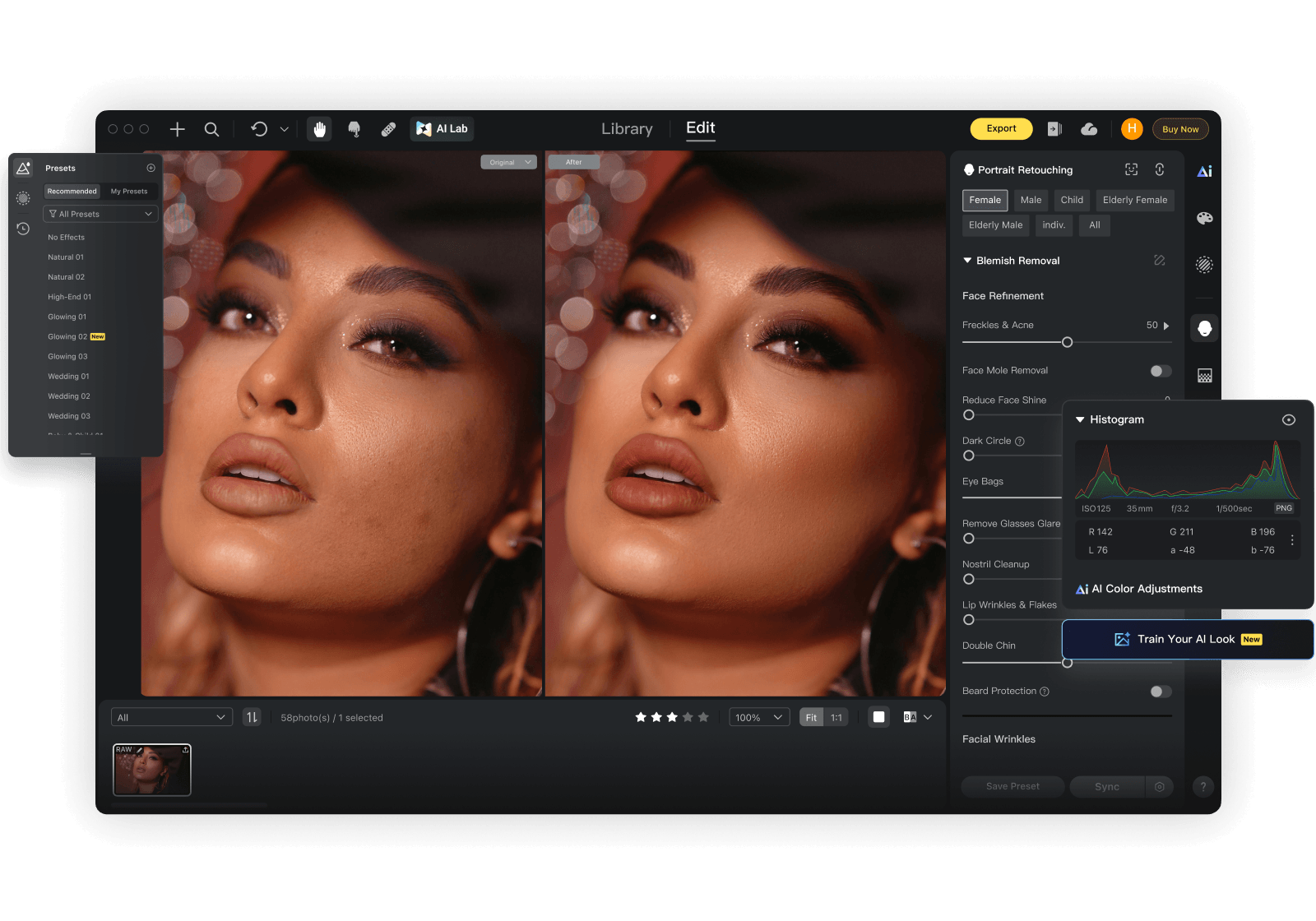
These 3 workflow-critical factors reveal which editor best fits your business.
Editing Capabilities
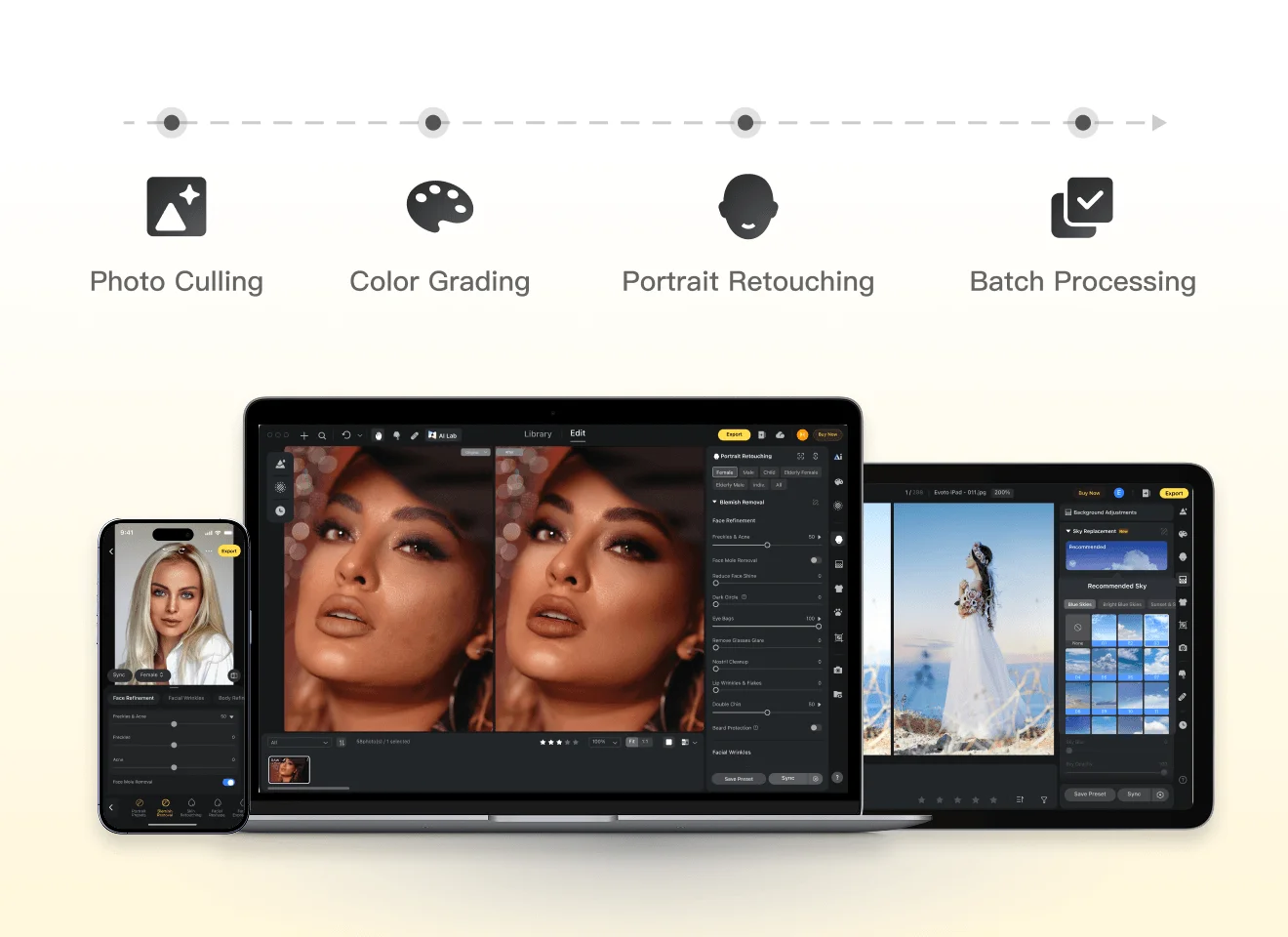
Evoto streamlines high-volume portrait production with automation, selective local refinements, and stable cross-batch consistency.
Capture One and Lightroom provide strong professional control, though batch-heavy delivery often involves more hands-on adjustment to keep output fully uniform.
Output Quality
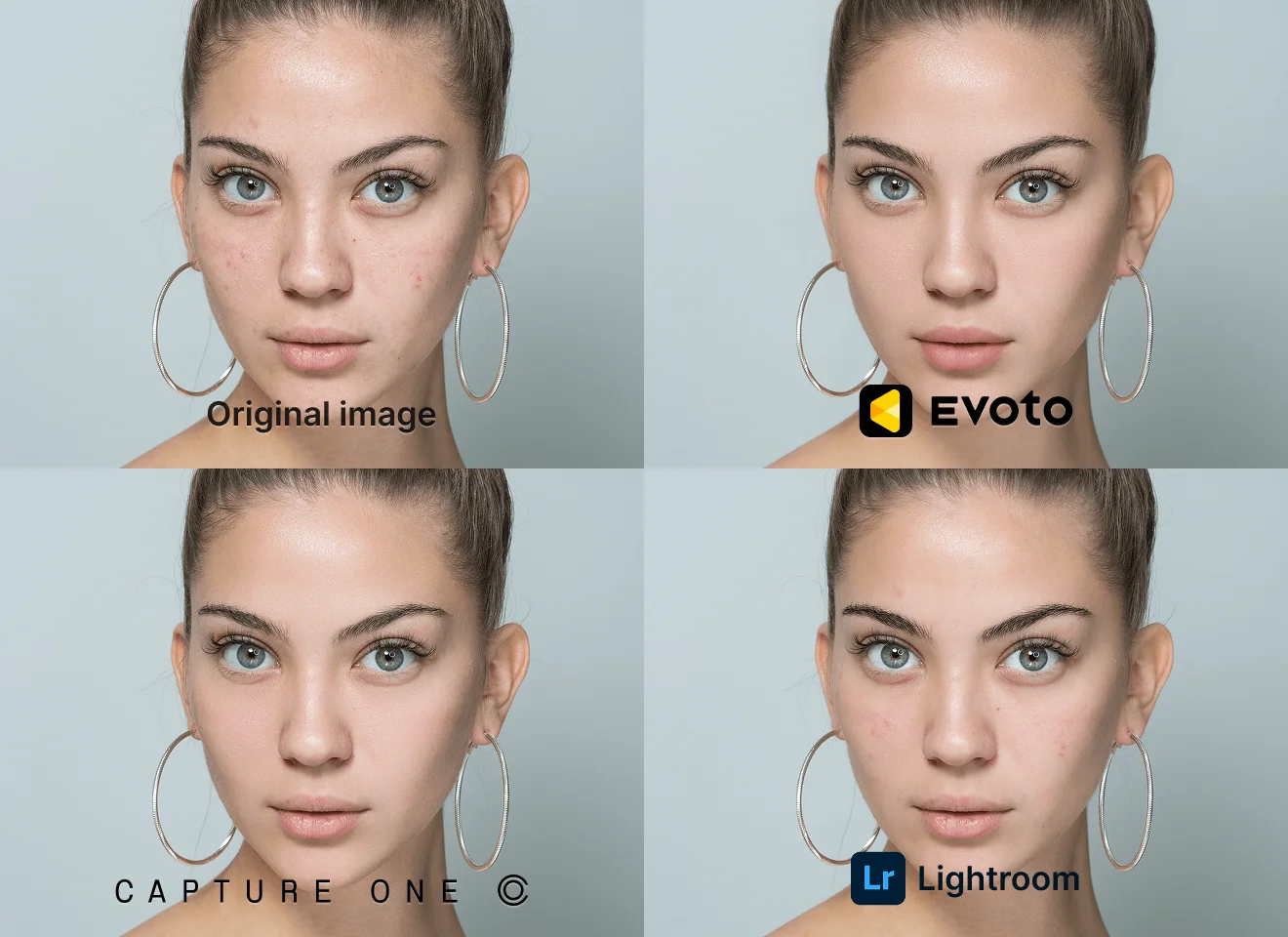
Standardized AI workflows in Evoto support consistent output across large galleries, while Capture One excels in precision and Lightroom delivers reliable results, both often relying more on manual consistency management.
Pricing
Evoto is built for pricing flexibility, with Pay-As-You-Go starting at USD 49 and lighter usage estimated at around USD 6.99 per month.
Adobe Lightroom uses fixed subscription billing (for example, USD 17.99/month or USD 119.88/year prepaid), while Capture One Pro starts at USD 17.00/month, and Luminar Neo offers a one-time entry plan starting at USD 119.
For freelancers and growing studios with fluctuating workloads, Evoto is easier to get started with and keeps costs more closely aligned with actual delivery volume.

Capture One vs Adobe Lightroom vs Evoto: Feature Breakdown
LrC Integration
Legend: ✅ = Fully supported; ⭕ = Partially supported, or requires additional manual adjustment/workflow steps; ❌ = Not supported.
Version Note: This comparison is based on Capture One v16.7.5, Adobe Lightroom v9.2, and Evoto v7.0.5-53. Data snapshot date: April 15, 2026.
Why Choose Evoto
From Capture to Delivery, Faster
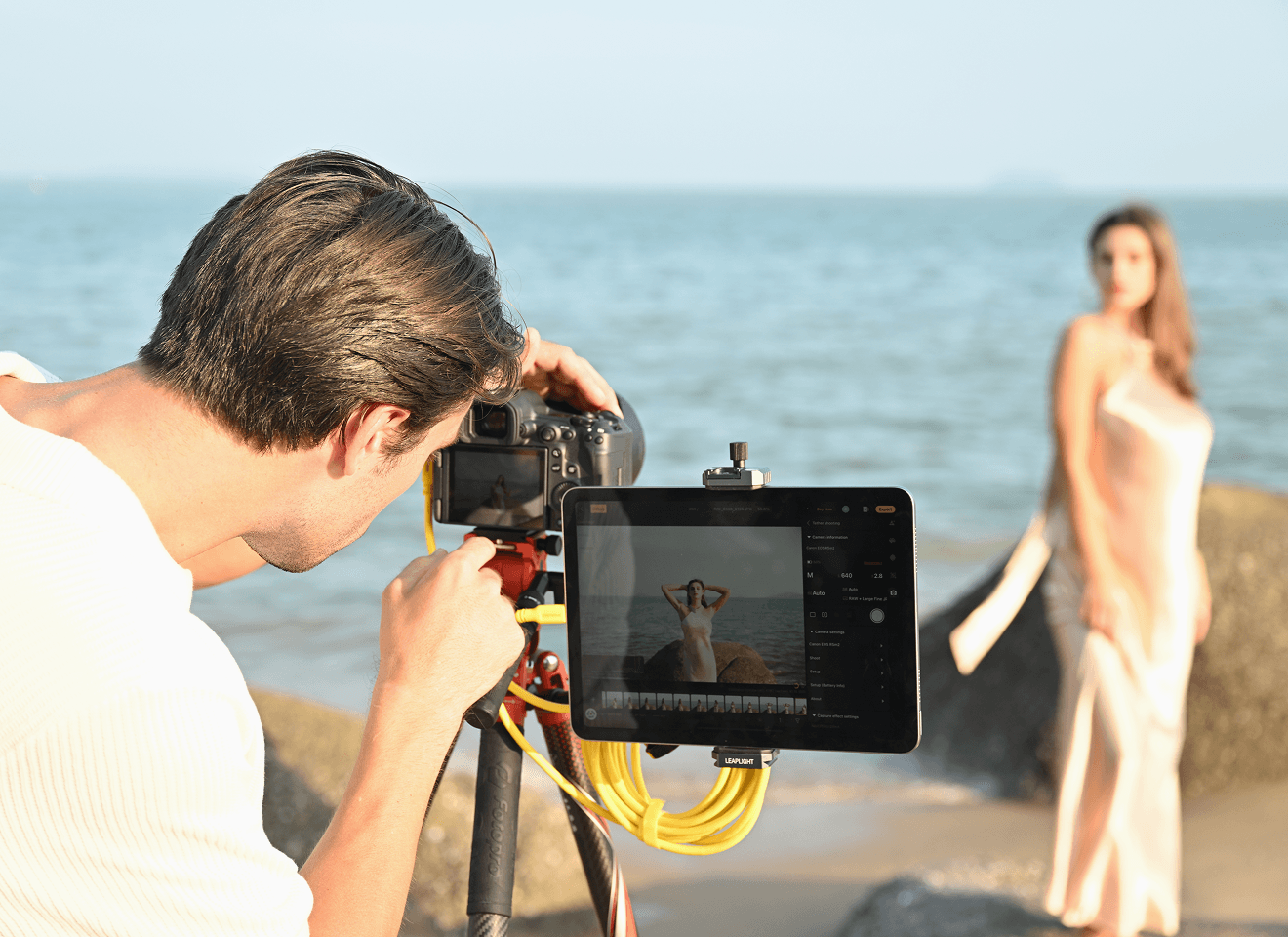
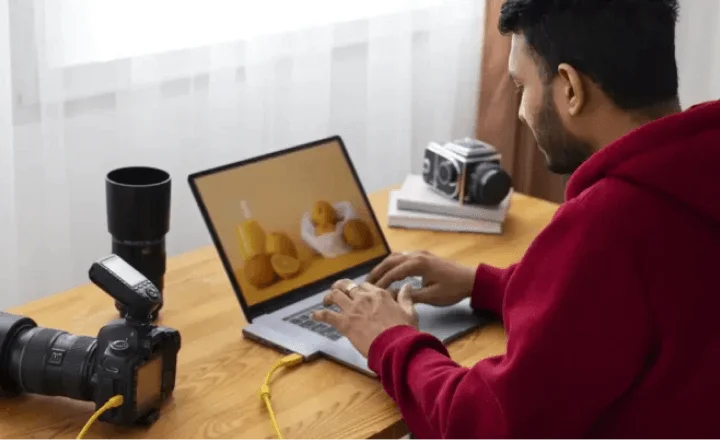
Evoto's tethered shooting connects your camera directly for real-time RAW editing and instant previews. Make adjustments during your session and reduce post-production time—so projects move faster from capture to delivery.
Smarter AI Culling
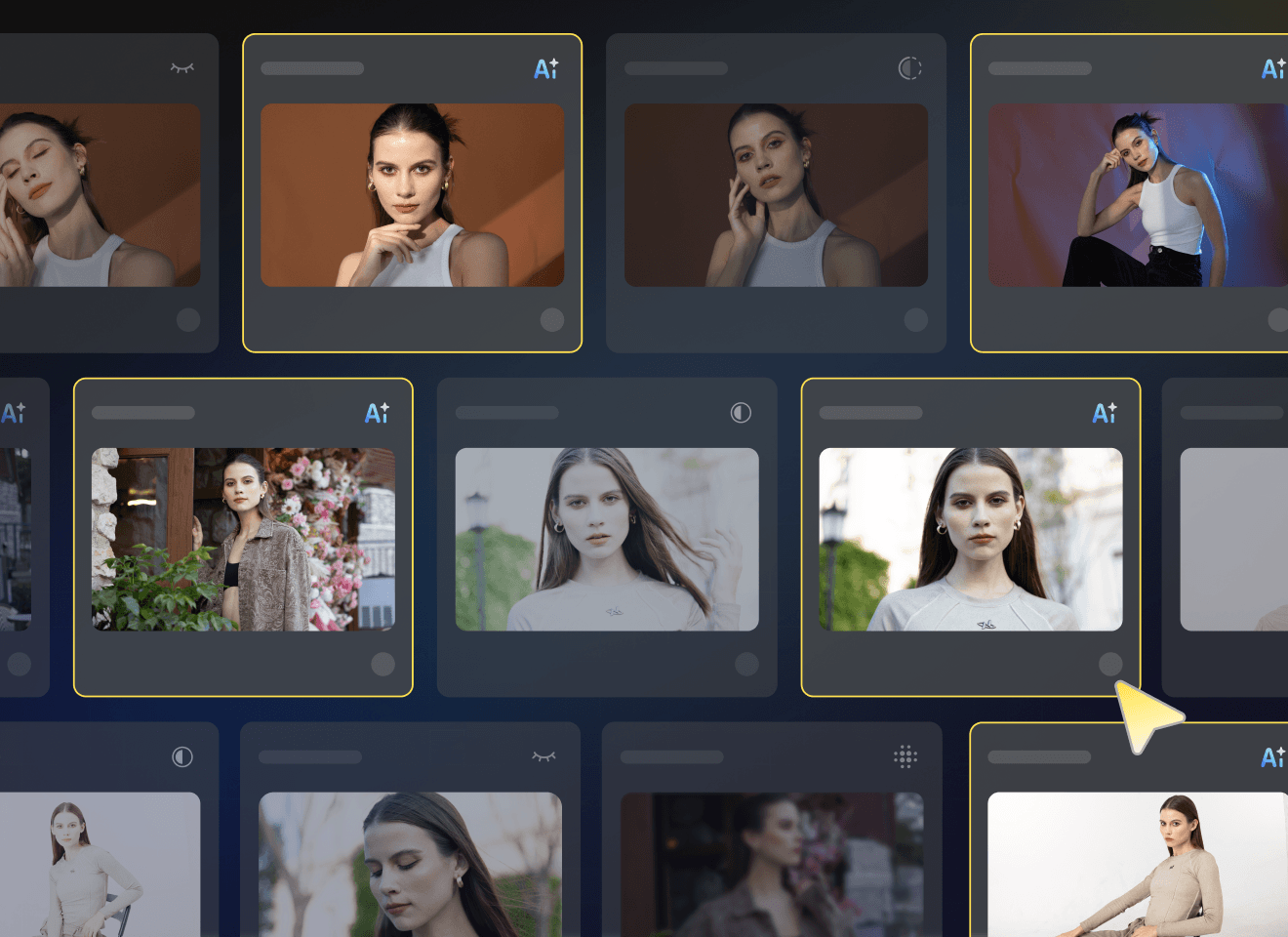
Automatically detect blur, closed eyes, and duplicates to quickly find the best shots. Spend less time sorting and more time editing, while safeguarding standout frames for delivery.
AI-Powered Photo Editing
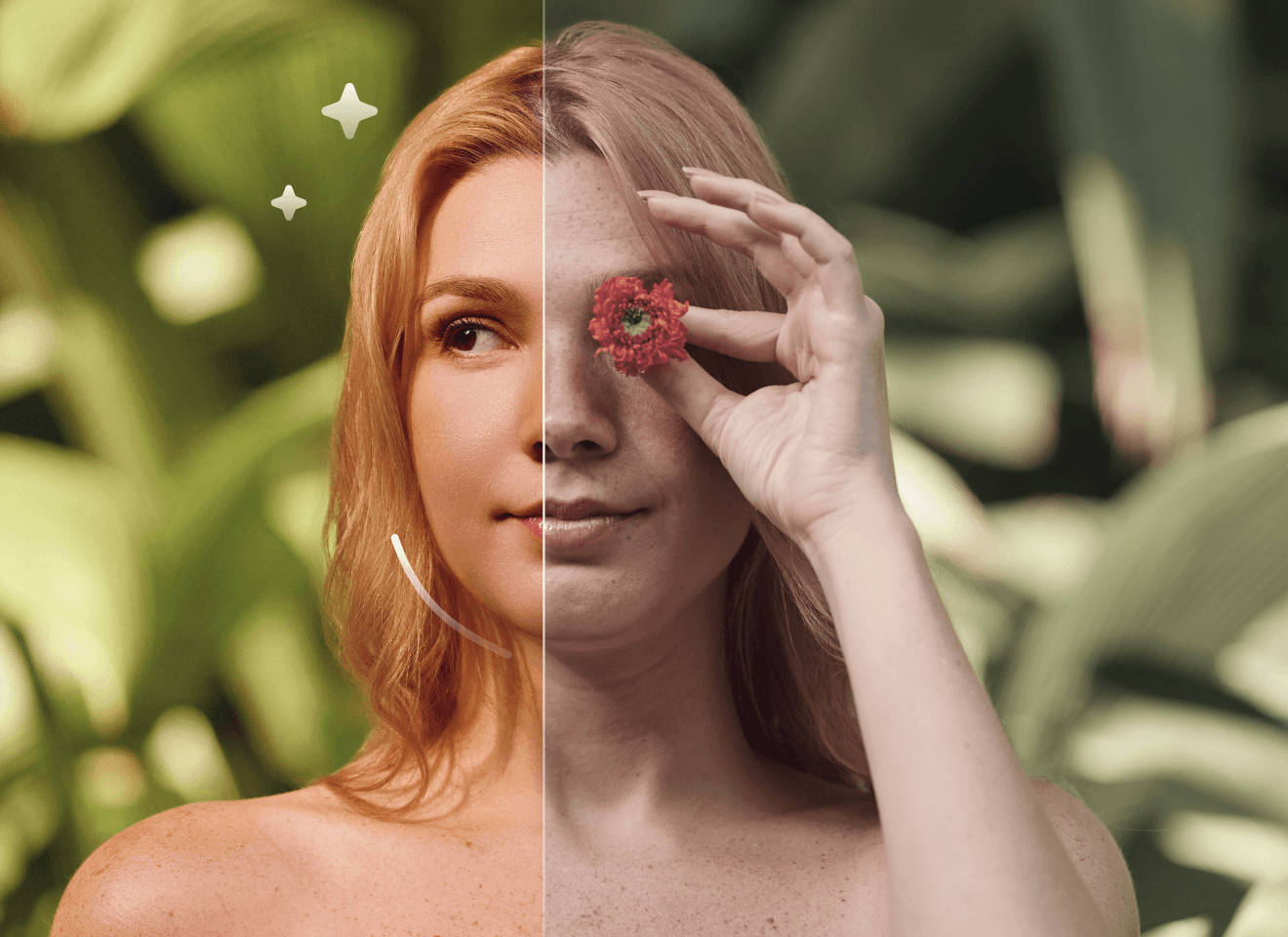
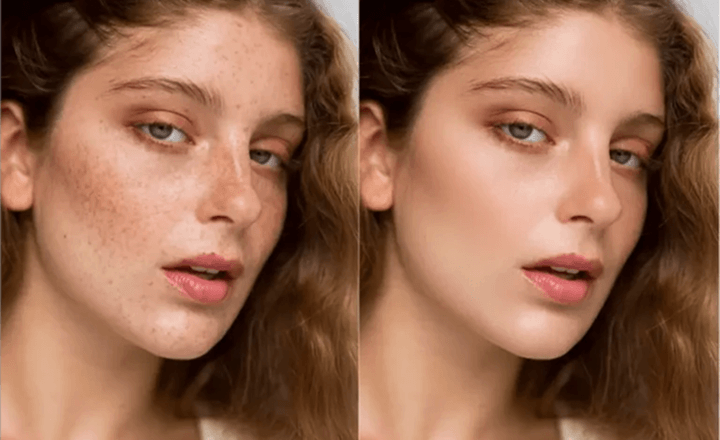
Professional AI retouching for portraits, background editing, and color correction—delivering natural, high-end results with minimal manual work. Ideal for studios and photographers needing fast, consistent edits.
Built for High-Volume Workflows
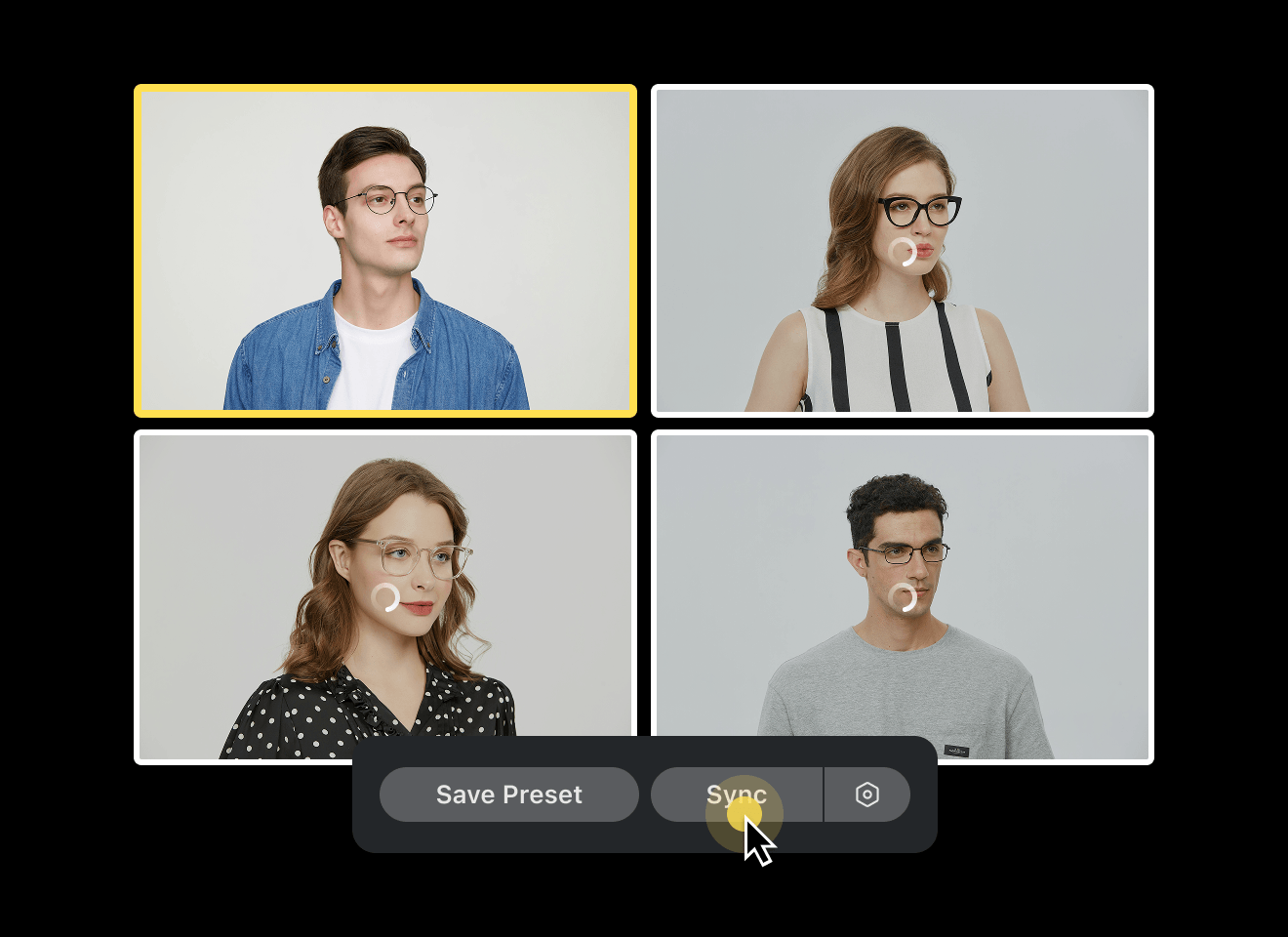
Batch retouching and automated adjustments help you edit hundreds or thousands of photos efficiently, while maintaining consistent quality across entire galleries.
Seamless Collaboration & Same-Day Delivery
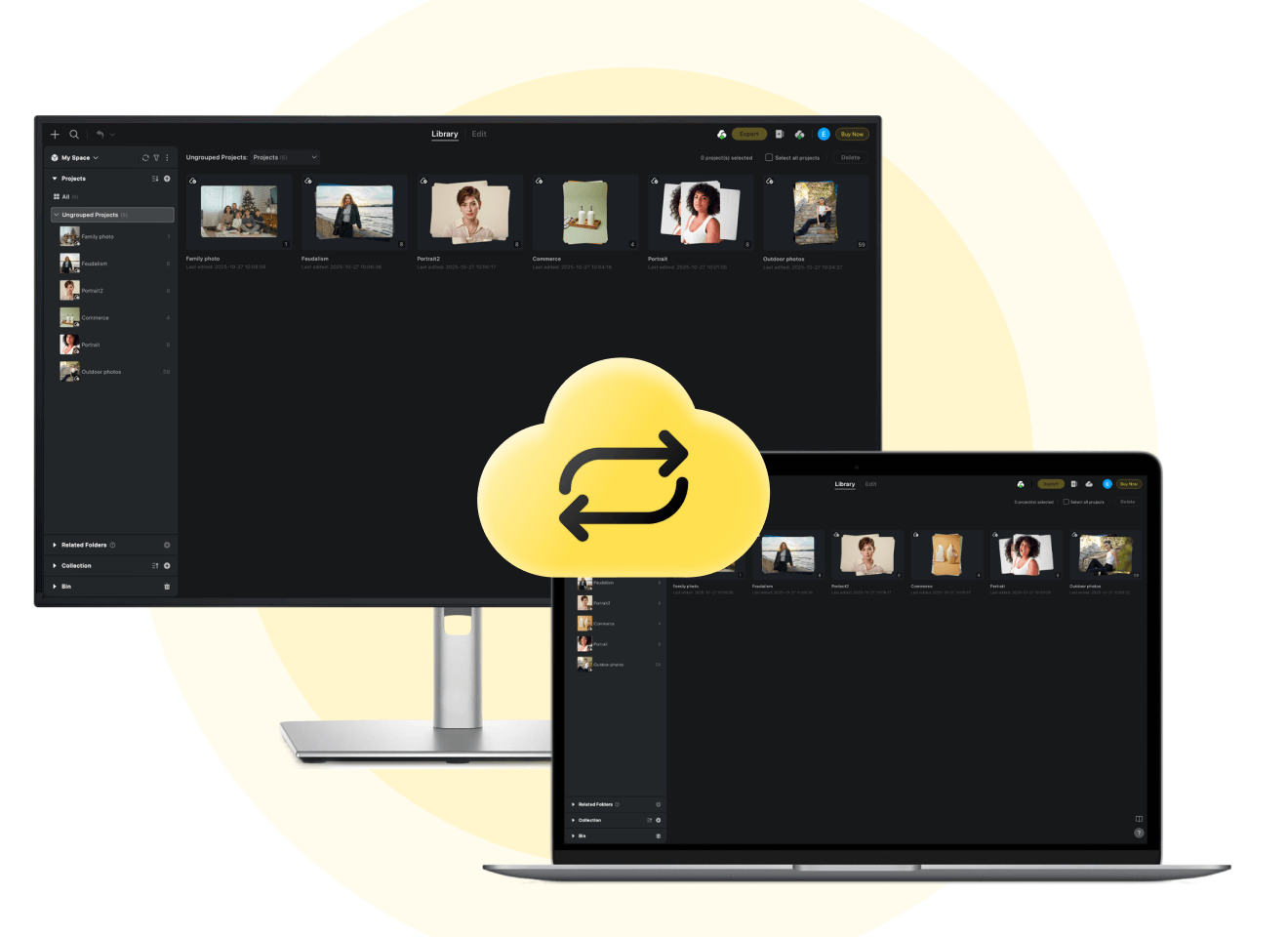
Cloud syncing keeps teams aligned with secure file sharing and synchronized edits. Deliver projects faster and manage workflows more efficiently, even under tight deadlines.
Used By Professional Photographers & Studios
Performance & Metrics Disclaimer: Claims regarding processing speed (e.g., 3 sec per AI photo), time saved (e.g., 5+ hours/day), cost reduction (e.g., $10 less per photo cost), and efficiency boosts (e.g., 243%) are estimates based on internal benchmarking and case studies of professional high-volume users comparing Evoto to traditional manual editing methods. Actual results may vary significantly depending on hardware specifications, internet connection, file size, user proficiency, and prevailing local labor rates. Evoto does not guarantee specific financial or time-saving outcomes for every user.
2026년에 검토된 내부 계정 및 사용 데이터에 따르면, 200개 이상의 국가에서 120만 명이 넘는 사진작가가 Evoto를 사용하고 있습니다. 또한 Evoto는 Capterra의 2026년 인공지능 및 사진 편집 부문 사용 편의성 최우수 제품 순위에 이름을 올렸으며, YipitData의 미국 소비자 패널 데이터를 기반으로 한 a16z의 2026년 소비자용 인공지능 앱 지출 순위에서 41위를 기록했습니다.
What Photographers Say About Evoto
FAQ
마지막 업데이트: 2026-04-15. 검토자: Evoto 제품팀. 결과는 이미지 화질, 조명, 피사체 포즈, 파일 형식 및 선택한 설정에 따라 달라질 수 있습니다.
Evoto provides a range of ready-to-use presets and color tools that can be applied consistently across large batches, with the option for local refinements when needed. This helps studios maintain a cohesive visual style while reducing repetitive color adjustments and retouching work.