Photoshop vs Capture One vs Evoto: Best Photo Editing Tool in 2026
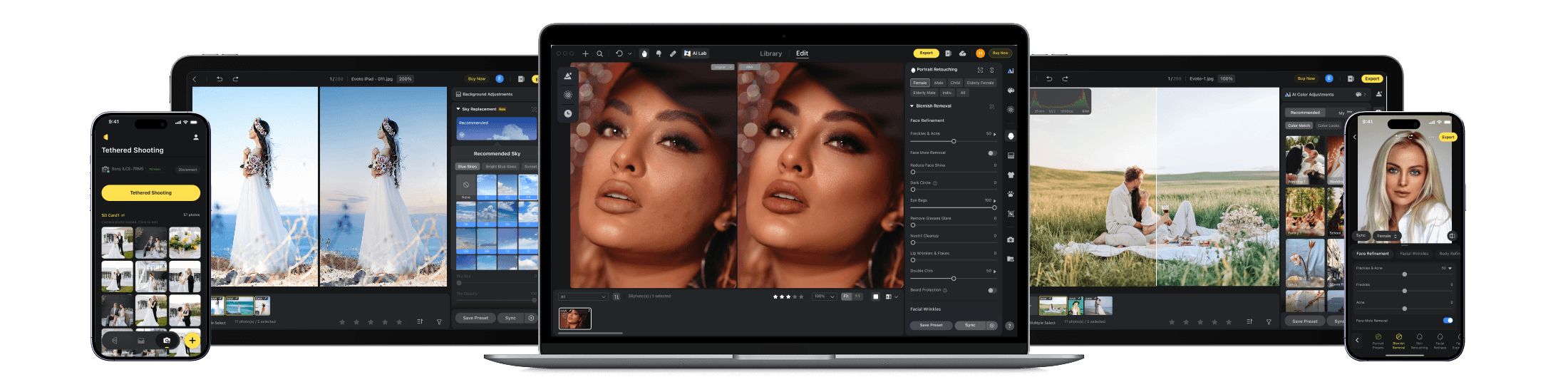
A Professional Photo Workflow Tailored to Your BusinessEvoto changes how photo editing is handled by combining automation and consistency, making large-scale retouching far easier to manage.
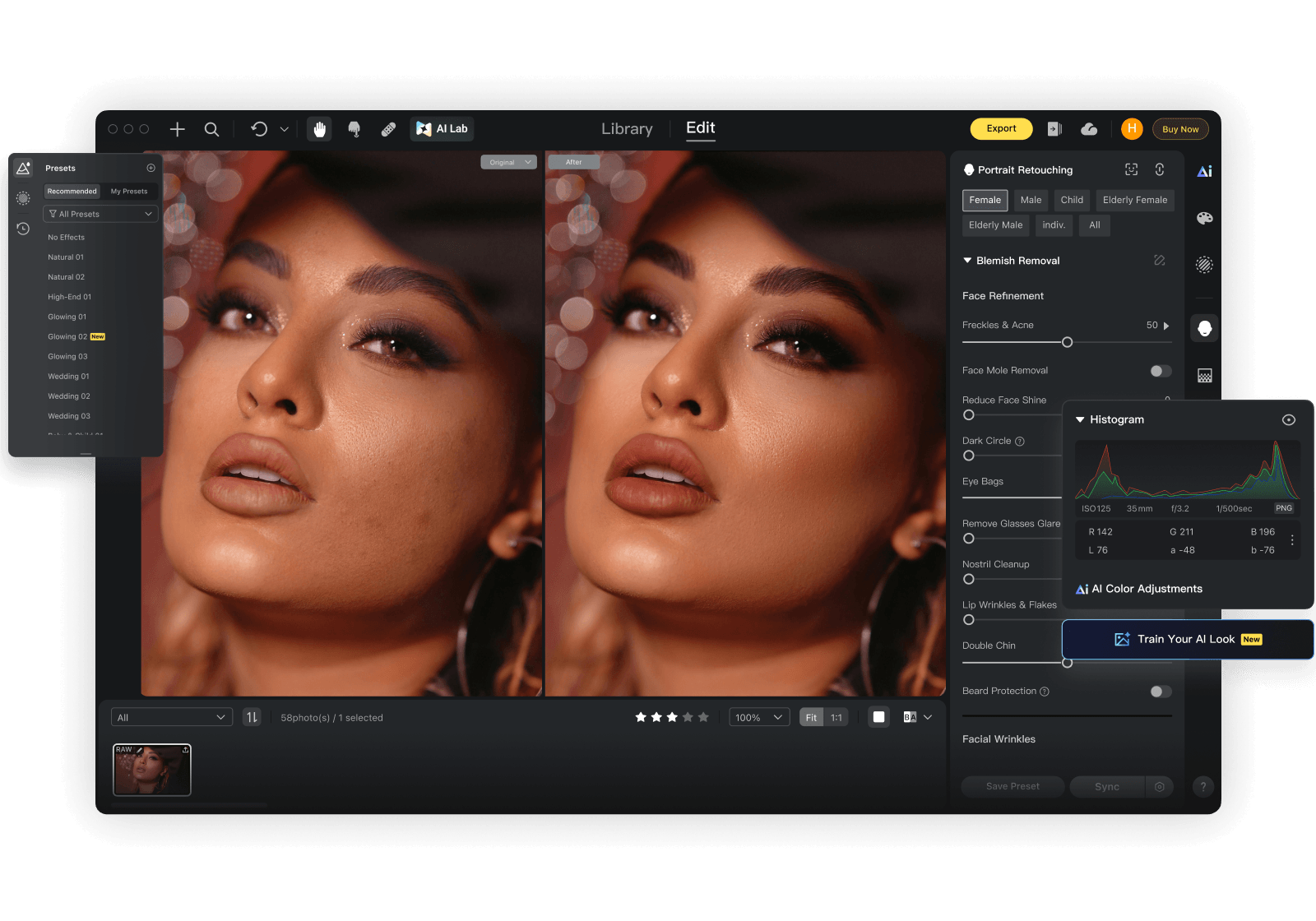
The Key Differences
These 3 workflow-critical factors reveal which editor best fits your business.
Editing Capabilities
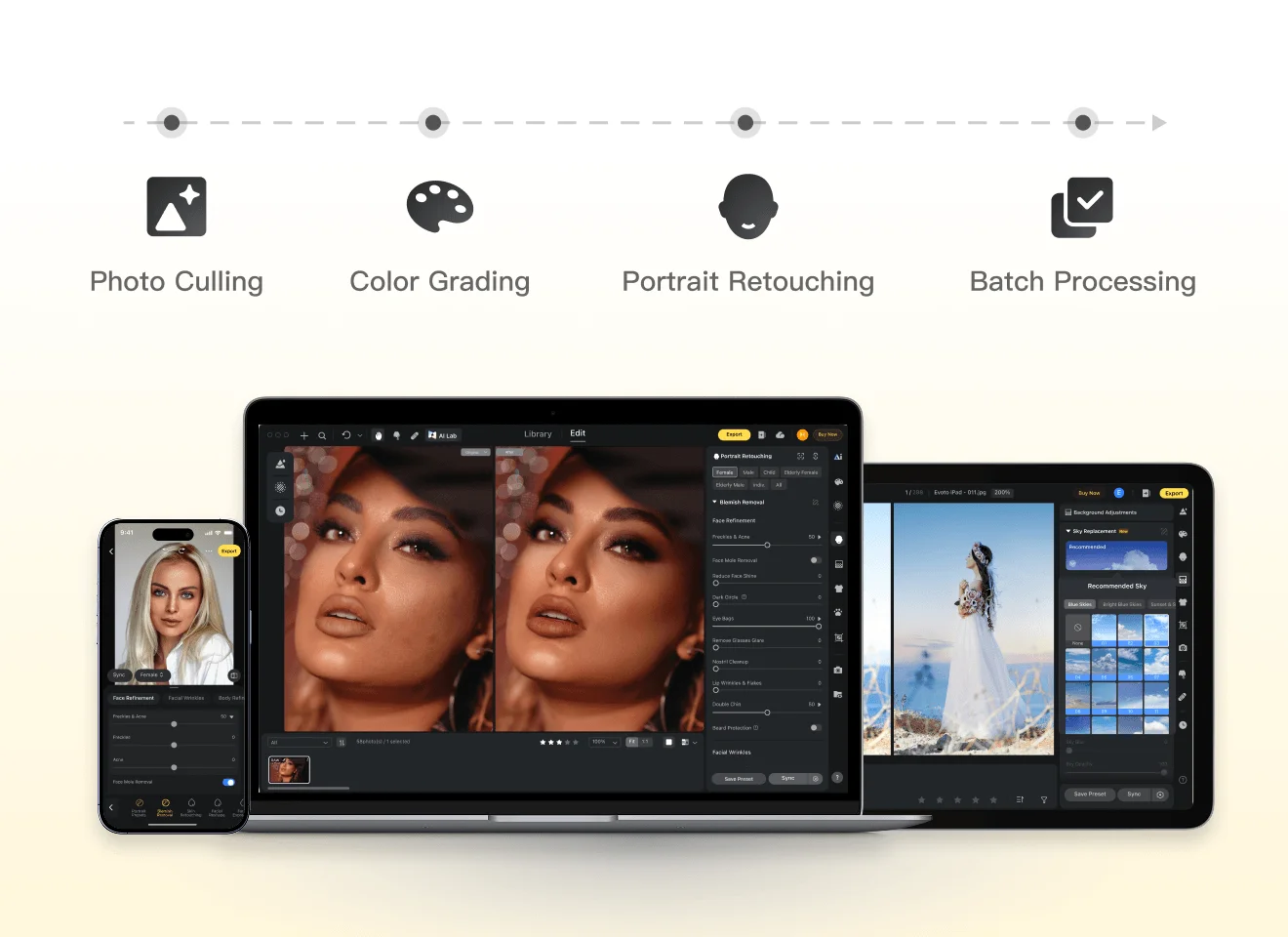
Photoshop and Capture One are widely used for detailed manual editing, offering precise control and full creative flexibility.
Evoto takes a different approach, automating repetitive retouching tasks while still allowing selective manual adjustments, which helps speed up batch processing and maintain consistent results across large photo sets.
Output Quality
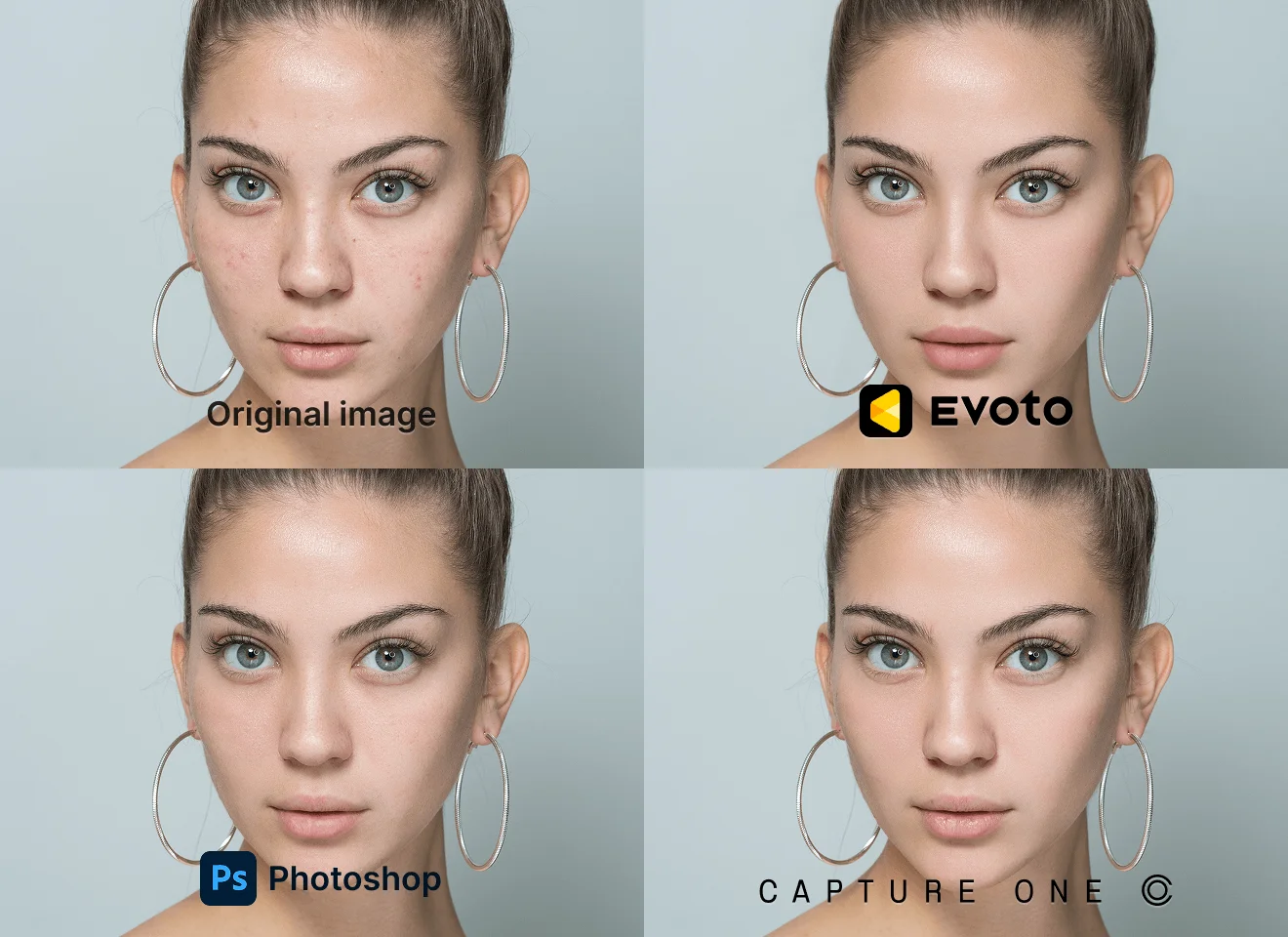
Evoto is optimized for scalable, consistent portrait delivery, while Photoshop enables maximum refinement and Capture One delivers strong color accuracy, both requiring more effort to maintain consistency at scale.
Pricing
Adobe Photoshop and Capture One follow fixed subscription pricing, with Capture One Pro starting at around USD 17 per month and Photoshop available through Adobe's subscription plans.
Evoto uses a pay-as-you-go credit model, starting from a USD 49 entry package, with lighter usage averaging about USD 6.99 per month depending on workload.
Compared with fixed subscription tools, this gives freelancers and studios more flexibility in managing costs based on actual usage.

Photoshop vs Capture One vs Evoto: Feature Breakdown
Lightroom Workflow Integration
Color-Critical Workflow
Legend: ✅ = Fully supported; ⭕ = Partially supported, or requires additional manual adjustment/workflow steps; ❌ = Not supported.
Version Note: This comparison is based on Adobe Photoshop v27.5, Capture One v16.7.5, and Evoto v7.0.5-53. Data snapshot date: April 15, 2026.
Why Choose Evoto
From Capture to Delivery, Faster
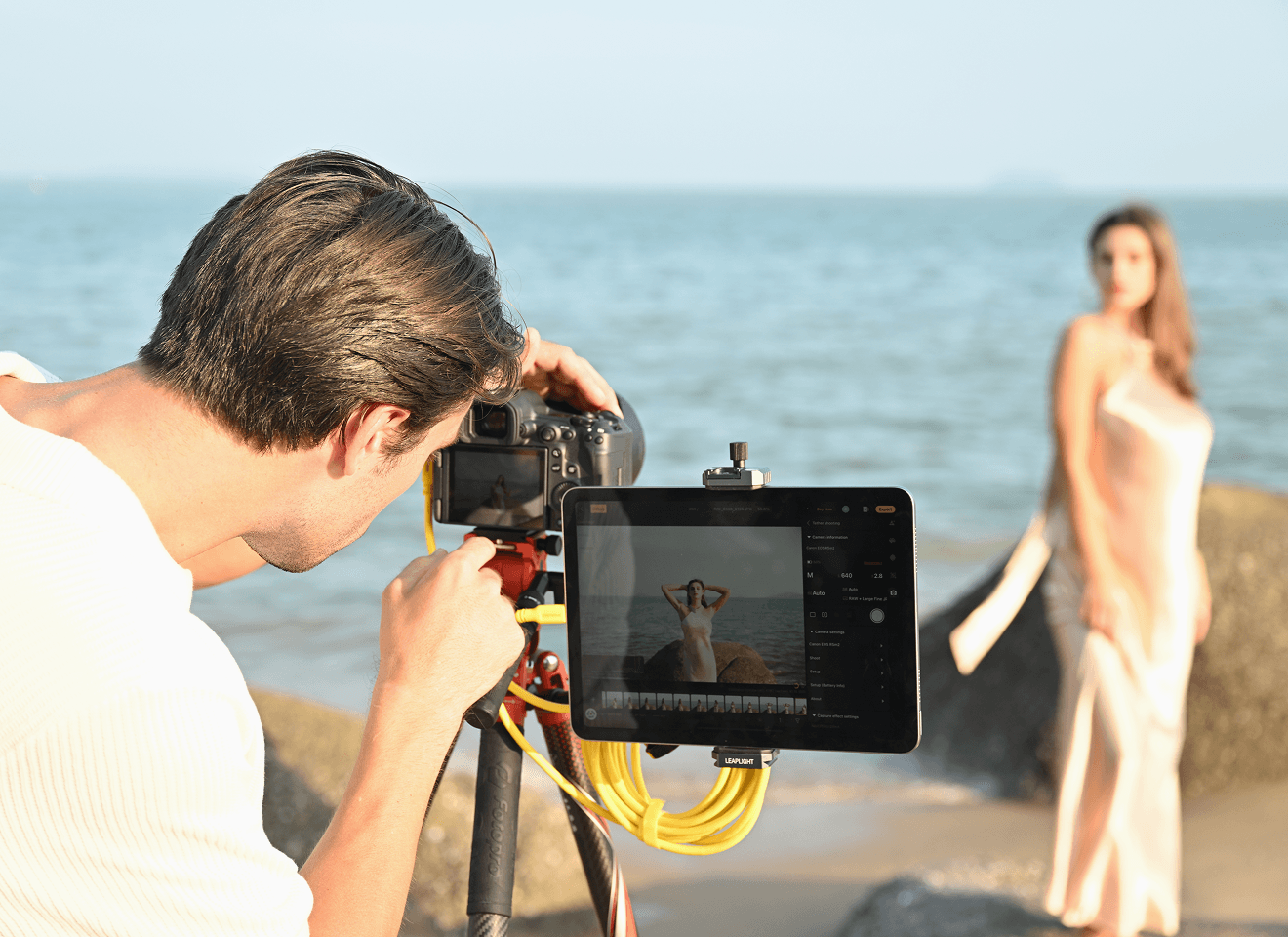
Evoto's tethered shooting connects your camera directly for real-time RAW editing and instant previews. Make adjustments during your session and reduce post-production time—so projects move faster from capture to delivery.
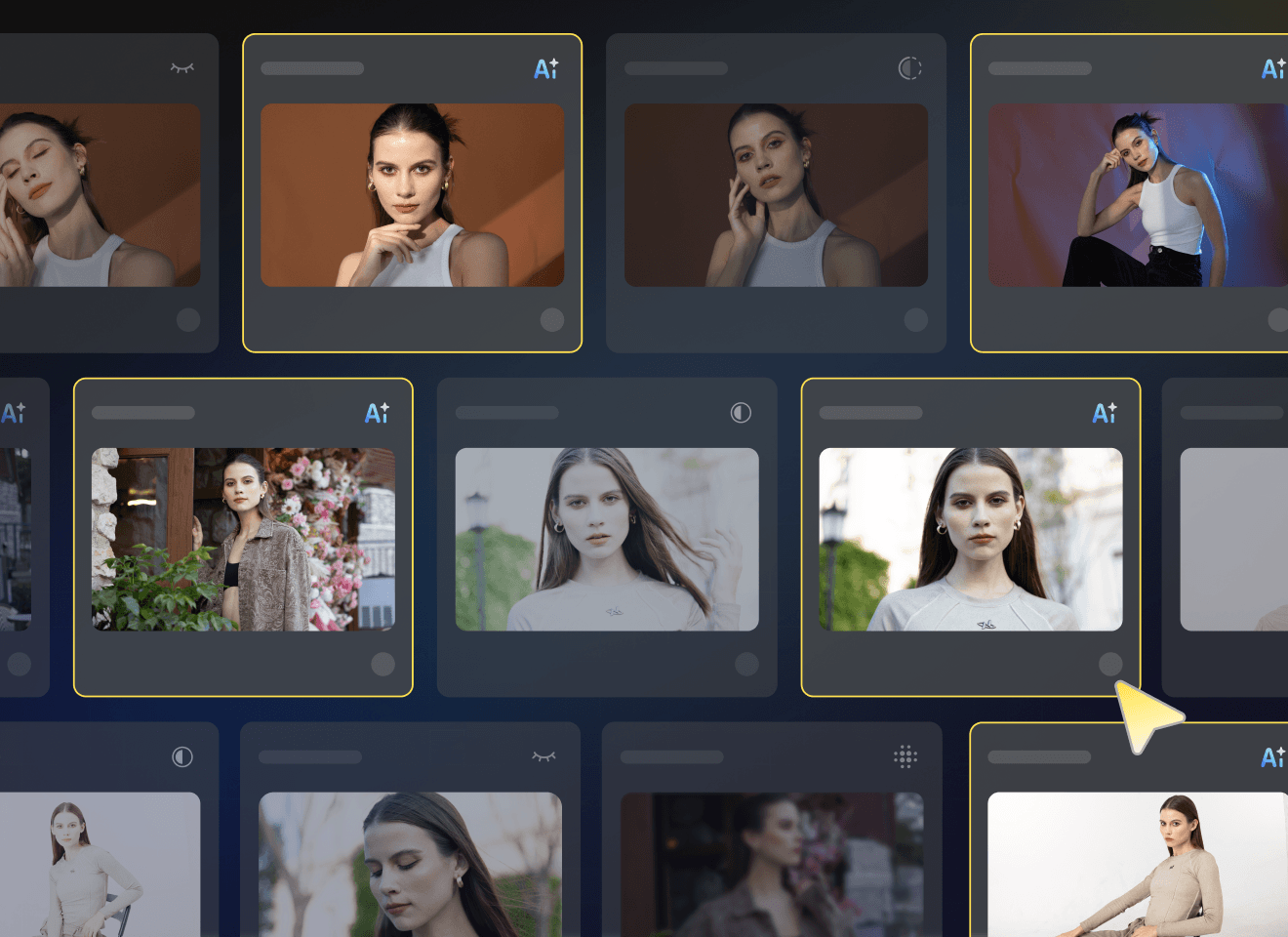
Smarter AI Culling
Automatically detect blur, closed eyes, and duplicates to quickly find the best shots. Spend less time sorting and more time editing, while safeguarding standout frames for delivery.
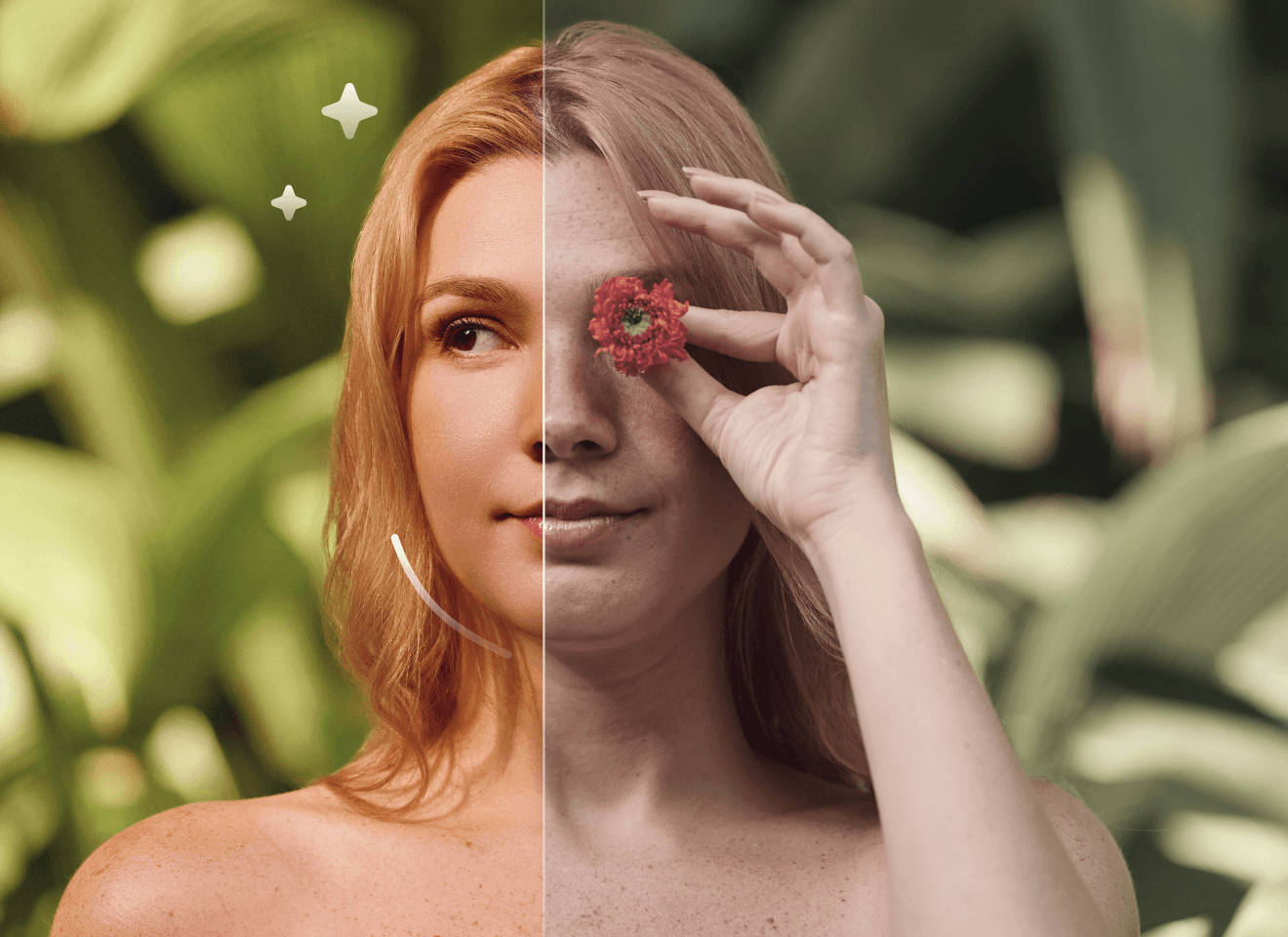
AI-Powered Photo Editing
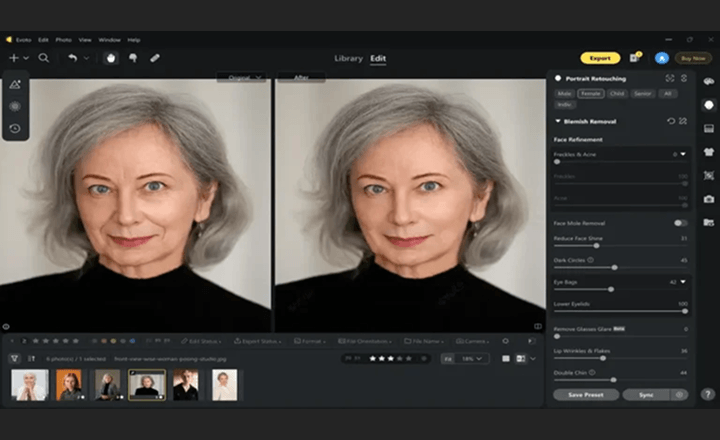
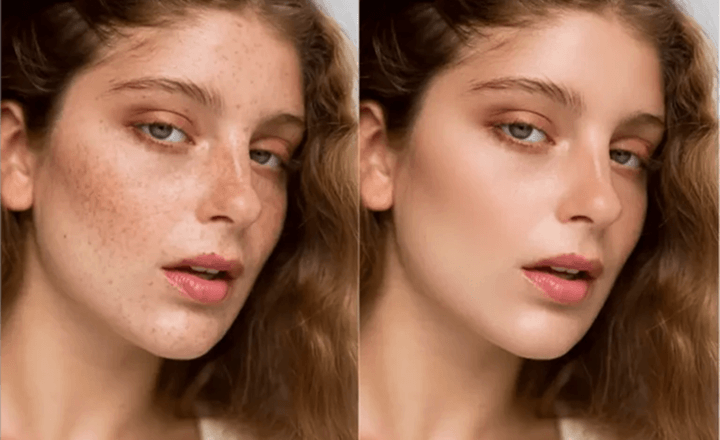
Professional AI retouching for portraits, background editing, and color correction—delivering natural, high-end results with minimal manual work. Ideal for studios and photographers needing fast, consistent edits.
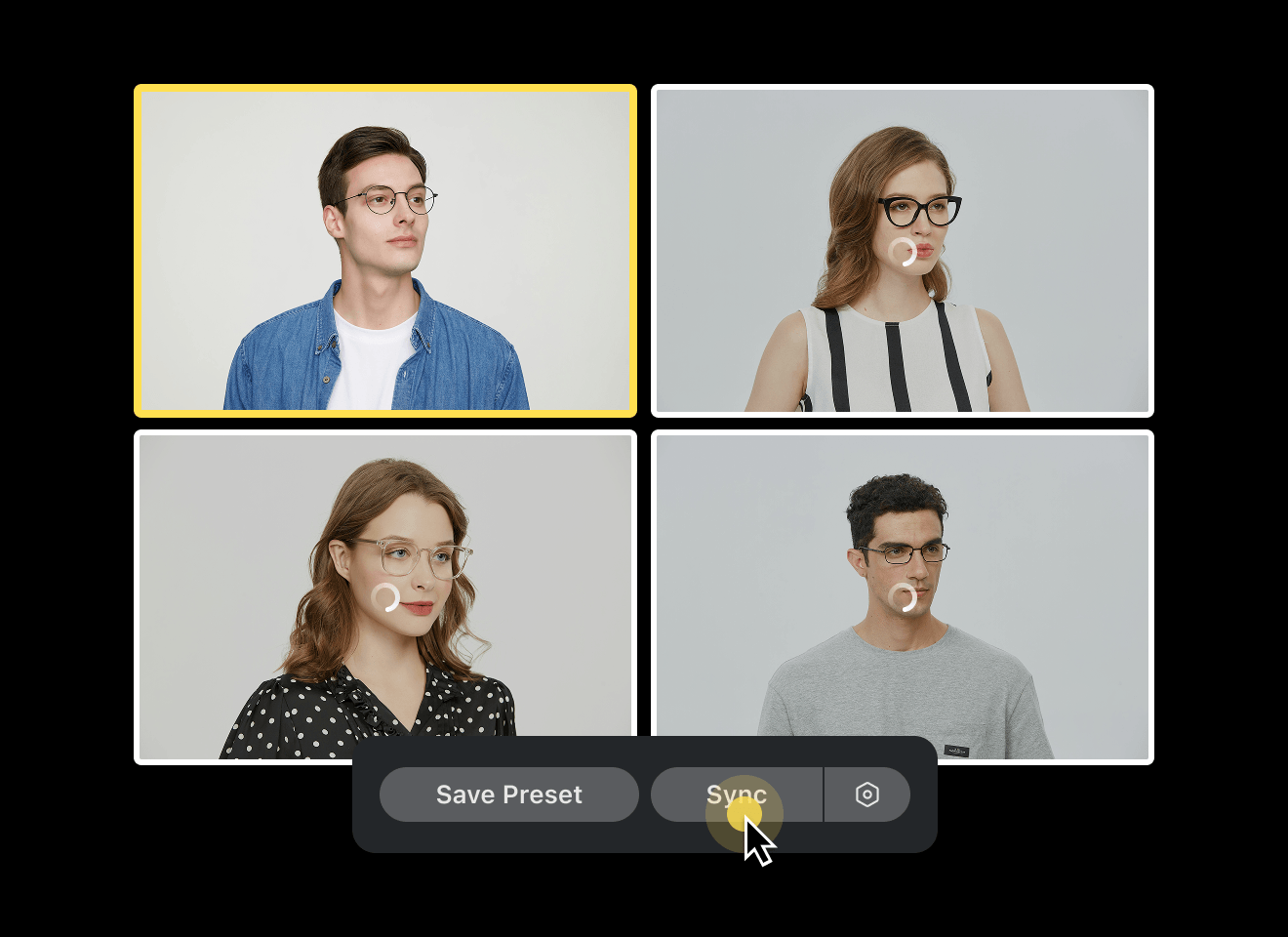
Built for High-Volume Workflows
Batch retouching and automated adjustments help you edit hundreds or thousands of photos efficiently, while maintaining consistent quality across entire galleries.
Seamless Collaboration & Same-Day Delivery
Cloud syncing keeps teams aligned with secure file sharing and synchronized edits. Deliver projects faster and manage workflows more efficiently, even under tight deadlines.
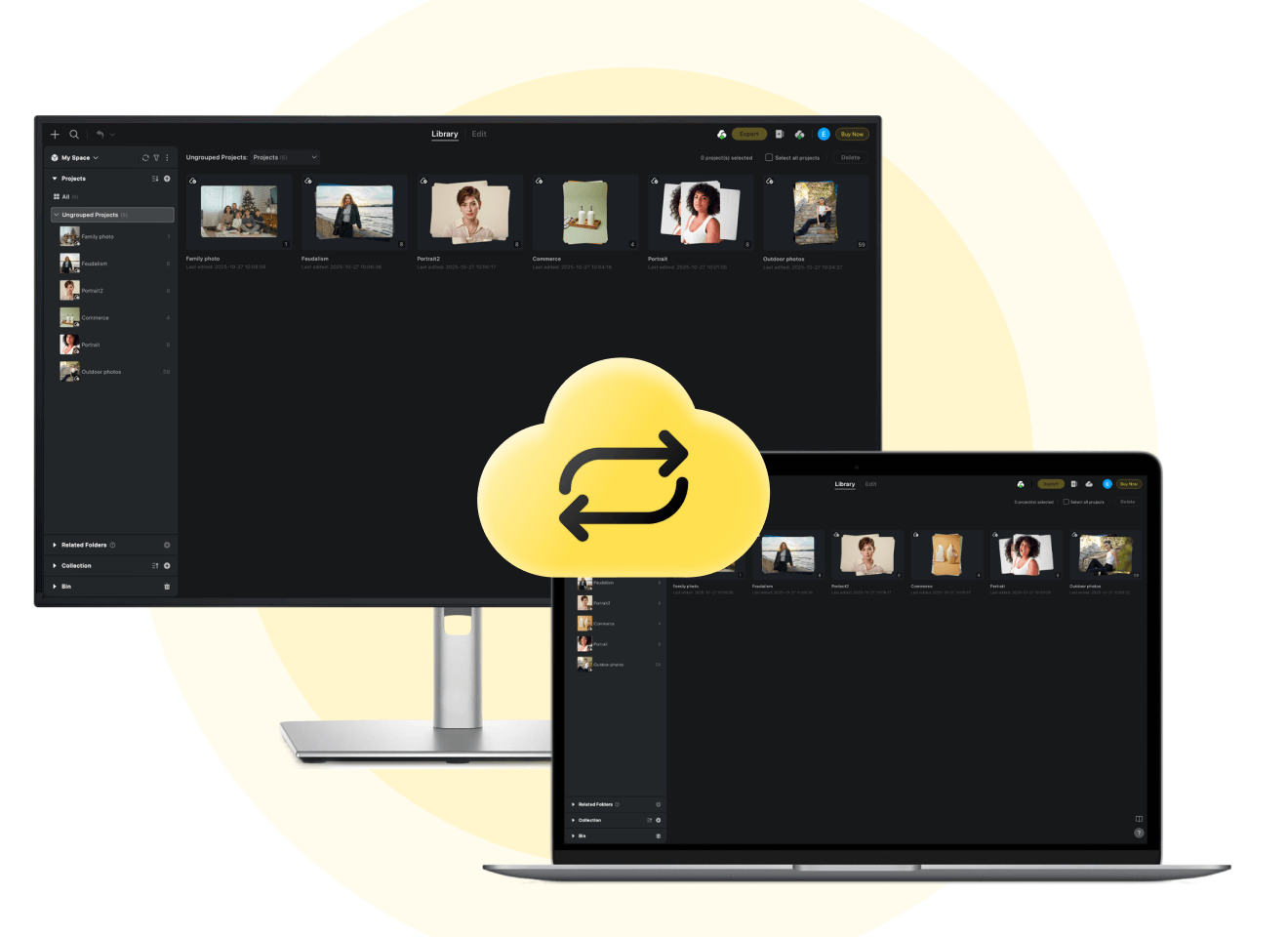
Used By Professional Photographers & Studios
Performance & Metrics Disclaimer: Claims regarding processing speed (e.g., 3 sec per AI photo), time saved (e.g., 5+ hours/day), cost reduction (e.g., $10 less per photo cost), and efficiency boosts (e.g., 243%) are estimates based on internal benchmarking and case studies of professional high-volume users comparing Evoto to traditional manual editing methods. Actual results may vary significantly depending on hardware specifications, internet connection, file size, user proficiency, and prevailing local labor rates. Evoto does not guarantee specific financial or time-saving outcomes for every user.
What Photographers Say About Evoto

FAQ
For portrait-heavy production, consistency and workflow speed are critical. Adobe Photoshop and Capture One are excellent for manual editing and studio color work, but keeping that same speed and consistency across large portrait sets often takes more hands-on effort. Evoto is built specifically for high-volume portrait workflows, combining AI batch retouching, fine local control, and reliable batch consistency at scale.
Keep Your Workflow.
Unlock More Possibilities.