




Create Transparent Background for Free

Instantly remove backgrounds and create clean, transparent PNGs that make your subject stand out.
Studio shooting with transparent background Before
Studio shooting with transparent background After
Before
After
Upload Image
* JPEG, JPG, PNG or WebP image allowed.
No image? Try one of these
Studio shooting with transparent background
Dog transparent background
Campus photography with transparent background
Upload Image
Free to try. Pro Editing at Your Fingertips.
Bulk Edits
Buy Now
Buy Now

Powerful Transparent Backgrounds Made Easy with Evoto

Transform your photos into clean transparent PNGs for portraits, products, and creative layouts.

High-Quality Transparent Background in One Click

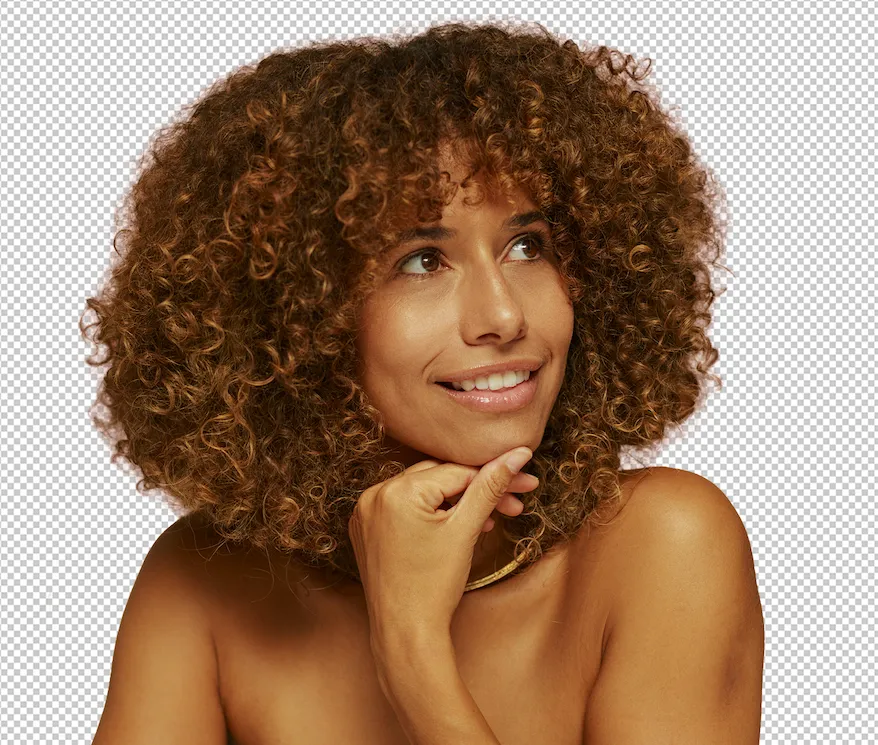
Make your subject stand out instantly. With AI-powered background removal, place your photo on a clean, transparent canvas in seconds. Enjoy precise edge detection and flawless cutouts—no manual masking required. Even fine details like hair strands, product contours, and transparent elements stay sharp, natural, and true to the original.

AI background removal with precise edges and detailed transparent cutouts before
AI background removal with precise edges and detailed transparent cutouts
Before
After

Create Transparent Images to Highlight Your Products

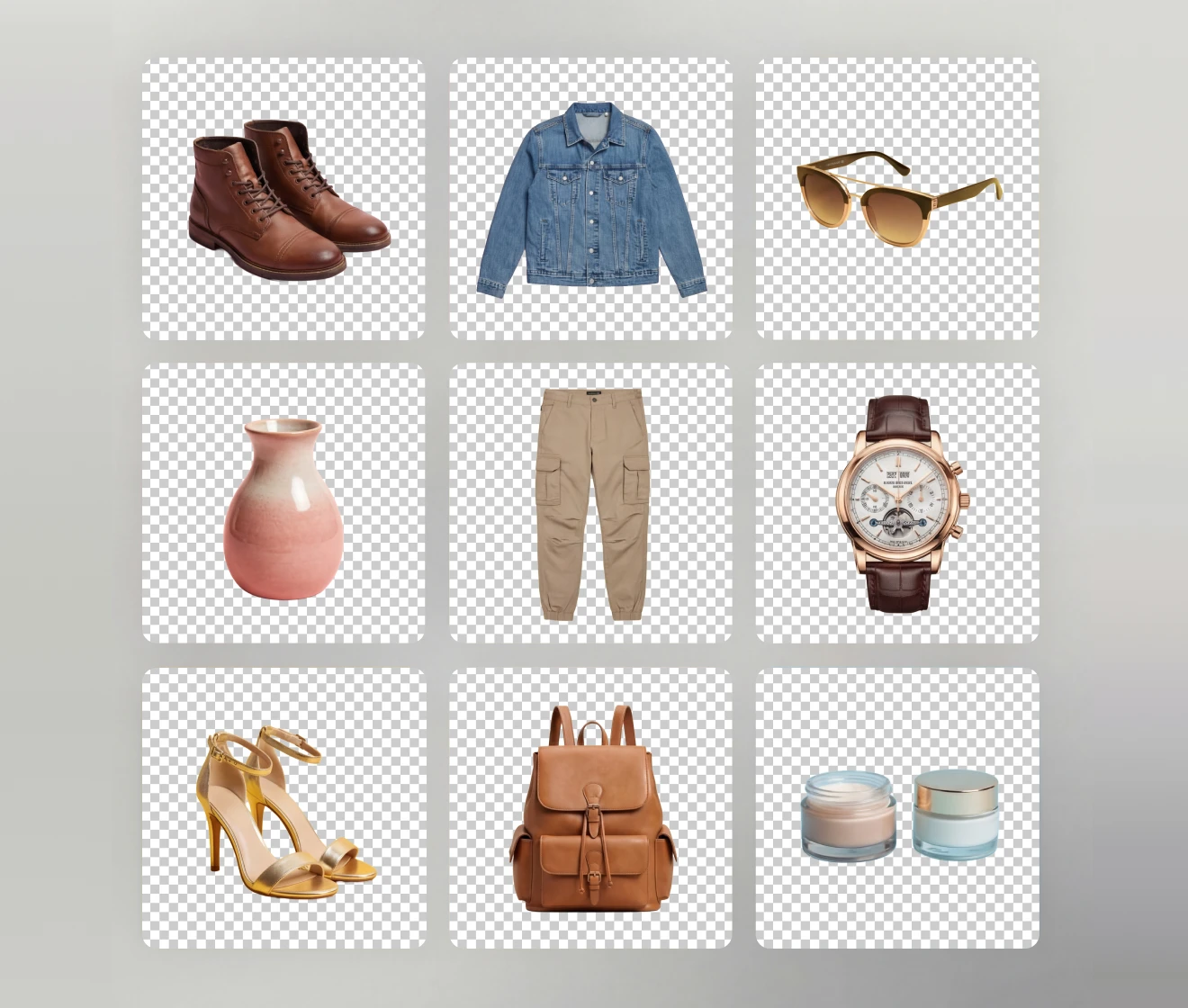
Enhance your product visuals with our Transparent Background Maker. Perfect for online sellers and e-commerce brands, it effortlessly isolates items from their surroundings and places them on a clean, clear backdrop. The result is a polished, distraction-free presentation that boosts visual impact and meets the standards of marketplaces and digital catalogues.

Transparent background product images for e-commerce and online marketplaces

Unlock More Creative Possibilities with Transparent Images

Remove complex backgrounds effortlessly with our Transparent BG Maker. Create striking product visuals, personalize your favorite photos, and unlock endless creative possibilities. With Evoto AI, you can go further—add new backgrounds, fine-tune colors, and enhance details to craft images exactly the way you envision.

Creative transparent background images with customizable colors and details

Batch Transparent PNGs for High Volume

Transform multiple images at once into high-quality PNGs with transparent backgrounds—no hassle, no repeated edits. Quickly enhance product shots, profile photos, or entire content libraries with consistent, professional results using Evoto Desktop’s powerful batch workflow.

Batch transparent PNG creation for product photos and large image libraries before
Batch transparent PNG creation for product photos and large image libraries
Before
After

Why Choose Evoto Transparent Background Maker?

Remove backgrounds fast with AI precision to create high-quality visuals in seconds—reducing extra effort
and enhancing existing workflows.

  • AI-powered transparent PNG with precise edges and fine details

    Pixel-Perfect Cutouts

    Enjoy precise background removal with clean edges and fine details preserved—perfect for hair, products, and complex shapes.
  • Batch background removal saving time on photo editing workflow

    Save Time, Work Smarter

    Remove backgrounds instantly and process multiple images faster, eliminating repetitive edits and boosting your workflow efficiency.
  • Free transparent background tool for removing image backgrounds

    Free to Get Started

    Create transparent background images at no cost and explore powerful features before upgrading—no commitment required.
  • Creative transparent background images for flexible design and editing

    Create Without Limits

    Unlock creative freedom with transparent images—add new backgrounds, refine colors, and design visuals exactly how you imagine.


Do More with Evoto AI Photo Editor

From professional skin retouching to color grading and more, we’ve got you covered.

How to make the background transparent

Upload interface for transparent background maker
1.Upload Your Image234
Click the Upload button to add your image to the web editor. Supported formats include JPEG, JPG, PNG, and WebP.
  1. 1. Upload Your Image

    Click the Upload button to add your image to the web editor. Supported formats include JPEG, JPG, PNG, and WebP.
  2. 2. Make It Transparent

    Click Transparent to remove the background. Refine edges, adjust opacity, or keep natural shadows for a clean, realistic cutout.
  3. 3. Change the Background (Optional)

    Choose from recommended background colors or upload your own image to match your style or project needs.
  4. 4. Download Your Image

    Click the Download button to save your image. For batch editing and advanced workflows, download the Evoto Desktop app.

Discover More about Transparent Background Maker

Faster Edits, Finer Control.

Transform your photos with Evoto Transparent Background Maker today. Available for Windows, macOS, and iPadOS.

FAQs

  • How do I make a transparent background with Evoto?

  • How fast is the transparent background removal with Evoto?

  • Will background removal affect image quality?

  • Is it free to make a transparent background?

  • What file format should I use for a transparent background?

  • Can Evoto's Transparent Background Maker handle hair, edges, and fine details?

  • Why do some transparent backgrounds look rough or have halos?

  • Can I process multiple images at once?

  • Can I add a new background after removing the original one?

  • Is Evoto’s Transparent Background Maker beginner-friendly?