






Online Green Screen Remover

Isolate subjects and swap backgrounds with Evoto. Get clean, professional results for product and commercial photography—fast and effortless.
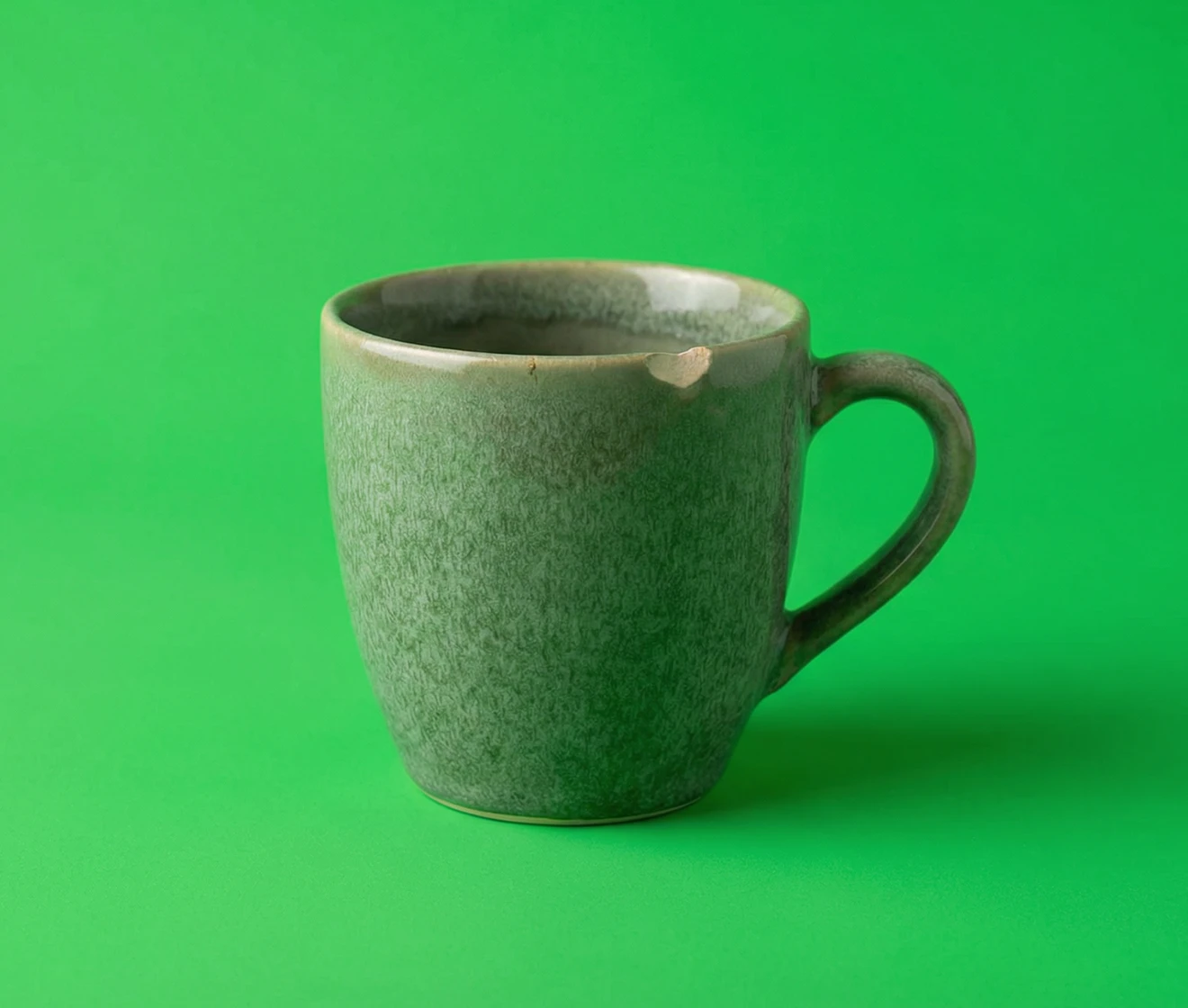
Green screen removal before and after with clean hair edges and no green halo Before
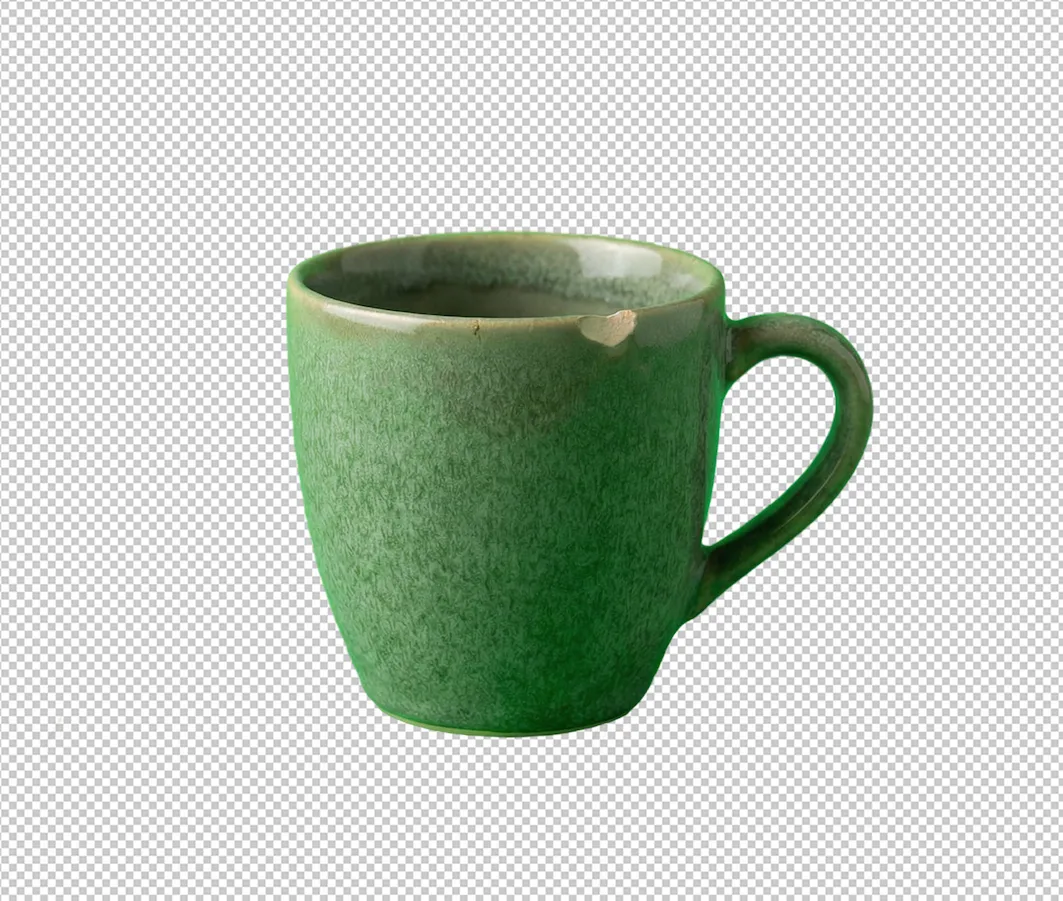
Green screen removal before and after with clean hair edges and no green halo After
Before
After
Upload Image
* JPEG, JPG, PNG or WebP image allowed.
No image? Try one of these
Green screen removal before and after with clean hair edges and no green halo
Remove Green Screen Now
Free to try. Pro Editing at Your Fingertips.
Download Evoto
Buy Now
Buy Now

Instantly Remove Green Screen with AI

Remove green screen backgrounds from any image with speed and precision. Evoto detects your subject, removes green background, and delivers clean, natural edges for studio-quality results—no masking, no keying, just upload and apply in seconds.

AI Green Screen Cutout & Green Spill Removal

Evoto automatically detects and isolates your subject from green screen backgrounds with exceptional accuracy. It removes green spill while preserving fine details like hair, edges, and contours, delivering clean cutouts and natural transitions.

Precise green screen removal for clean, professional background replacement
Before
After

Replace with Any Background

Take full control of your image after removing the green screen. Evoto automatically detects your subject, eliminates green spill, and lets you replace the background with any custom color, or even another image. Fine-tune edges for a clean, professional look in seconds.

Remove green screen and customize your background instantly
Before
After

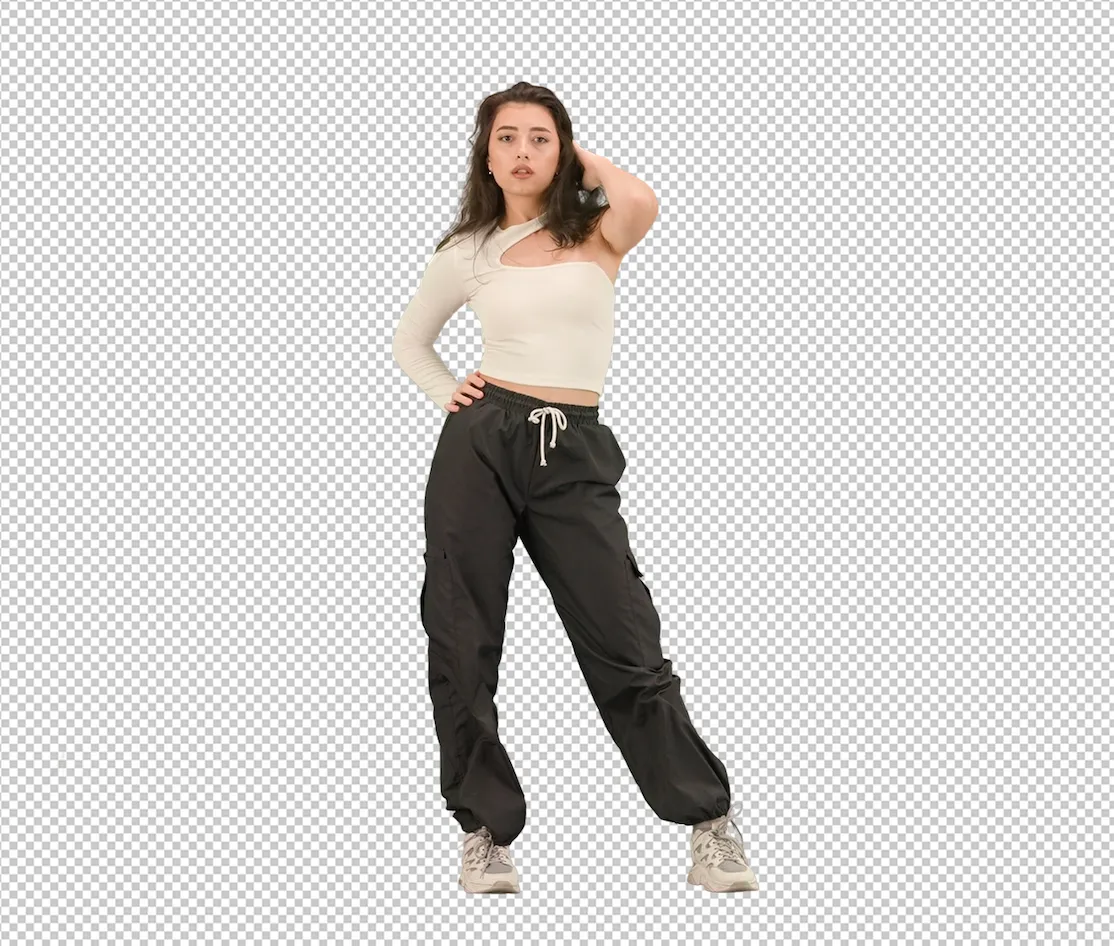
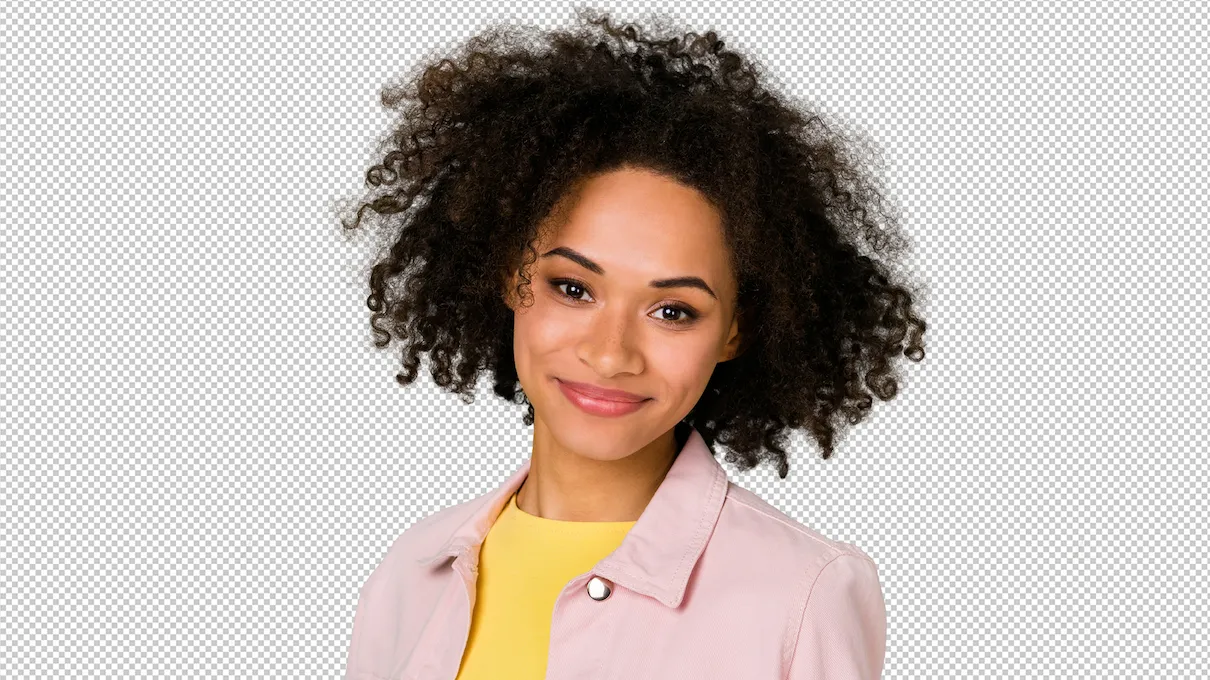
Export Transparent PNG

Evoto automatically removes the green screen and preserves fine edges, letting you export your subject as a transparent PNG. Reuse it on any background—white, black, color, or another image—for flexible, professional marketing assets.

Export subject as a transparent PNG.
Before
After

Batch Edit for High Volume

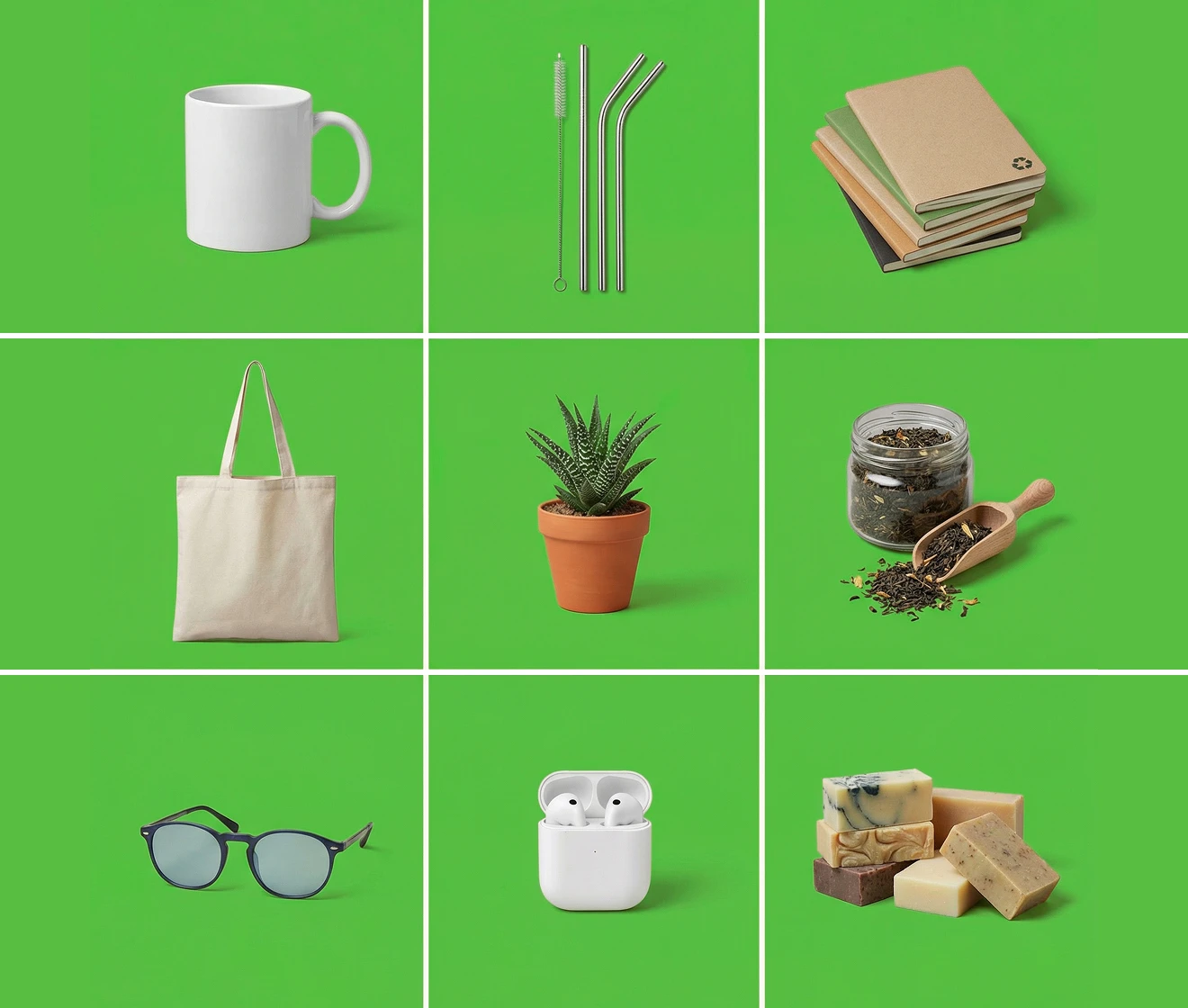
Remove green screen backgrounds from multiple images at once with speed and precision. Automatically detect subject and eliminate green spill. Achieve consistent, studio-quality results across your entire gallery—no manual masking required.

Batch processing multiple photos with consistent white backgrounds
Try Now
Before
After

Why Choose Evoto Green Screen Remover?

Let Evoto remove green screen backgrounds instantly and transform your images with clean, high-quality results.

  • Remove green screen to get professional result

    Professional Result

    Smooth edges, eliminate green spill, and preserve natural details for realistic and professional results every time.
  • Export green screen removed images in high definition while preserving every detail

    High-Resolution Export

    Export green screen removed images in high definition while preserving detail, ensuring sharp, professional results for marketing and product photos.
  • Remove green screen images at no cost

    Free to Get Started

    Remove green screen images at no cost and explore powerful features before upgrading—no commitment required.
  • Easy-to-use AI tool for professional-quality green screen remove

    Beginner-Friendly, Pro-Ready

    An intuitive tool lets anyone remove green screen backgrounds effortlessly while achieving studio-quality results.

Do More with Evoto AI Photo Editor

From professional skin retouching to color grading and more, we’ve got you covered.

How to Remove Green Screen of Image​

Upload your photo to the Evoto editor to remove background
1.Upload Your Image234
Drag and drop your photo into the Evoto online background editor. We support JPG, PNG, and WebP formats.
  1. 1. Upload Your Image

    Drag and drop your photo into the Evoto online background editor. We support JPG, PNG, and WebP formats.
  2. 2. AI Removes Green Screen Automatically

    AI automatically analyzes your image and removes the green screen with precision.
  3. 3. Choose New Background (Optional)

    Select a solid color, transparent background, or upload a custom image to instantly replace the removed green screen.
  4. 4. Download Your Image

    Export your edited image in high resolution, ready for websites, e-commerce listings, or profile photos.

Discover More about Green Screen Remover

Faster Edits, Finer Control.

Transform your photos with Evoto Green Screen Remover today. Now available on Windows, macOS, iPadOS, iOS, and Android – transform anytime, anywhere!

FAQs

  • How do I remove green screen from an image?

  • What does “chroma key” mean?

  • How can I avoid green edges or a green halo?

  • Can I export a transparent PNG after removing green screen?

  • Can I replace the green screen with a white background?

  • Does green screen removal work on hair and fine details?

  • Does Evoto remove green screen from video?

  • What image formats are supported?

  • Can I batch process multiple green screen photos?

  • Is my data secure?