


AI Background Remover Online

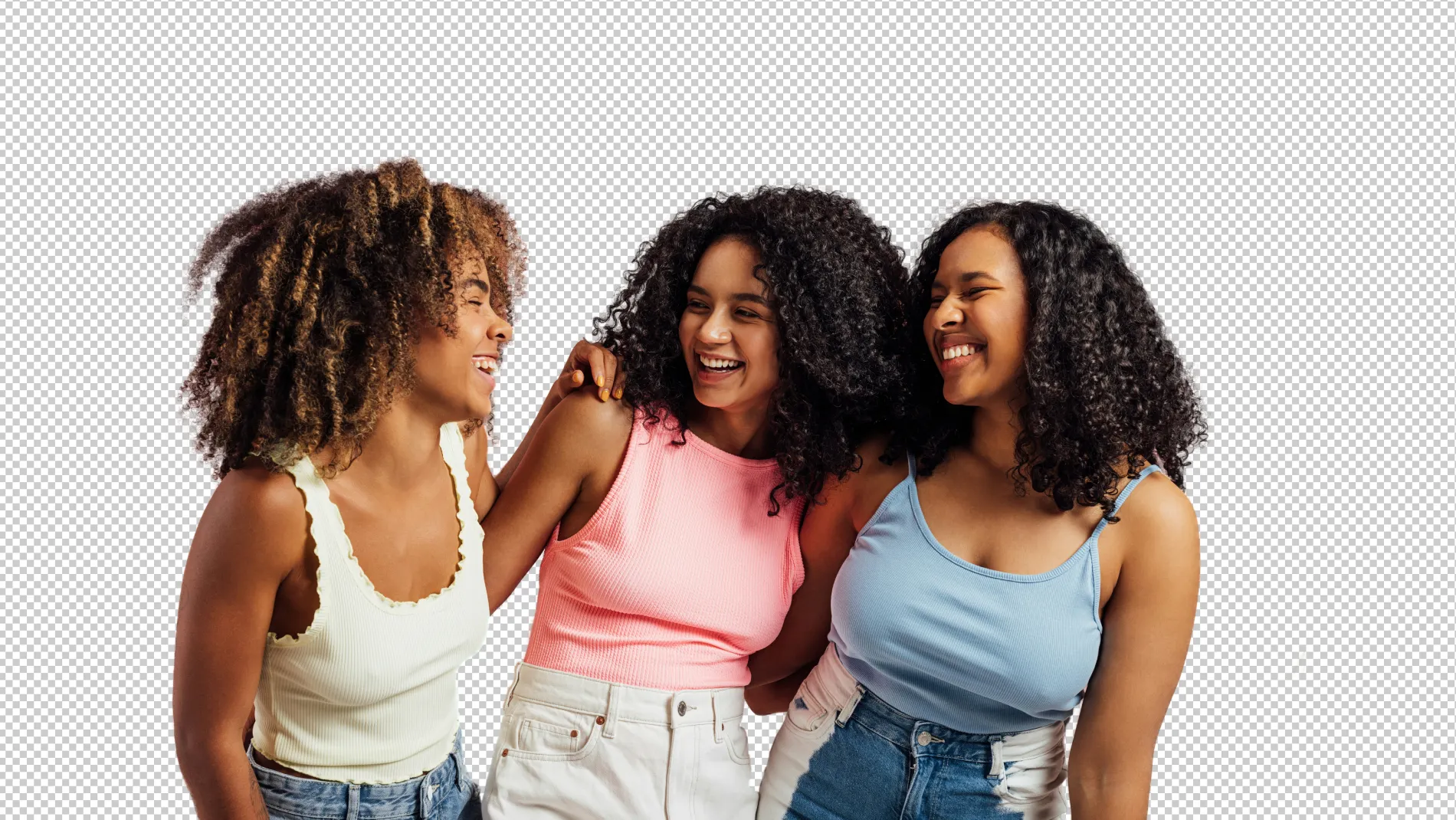
One-click to remove portrait or product background, create transparent background photos, or add a shadow to backdrops with Evoto AI Background Remover.
Remove Background with AI Background Remover Before
Remove Background with AI Background Remover After
Before
After
Upload Image
* JPEG, JPG, PNG or WebP image allowed.
No image? Try one of these
Remove Background with AI Background Remover
Upload Image
Free to try. Pro Editing at Your Fingertips.
Desktop
Buy Now
Buy Now

AI Background Remover Outshining the Rest

Cut out the unwanted background from photos and export a transparent background photo for more editing. Make your portrait photos or eCommerce product photos stand out!

Create Transparent Portrait Backgrounds

AI auto-detects and removes vinyl studio backdrop, creating transparent background to your studio or headshot photo. Add plain color instantly, freeing you from tedious manual background cutting out and replacement.
Desktop
Remove Background Blemishes from Photo Before
Remove Background Blemishes from Photo After
Before
After

Remove Background for E-Commerce

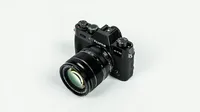
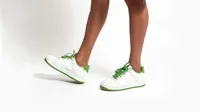
Quickly erase product backgrounds and change it to white, making your product pop. Evoto’s background editor is ideal for integrating product images into e-commerce websites, commercial ads, and marketing materials.
Desktop
Remove Product Background from Photo Before
Remove Product Background from Photo After
Before
After

Add or Keep Shadows to Photos

From product images to professional photography works, turn photos into natural by adding drop shadows to background, or keeping the original shadow on photos after background removal.
Desktop
AI Drop Shadow and Keep Original Shadow Before
AI Drop Shadow and Keep Original Shadow After
Before
After

Edit Background in Batches

One click to remove background or apply a white backdrop to multiple product photos. Change color, texture or even sky in bulk by batch editing. Let AI reduce your time on background editing.
Desktop
AI Background Changer for Batch Editing Before
AI Background Changer for Batch Editing After
Before
After

Remove Background for Various Photo Shoots

Evoto is always by your side whether you are running a brand eCommerce or small sell business or preparing a fashion model portfolio even wedding portrait shoot.
Desktop
  • Product Background Remover Before
    Product Background Remover After
    Before
    After

    E-Commerce Photography

    Boost online sales with clean product backgrounds. AI shines at creating transparent background for your clothes, beauty, jewelry, skin care, and more products.
  • Change Portrait Photography Backdrop Before
    Change Portrait Photography Backdrop After
    Before
    After

    Portrait Photography

    Change backdrop to white, light gray, black, and more for your professional photoshoot. Focus on subjects and highlight facial features without distractions.
  • Studio Photography Backdrop Editing Before
    Studio Photography Backdrop Editing After
    Before
    After

    Studio Photography

    Achieve studio-quality shots easily. Adjust for natural shadows, edit out props and equipment, and change backdrop colors, all for focusing on the model or product.
  • Remove Background Clutter from Wedding Photo Before
    Remove Background Clutter from Wedding Photo After
    Before
    After

    Wedding Photography

    Enhance wedding photos by removing backdrop wrinkles in the studio or replace bg of outdoor. Keep the beautiful moments, making each shot memorable.
  • Remove Backgrounds in Batches for School Photo Before
    Remove Backgrounds in Batches for School Photo After
    Before
    After

    School Photography

    Make each student stand out on their picture day. AI Background Remover processes school pictures background in batches and frees you from manual editing.

Still on the fence?

We get it. Sometimes you just gotta try it out for yourself.
Desktop
  • Fast Remove Bg for Ecommerce Photo

    Fast Background Removal

    Deliver professional, consistent, and high-quality product background edits in seconds for all your e-commerce photo editing needs.
  • AI Background Remover for Details

    Cutting-Edge Al Technology

    Auto AI Background Remover to detect and remove background precisely with advanced algorithms. Cut out for complex outlines and fine details easily.
  • Best Bg Remover Software

    User-Friendly Experience

    Best photo background removal software for MacOS, Windows and iPadOS. Edit with intuitive sliders and say bye to manual adjustments.
  • Online Free Background Remover

    Free Options Available

    More than the best free background remover app but various editing tools: Portrait retouching, sky changer, headshot editor, etc.
  • AI Background Remover for All Levels

    Perfect for All Levels

    Ideal for beginner or professional photographers. Enhance selfie background, client photos, and studio photography masterpieces.

How to Remove Background from Photos

Desktop
Upload Photos to AI Background Remover
1. Upload Photos234
Open the AI Background Remover and import photos that need to remove background.
  1. 1. Upload Photos

    Open the AI Background Remover and import photos that need to remove background.
  2. 2. Go to Background Panel

    Click “Background Adjustment” from the right panel, then find “Backdrop Changer”.
  3. 3. Remove Background

    Choose “Transparent” and AI will remove background from photo. You can also select multiple photos and click “Sync” to apply the changes in batches.
  4. 4. Export and Save Photos

    Confirm the background changes and export the result in RAW, TIFF, PNG or JPG format.
Desktop

The Trusted Choice of Industry Professionals

E-Commerce Example

Online store increased sales after using our AI Background Remover for product background removal. Cleaner images led to better customer engagement and conversions.
Desktop
Edit Product Photo Background Before
Edit Product Photo Background After
Before
After

Portrait Photography Success

Portrait photographers used the backdrop blemish removal regularly. Their clients love the focused, distraction-free results.
Desktop
Remove Blemishes from Portrait Photo Backdrop Before
Remove Blemishes from Portrait Photo Backdrop After
Before
After

Wedding Photo Case

Photographer used our AI background changer for a wedding shoot. They removed distracting guests from the background, highlighting the couple beautifully.
Desktop
Enhance Wedding Photo Background Before
Enhance Wedding Photo Background After
Before
After

FAQs

  • What does AI background remover do?

  • Can I create transparent backgrounds with AI?

  • How do I replace background colors with this AI tool?

  • Can I customize product photo backgrounds?

  • Why should I choose Evoto for product background removal?

  • Does Evoto AI support batch background removal processing?

  • What makes this AI Background Remover unique?

  • Who needs an AI background remover?

  • Is Evoto user-friendly for beginners?

  • Can this AI Background Remover edit shadows in a photo?