
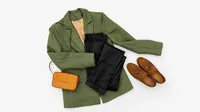



Edite fotos RAW, procese imágenes por lotes y agilice su flujo de trabajo.Descargar Evoto

AI Image Background Color Changer Online

Change your photo background to white, black, or any custom color in seconds with Evoto AI.
Easily edit image background colors with AI-powered precision to achieve clean, professional results.
change photo background color Antes
change photo background color Después
Antes
Después
Subir Imagen
* Se permiten imágenes JPEG, JPG, PNG o WebP.

Procesamiento privado · No requiere registro para previsualizar

¿No hay imagen? Prueba con una de estas.
change photo background color
Upload Image
Los nuevos usuarios obtienen 3 exportaciones en HD gratuitas
Bulk Edits
Comprar ahora
Comprar ahora

Instantly Change Photo Background Color with AI

Change the background color of any image with accuracy and ease. Simply choose a color, and Evoto AI automatically replaces the background while blending edges naturally for a polished, professional finish. No complex editing—just select, apply, and transform your photo in seconds.

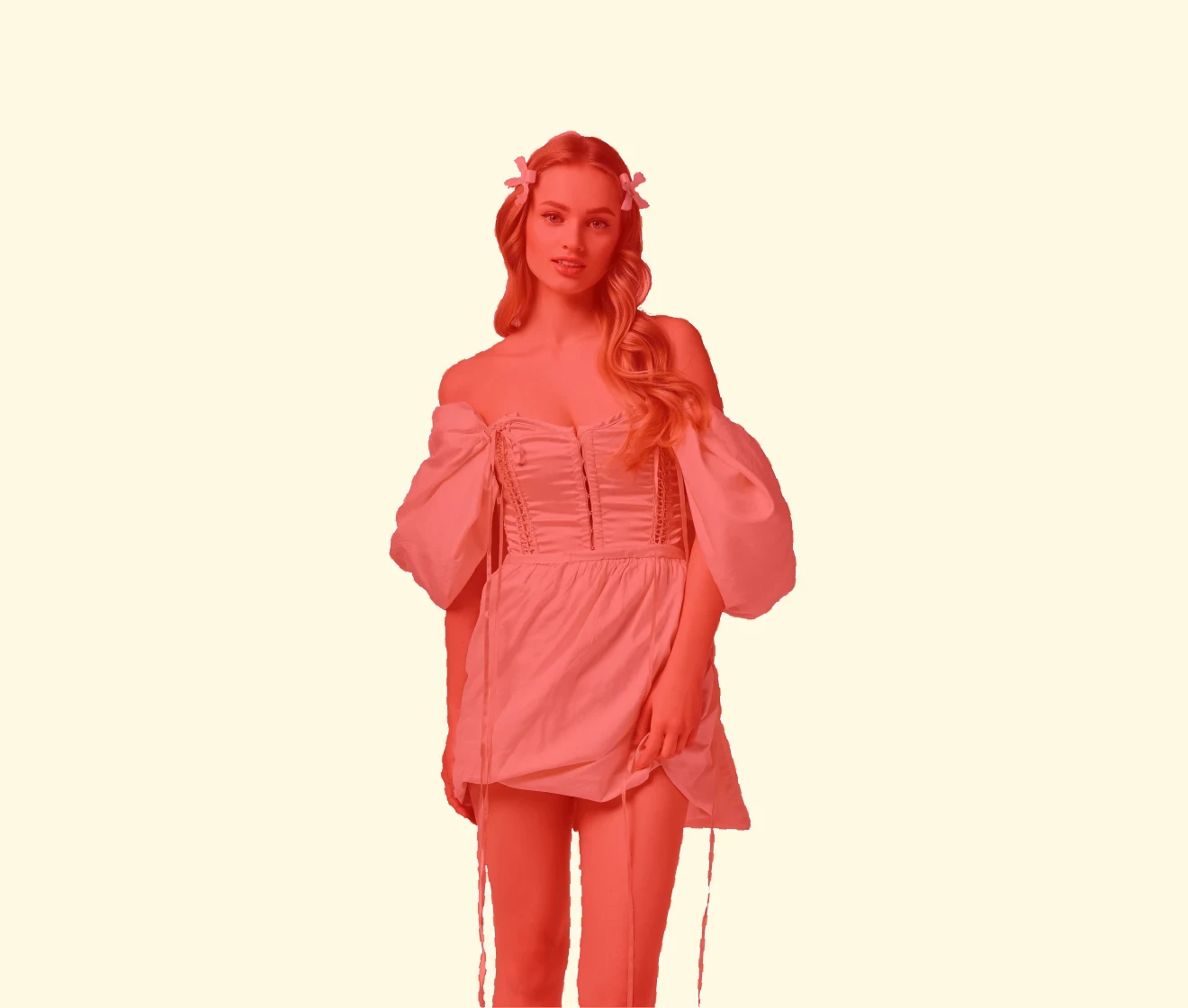
AI-Powered Subject Detection & Clean Cutouts

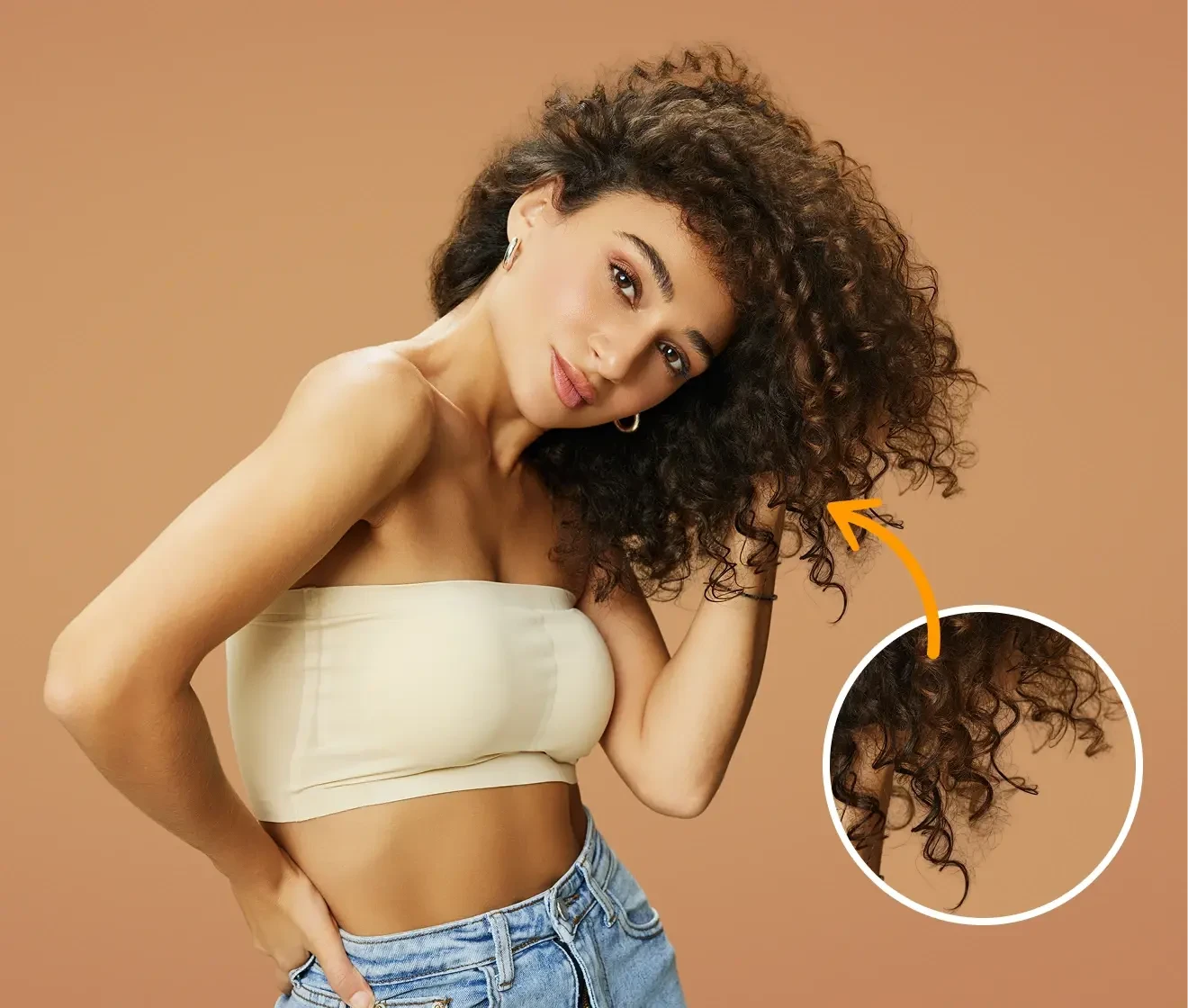
Evoto AI automatically detects and isolates people, products, or objects in your photo with exceptional precision. Fine details such as hair, edges, and contours are preserved, ensuring clean cutouts and a natural, seamless blend with the new background color.

Precise subject cutout for seamless background color change
Antes
Después

Fast, Precise Background Color Changes for Any Photo

Change the background color of any photo in seconds with just one click. Evoto AI applies white, black, or custom colors accurately while maintaining professional image quality—fast, reliable, and suitable for any use case.

Quickly change background color of image
Antes
Después

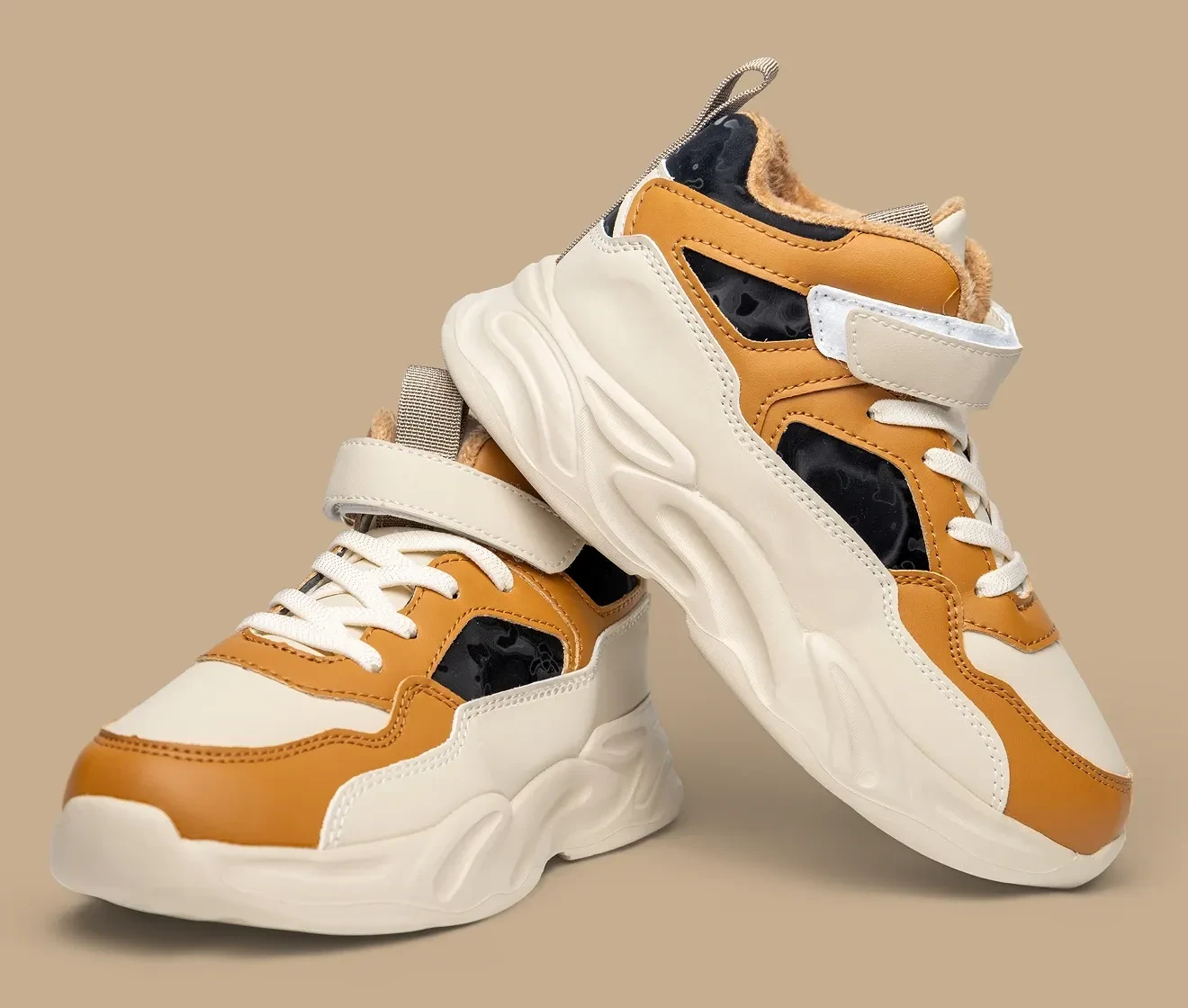
Change Background to White or Any Custom Color

Take full control of your image’s background color. Apply white, black, blue, red, green, or any custom color to match your brand or creative style. You can also fine-tune opacity or replace the background with another image for a completely new look.

Change photo background to white or any color

Seamless Color Blending & Edge Refinement

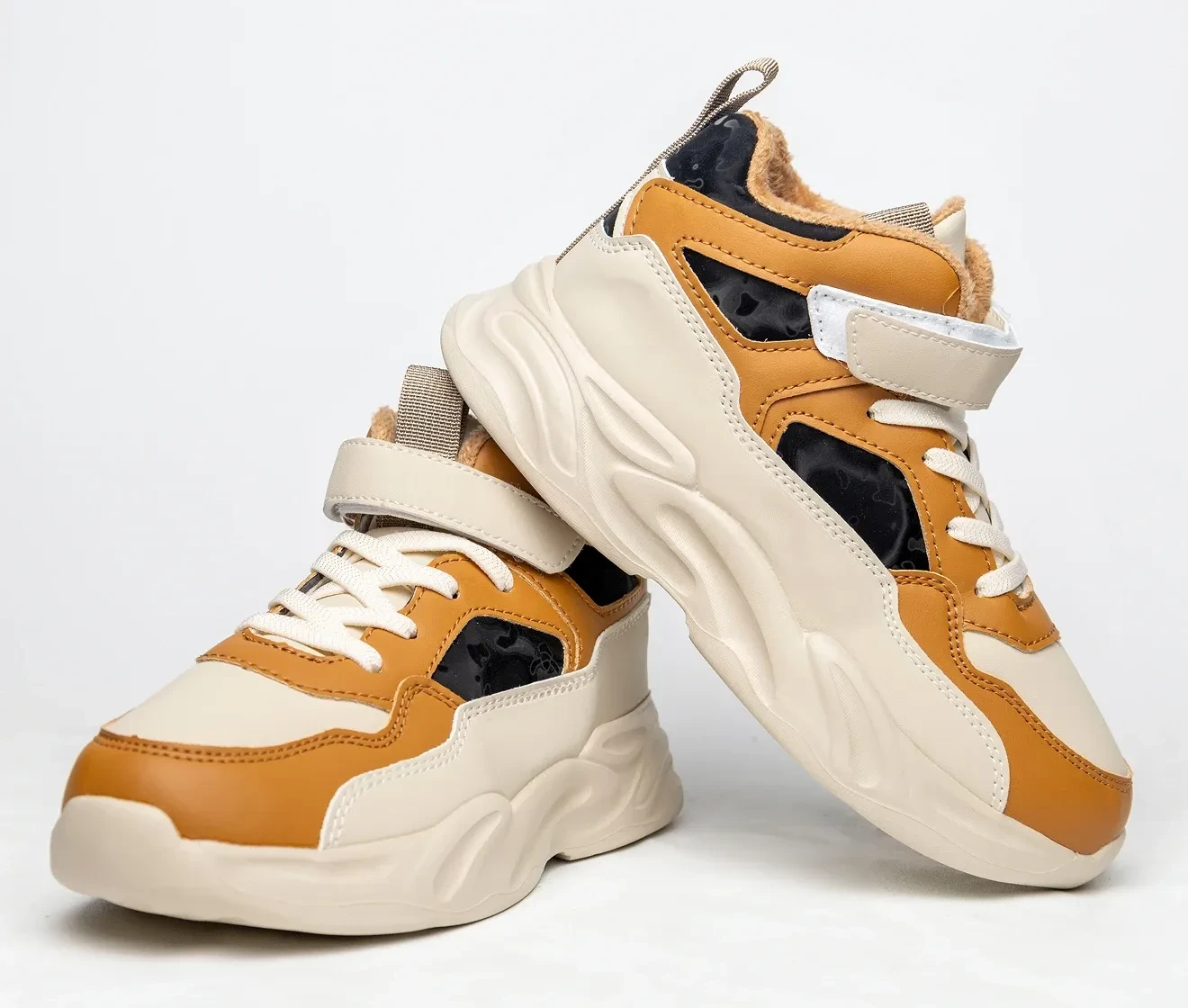
Forget jagged edges or color bleeding. Evoto AI ensures your subject integrates naturally with the new background color. Edges are smoothed, shadows and lighting are adjusted, and color transitions are blended seamlessly for a professional, realistic result. Whether it’s portraits, products, ID photos, or ecommerce visuals, your edited images look polished and natural every time.

Smooth edges and natural blending for professional background color change
Antes
Después

Why Choose Evoto AI Background Color Changer?

Let Evoto AI change your photo background color instantly and elevate your images with professional-quality results.

  • Automatically change photo background color in seconds

    Save Time with AI Automation

    Automatically detect and replace photo background colors in seconds—no manual masking or complex workflows.
  • Smooth edges and natural background color blending

    Professional, Studio-Quality Results

    Smooth edges, natural lighting, and precise color blending ensure your images look polished and realistic.
  • Apply white, black, or custom background colors to match brand or style

    Flexible for Any Creative Need

    Apply white, black, or any custom color to match your brand, style, or creative vision effortlessly.
  • Easy-to-use AI tool for professional-quality background color edits

    Beginner-Friendly, Pro-Ready

    An intuitive interface makes background color editing easy for beginners while meeting professional standards.


Haz Más con Evoto AI Photo Editor

Desde retoque profesional de piel hasta gradación de color y mucho más, todo lo tienes cubierto.

How to Change Background Color of Image​

Upload your photo to the Evoto editor to change its background color
1.Upload Your Image234
Drag and drop your photo into the Evoto online background editor. We support JPG, PNG, and WebP formats.
  1. 1. Upload Your Image

    Drag and drop your photo into the Evoto online background editor. We support JPG, PNG, and WebP formats.
  2. 2. Select Background Color & Let AI Work

    Choose a preset color or create a custom shade. Evoto AI automatically detects your subject and changes the background color in seconds.
  3. 3. Download Your Image

    Export your edited image in high resolution, ready for websites, e-commerce listings, or profile photos.
  4. 4. Batch Processing (Optional)

    For multiple images, download Evoto and use batch processing to change background colors or perform further retouching efficiently.

Discover More about Background Color Changer

Faster Edits, Finer Control.

Instantly change your photo background to white, black, or any custom color.

FAQs

  • Is it free to change photo background color?

  • Can I change the background to white or black?

  • Can I batch change background color for multiple photos?

  • Can I adjust the new background color after it’s applied?

  • Are fine details like hair and edges preserved?

  • What image formats are supported?

  • Will changing the background color lower the image quality?

  • Can I replace the background with another image?

  • Can I use this on my phone?

  • Is my data secure?

Última actualización: 2026-07-29. Revisado por: el equipo de producto de Evoto. Los resultados pueden variar según la calidad de la imagen, la iluminación, la pose del sujeto, el formato de archivo y los ajustes seleccionados.