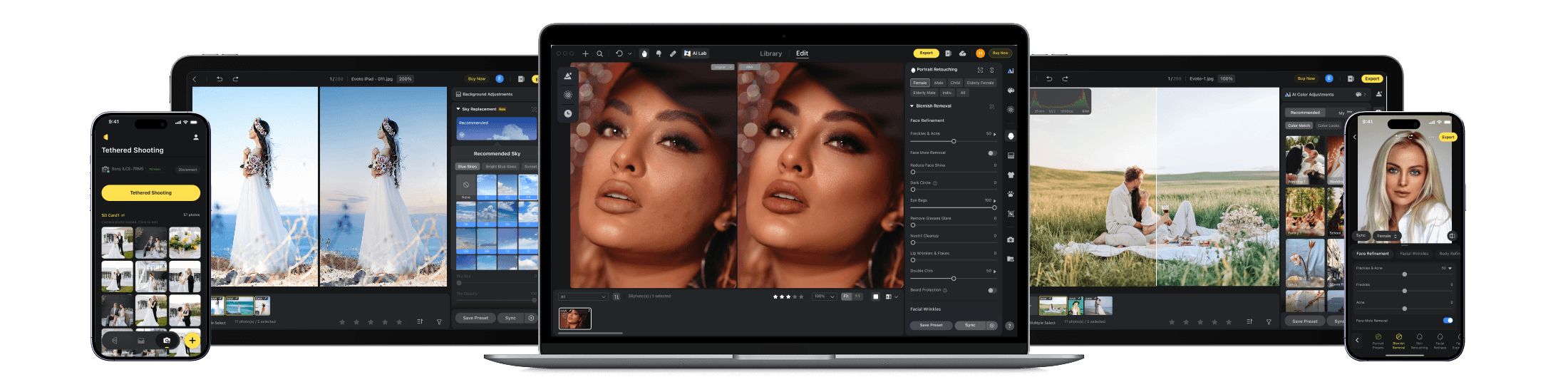
Evoto vs Imagen AI (2026): The Best Imagen Alternative for Portrait Studios
Imagen gets your color close. Evoto finishes the gallery.Imagen AI is great at replaying the color you already built in Lightroom — but most portrait photographers still spend their nights in Lightroom and Photoshop fixing skin, eyeglass glare, and backgrounds. Evoto handles culling, color, and deep retouching in one standalone app, so you're not paying for three tools to deliver one gallery.
The Key Differences
Three workflow-critical factors that matter more than a long feature checklist.
Editing Capabilities
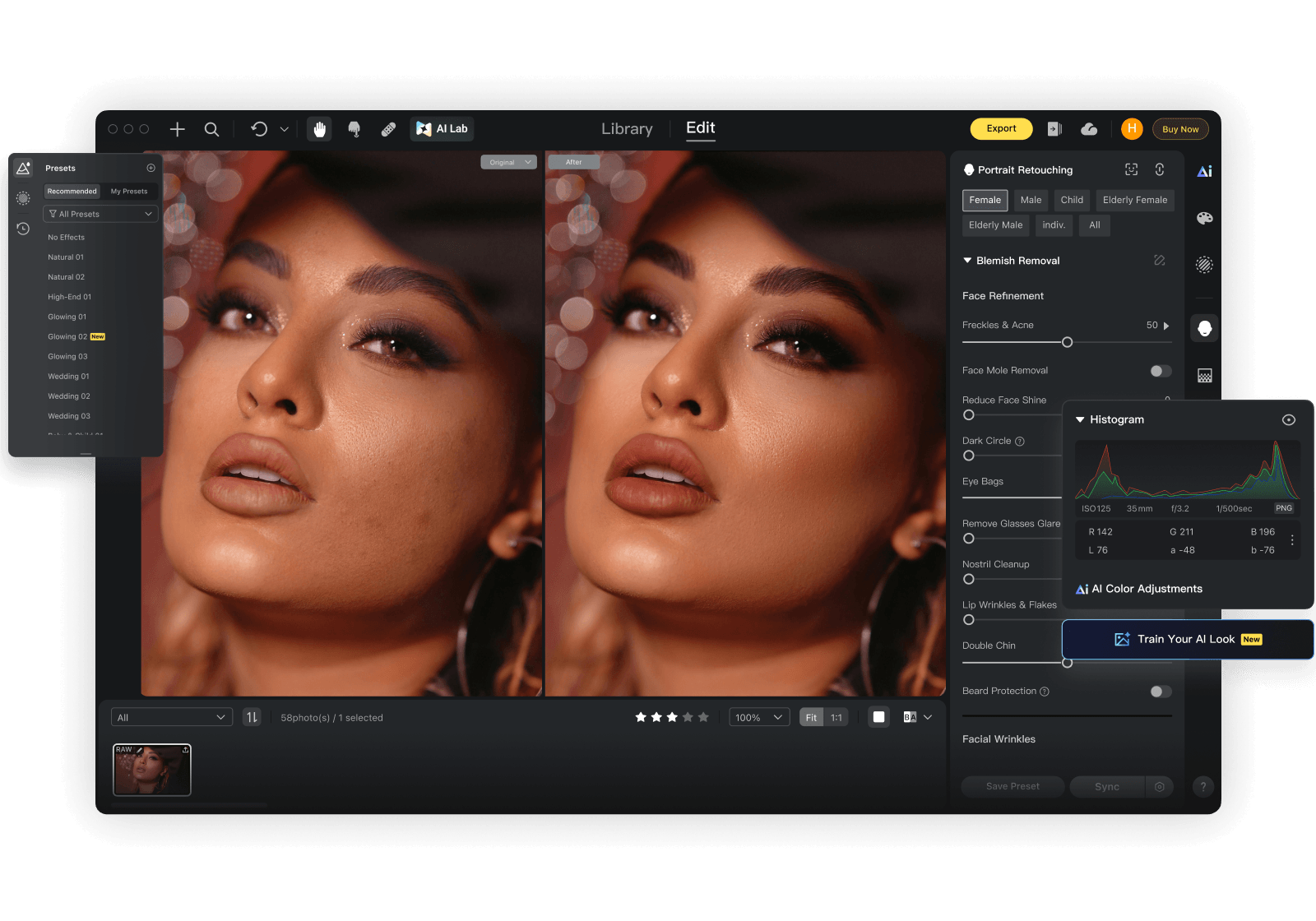
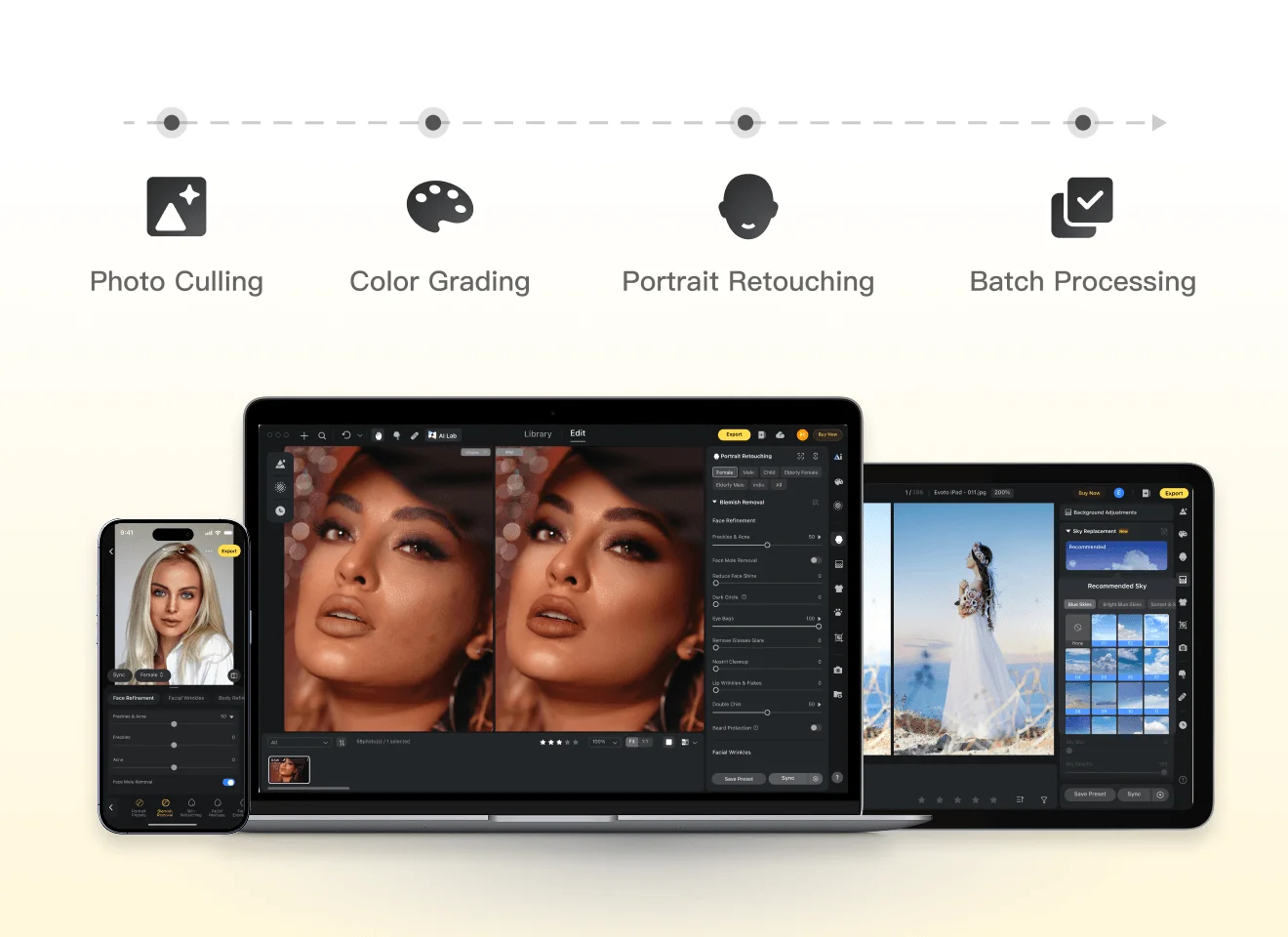
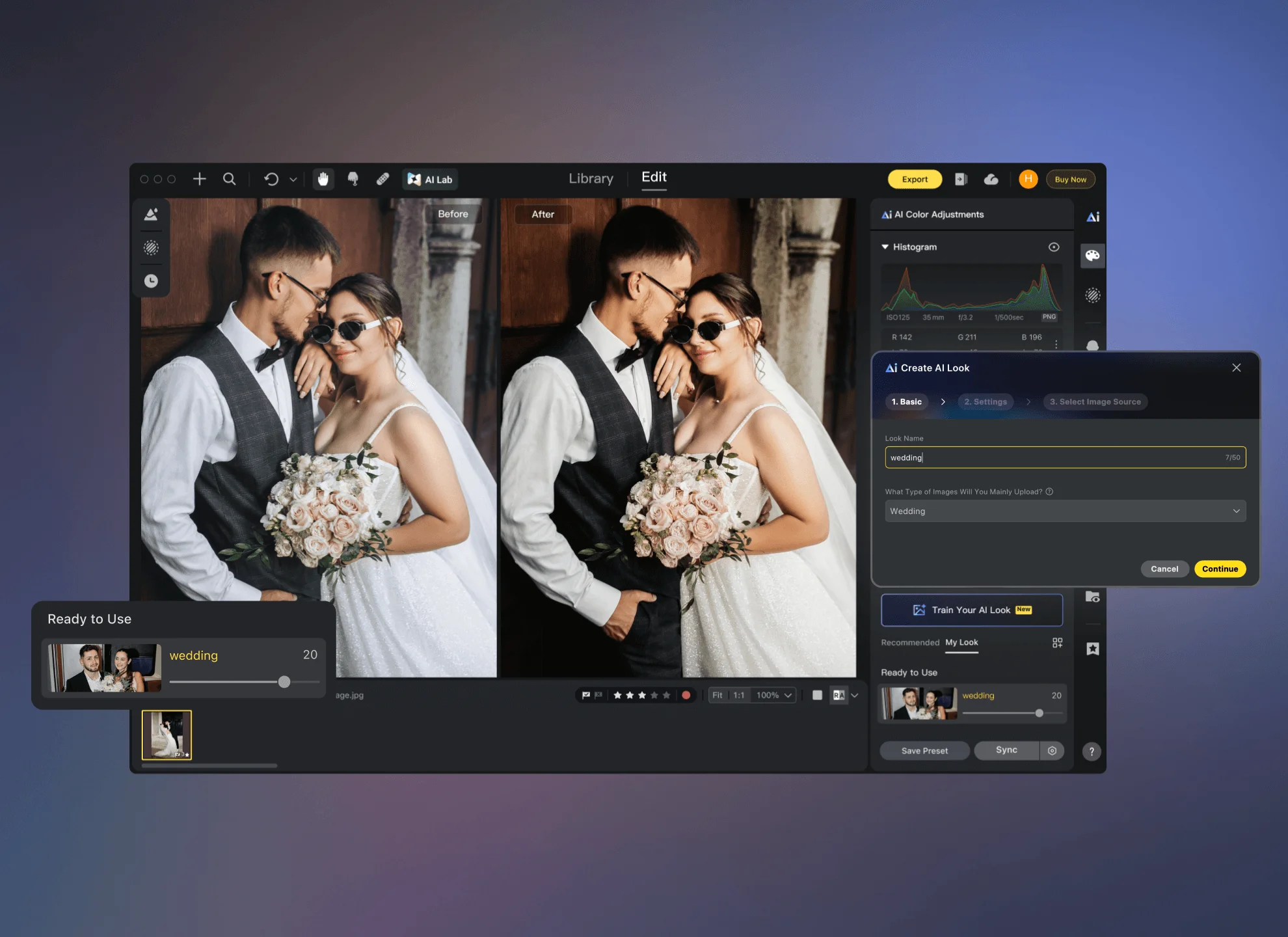
Evoto does the entire job in one app — import, Smart Culling, AI Color Looks, Personalized AI Look, and batch portrait retouching (skin, glare, reshape, backgrounds), with full slider control on every select.
Imagen is cloud color and culling that write back into Lightroom — strong, but that's one layer of the job. The skin, glare, and background work still lands in Photoshop. That handoff is where your night goes — and it's exactly the part Evoto removes.
Output Quality
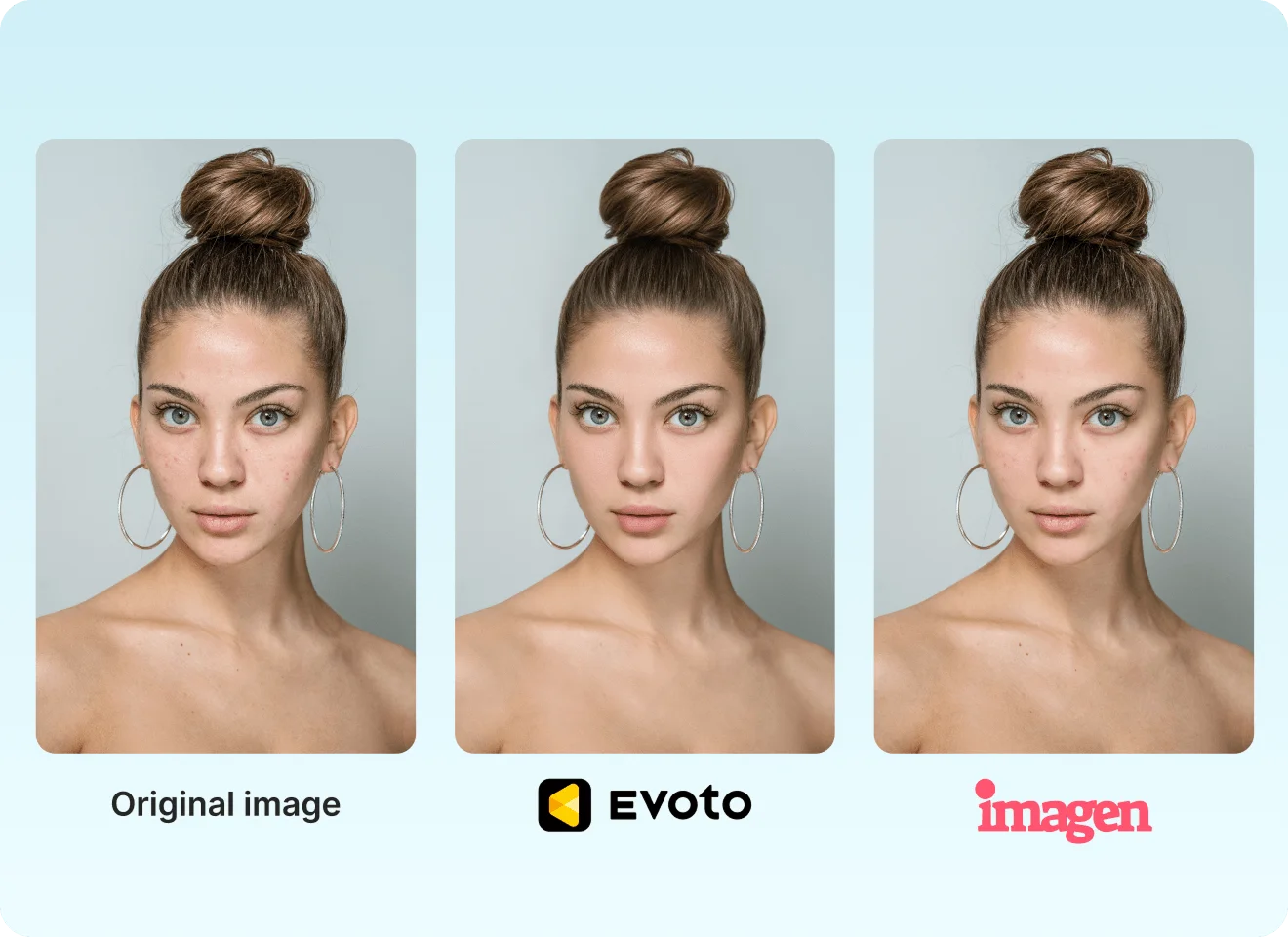
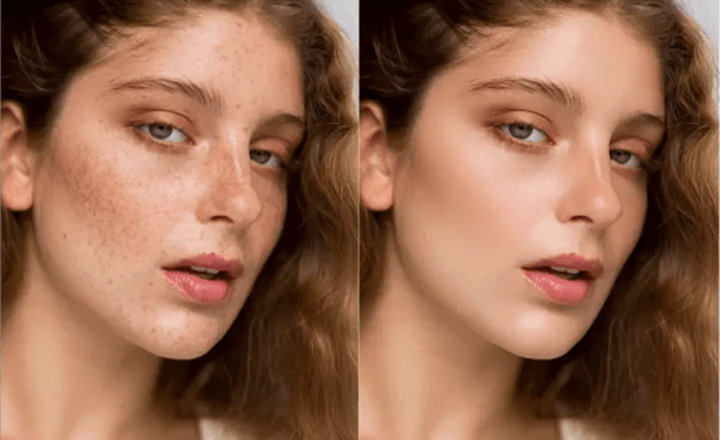
Evoto delivers portraits that are ready to send — texture-preserving skin, consistent color across the whole set, and local control the moment a hero shot needs it.
Imagen nails color once your Personal AI Profile is dialed in. But color isn't a finished portrait — reaching delivery standard still means another manual pass. Evoto is where “graded” becomes “done.”
Pricing
Evoto skips the monthly subscription — edit free, pay per export, only for what you deliver. Basic color, crop, and manual tools export credit-free on paid plans (v6.1+); other advanced AI features use credits only on export. (AI Lab aside, which is charged at generation.)
Imagen AI advertises from ~$0.05/photo — but that's the color line item, not the whole bill. An Adobe app (usually Lightroom, ~$18/mo) is required, add-on AI tools add up, and retouching tools sit on top. Limitless (~$169/mo) helps at volume; you still need Adobe.

Evoto vs Imagen AI: Feature Breakdown
Grouped by the stages you actually work through — with plain-language notes when partial still means hours on your clock.
Legend: ✅ = Fully supported; ⭕️ = Partially supported, or requires additional manual adjustment/workflow steps; ❌ = Not supported.
Version Note: This comparison is based on Imagen AI (public 2026 sources) and Evoto v7.0.5. Data snapshot date: June 2026. Reviewed by Evoto Product Team.
Why Choose Evoto
From Capture to Delivery, Faster
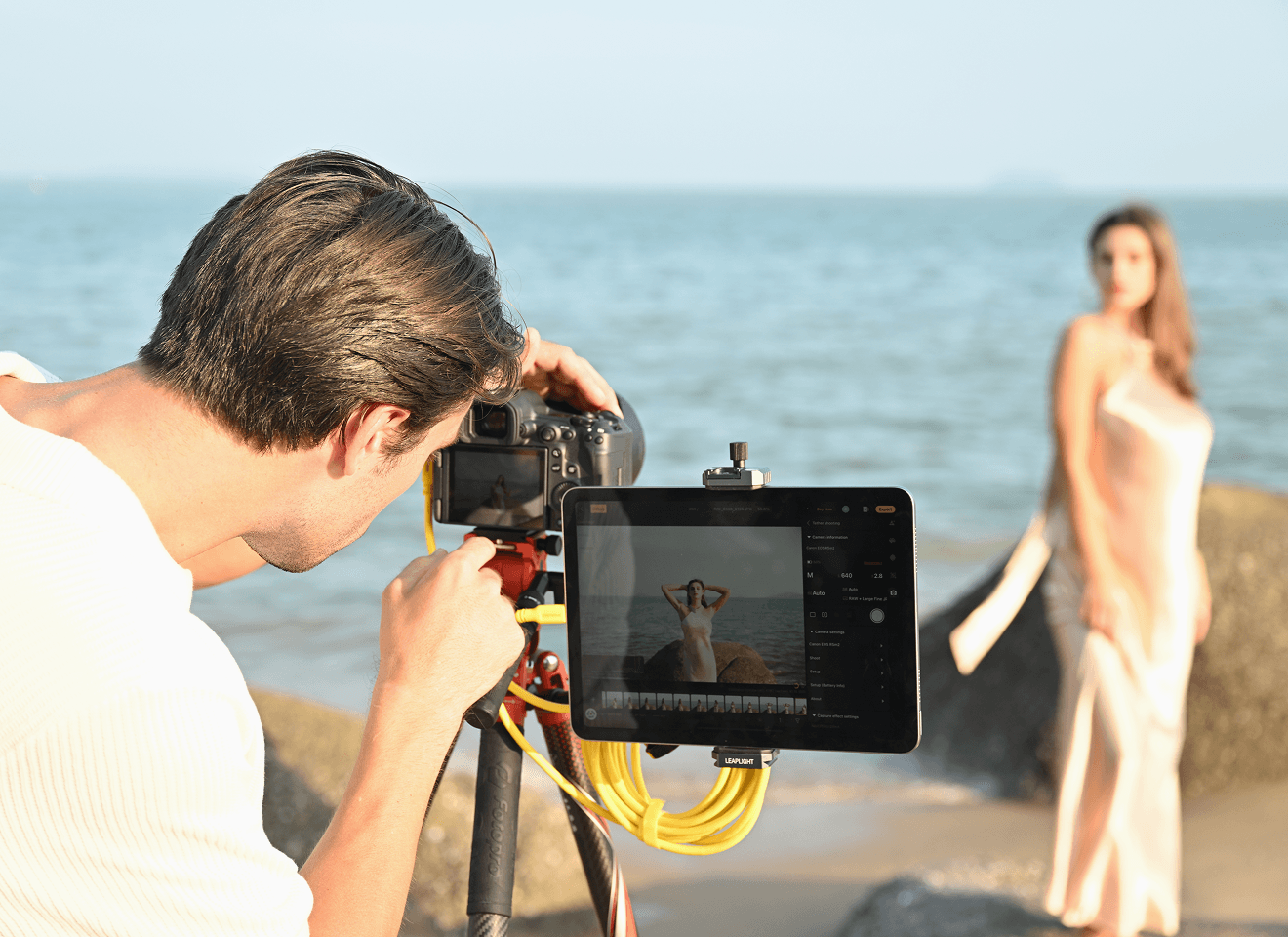
Tethered shooting on desktop connects your camera for real-time RAW editing during the session — so post starts before you pack up. Need on-site guest galleries? Evoto Instant extends this pipeline.
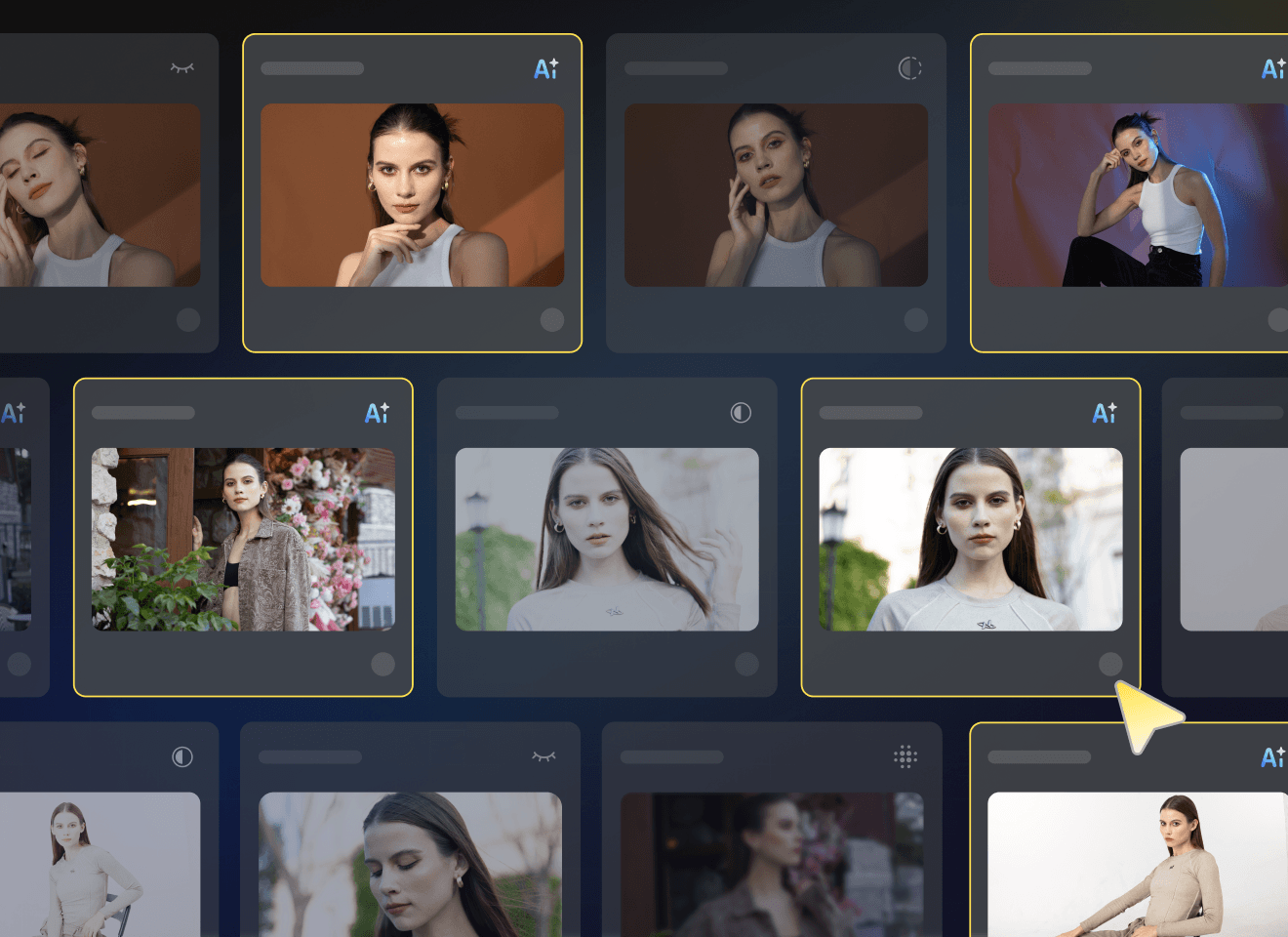
Smart Culling
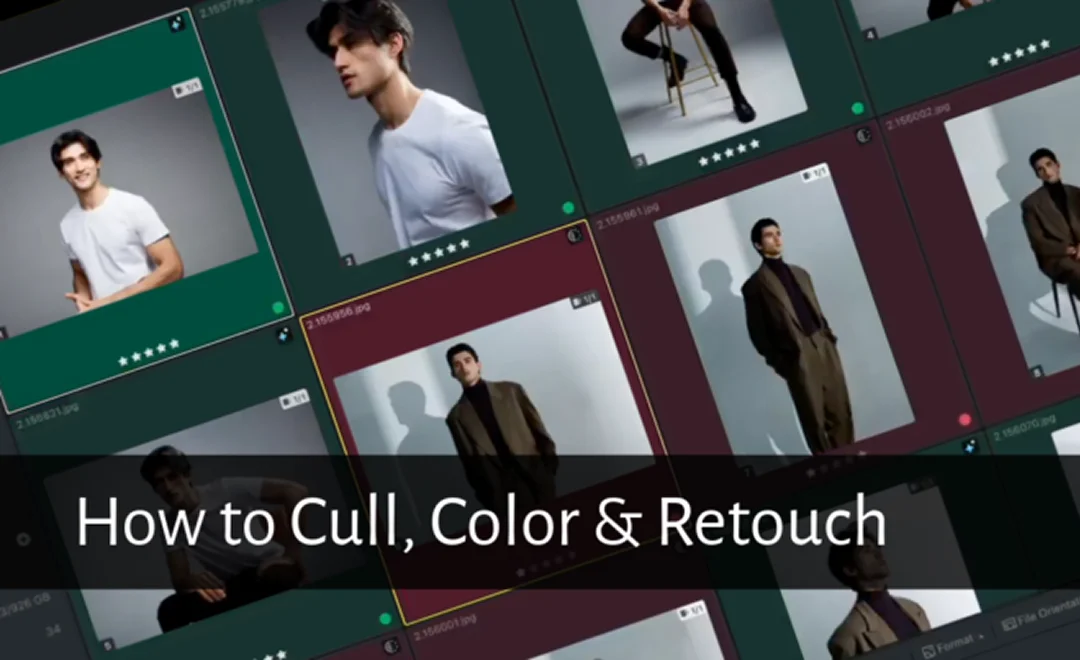
Automatically detect blur, closed eyes, and duplicates — plus Perfect Shot to salvage the best group expression from a burst. Spend less time sorting, more time delivering.
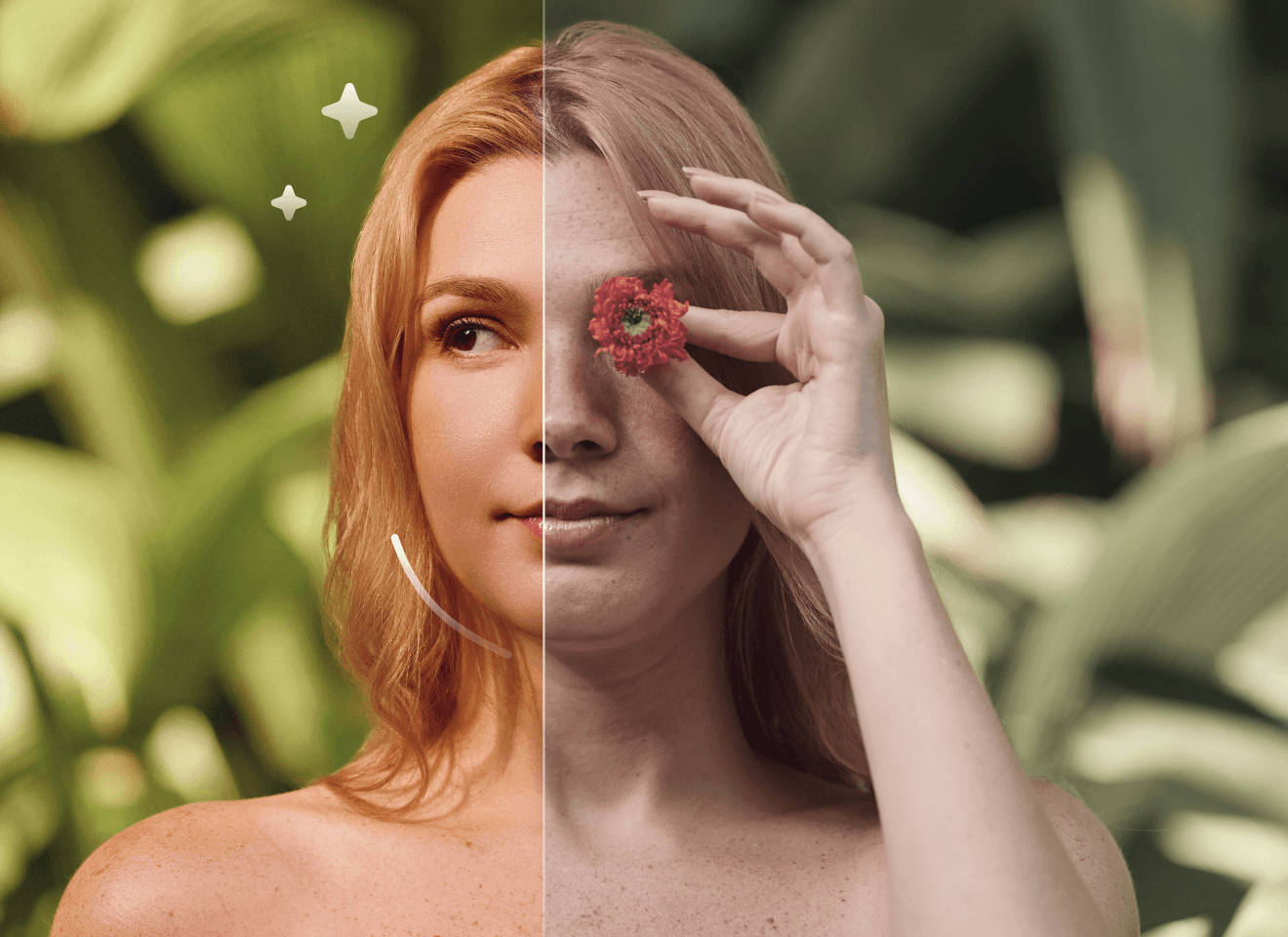
AI-Powered Portrait Retouching
Professional batch retouching for skin, eyeglass glare, face & body reshape, makeup, and backgrounds — natural, high-end results with slider control on every select. The finishing work Imagen leaves to Photoshop happens here.
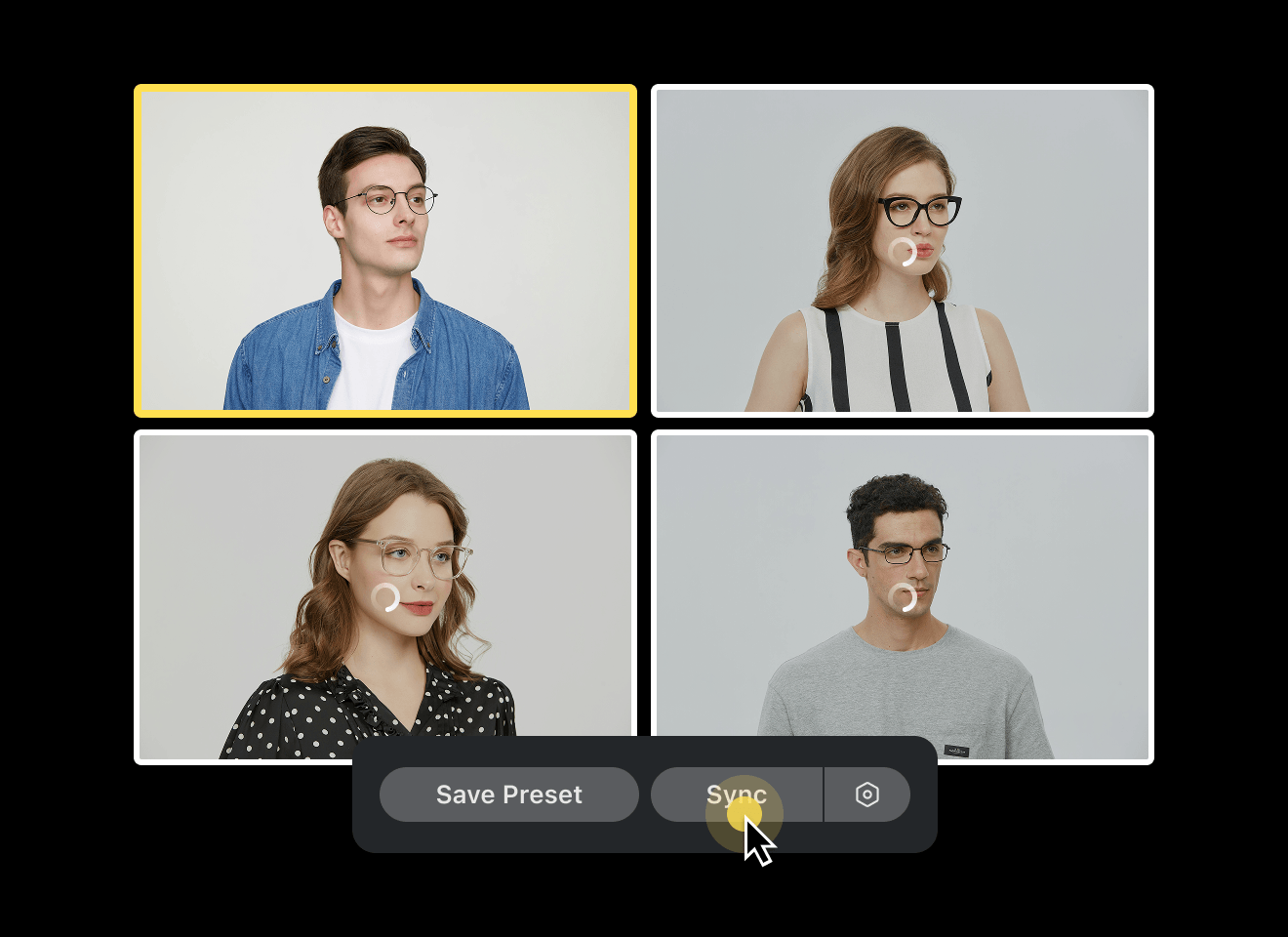
Built for High-Volume Workflows
Import .lrcat or folders, sync adjustments across hundreds of images, and export at gallery scale. Cloud Space keeps projects aligned when your team needs shared access.
Your Look, Without the 3,000-Photo Wait
Train a Personalized AI Look from one XMP or Evoto preset — or from 200+ of your edited images via a Lightroom catalog, an Evoto project, or a RAW + XMP folder. Apply AI Color Looks with automatic subject masks so skin stays natural while your style runs across the whole gallery.
Used By Professional Photographers & Studios
Performance & Metrics Disclaimer: Claims regarding processing speed (e.g., 3 sec per AI photo), time saved (e.g., 5+ hours/day), cost reduction (e.g., $10 less per photo cost), and efficiency boosts (e.g., 243%) are estimates based on internal benchmarking and case studies of professional high-volume users comparing Evoto to traditional manual editing methods. Actual results may vary significantly depending on hardware specifications, internet connection, file size, user proficiency, and prevailing local labor rates. Evoto does not guarantee specific financial or time-saving outcomes for every user.
Laut internen Konto- und Nutzungsdaten mit Stand 2026 wird Evoto von über 1.2M Fotografen in 200+ Ländern genutzt. Evoto AI wurde zudem in Capterras Ranking für beste Benutzerfreundlichkeit des Jahres 2026 in den Kategorien Künstliche Intelligenz und Fotobearbeitung gelistet.
What Photographers Say About Evoto
![[Review] Online Backup Services Comparison: Evoto AI vs Imagen AI](https://res.evoto.ai/ui/www/images/pages/reviews/evoto-vs-imagen-ai/blog-01.webp)
FAQ
Zuletzt aktualisiert: 2026-07-29. Geprüft von: Evoto Produktteam. Die Ergebnisse können je nach Bildqualität, Lichtverhältnissen, Motivpose, Dateiformat und gewählten Einstellungen variieren.
Yes — especially if your galleries need more than color. Evoto covers Smart Culling, Personalized AI Look, AI Color Looks, and deep portrait retouching in one standalone app. Imagen is still a strong pick if you already have a large Lightroom archive and mainly need cloud bulk color — as long as you've priced in Lightroom and any retouching tools on top.